AI Background Remover
Remove backgrounds from images instantly using AI. Upload any photo and get a transparent PNG with the background removed. Perfect for product photos, portraits, and design work. 100% free.
Features
AI-powered automatic background removal
Download transparent PNG images
Works with photos, products, portraits
Secure processing - your images are never stored
Generate Professional Blog Images
Need more than background removal? Use our AI to create stunning blog images in 21 artistic styles, already optimized for web.
Try BlogImageGen FreeHow to Remove Image Backgrounds
Upload Your Image
Click to browse or drag and drop your image. Supports JPG, PNG, and WebP formats up to 12MB. Works best with images that have clear subjects like products, people, or objects.
AI Removes Background
Our AI automatically detects the subject and removes the background. Processing is fast and secure - your image is never stored on any server. Results are ready in seconds.
Download Transparent PNG
Download your image with a transparent background as a PNG file. Perfect for layering in designs, creating product listings, making thumbnails, or any project requiring transparent images.
Use Cases
E-commerce & Products
Create professional product photos with transparent or white backgrounds for online stores, marketplaces, catalogs, and listings. Perfect for Amazon, eBay, Shopify, Etsy, or any e-commerce platform requiring clean product images.
Design & Marketing
Remove backgrounds for graphic design projects, social media posts, presentations, thumbnails, and marketing materials. Layer images on custom backgrounds, create collages, or design professional visuals without photo editing software.
Portraits & Photography
Extract people from photos for professional headshots, profile pictures, ID photos, and creative portraits. Perfect for replacing backgrounds, creating composite images, or preparing photos for documents and applications.
Frequently Asked Questions
How does AI background removal work?
Our tool uses an advanced AI model to analyze your image, detect the main subject (person, product, object), and automatically remove the background. The result is a clean transparent PNG ready to use in any project.
What image formats are supported?
You can upload JPG, PNG, or WebP images up to 12MB. The output is always a PNG file with a transparent background. PNG format is required for transparency, which is why JPG inputs are converted after processing.
Are my images stored or shared?
No. Your images are processed securely and immediately discarded after the background is removed. Nothing is stored on our servers or shared with third parties. Your privacy is fully protected.
What types of images work best?
The AI works best on images with clear, well-defined subjects: product photos with distinct edges, portraits with good contrast, objects photographed against simple backgrounds, and images with proper lighting. Complex backgrounds or transparent objects may have mixed results.
How long does processing take?
Most images are processed in 2–5 seconds. Processing time depends on image resolution and size. Larger, higher-resolution images may take slightly longer.
Can I remove backgrounds from multiple images?
Yes, but one at a time. Process your first image, download it, then click 'New Image' to upload another. This ensures consistent quality and performance for every image.
Generate Blog Images
Paste your blog content and select a style to generate images
Configuration
Professional studio photography
Choose Your Artistic Style
From hyperrealistic photography to anime, cyberpunk to watercolor
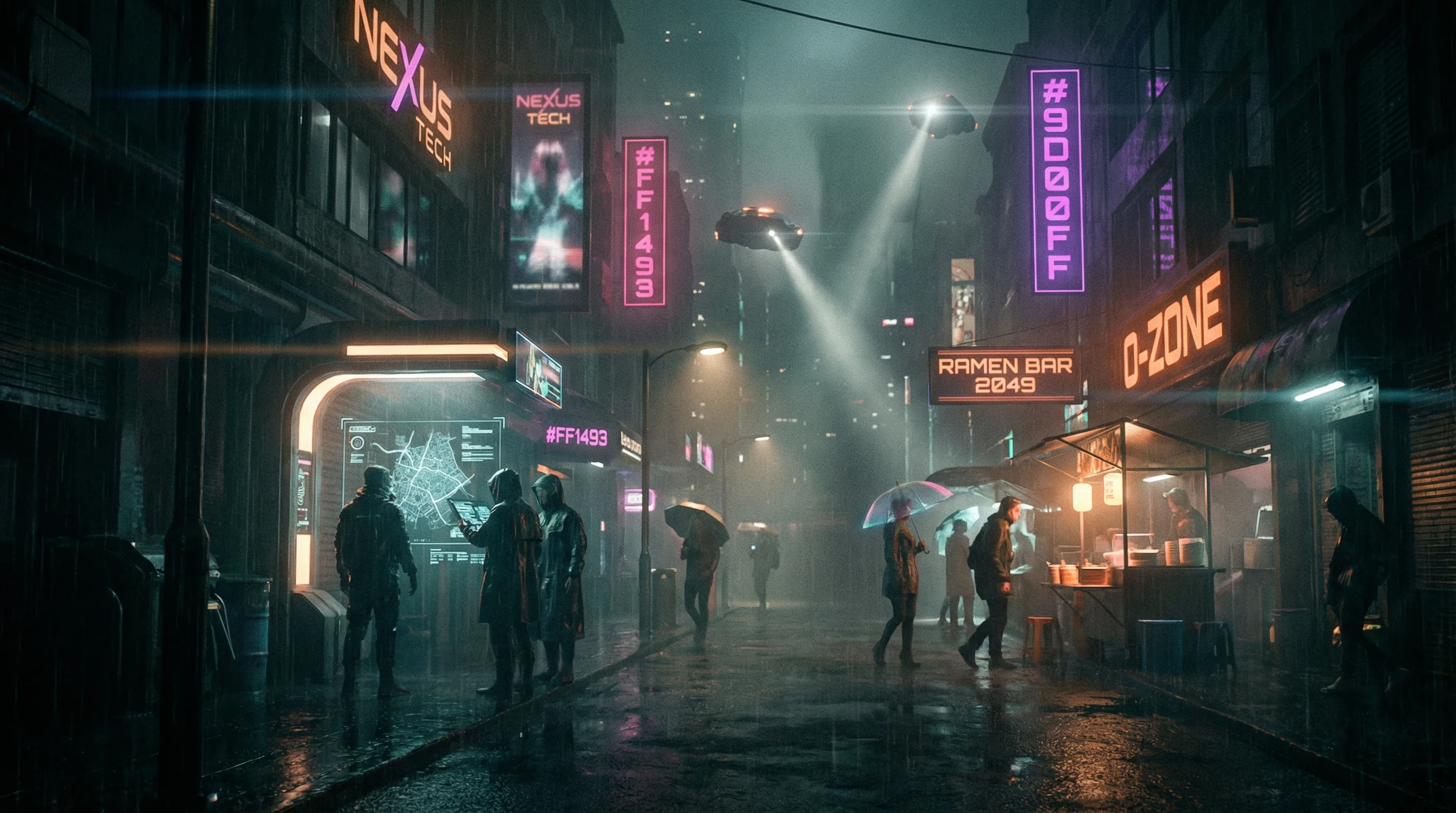
Cyberpunk
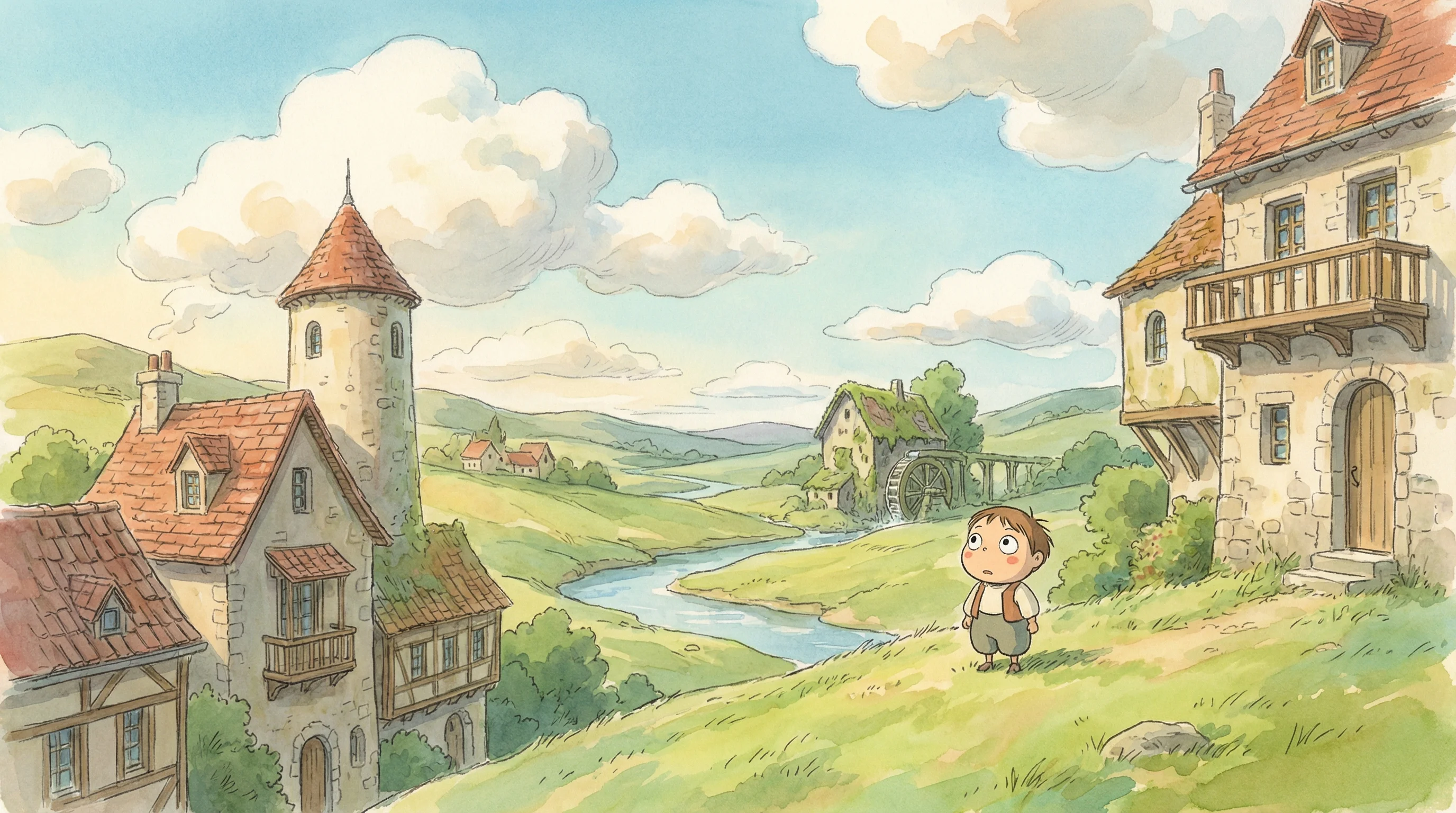
Studio Ghibli
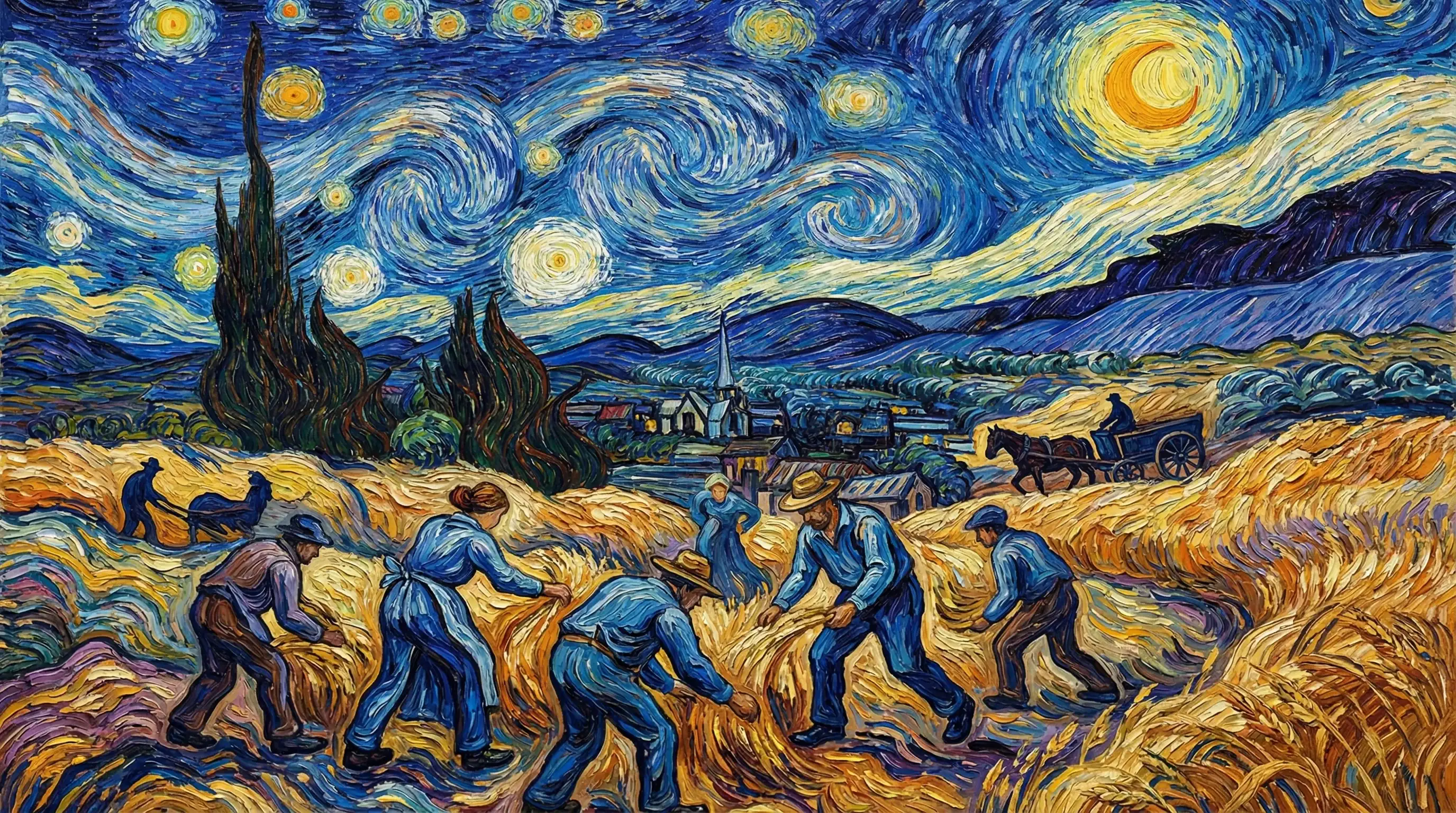
Van Gogh

Hyperrealistic
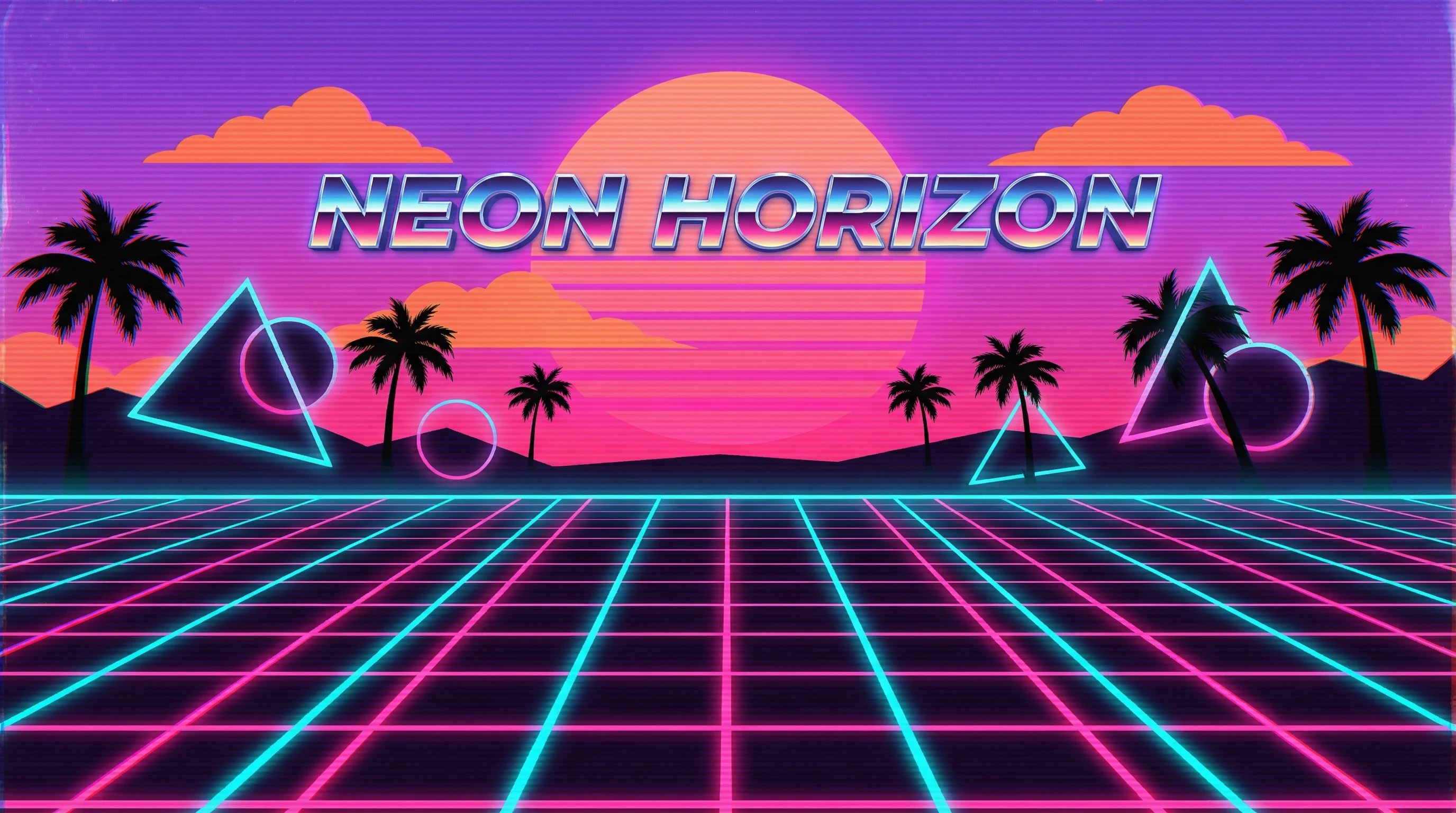
Synthwave
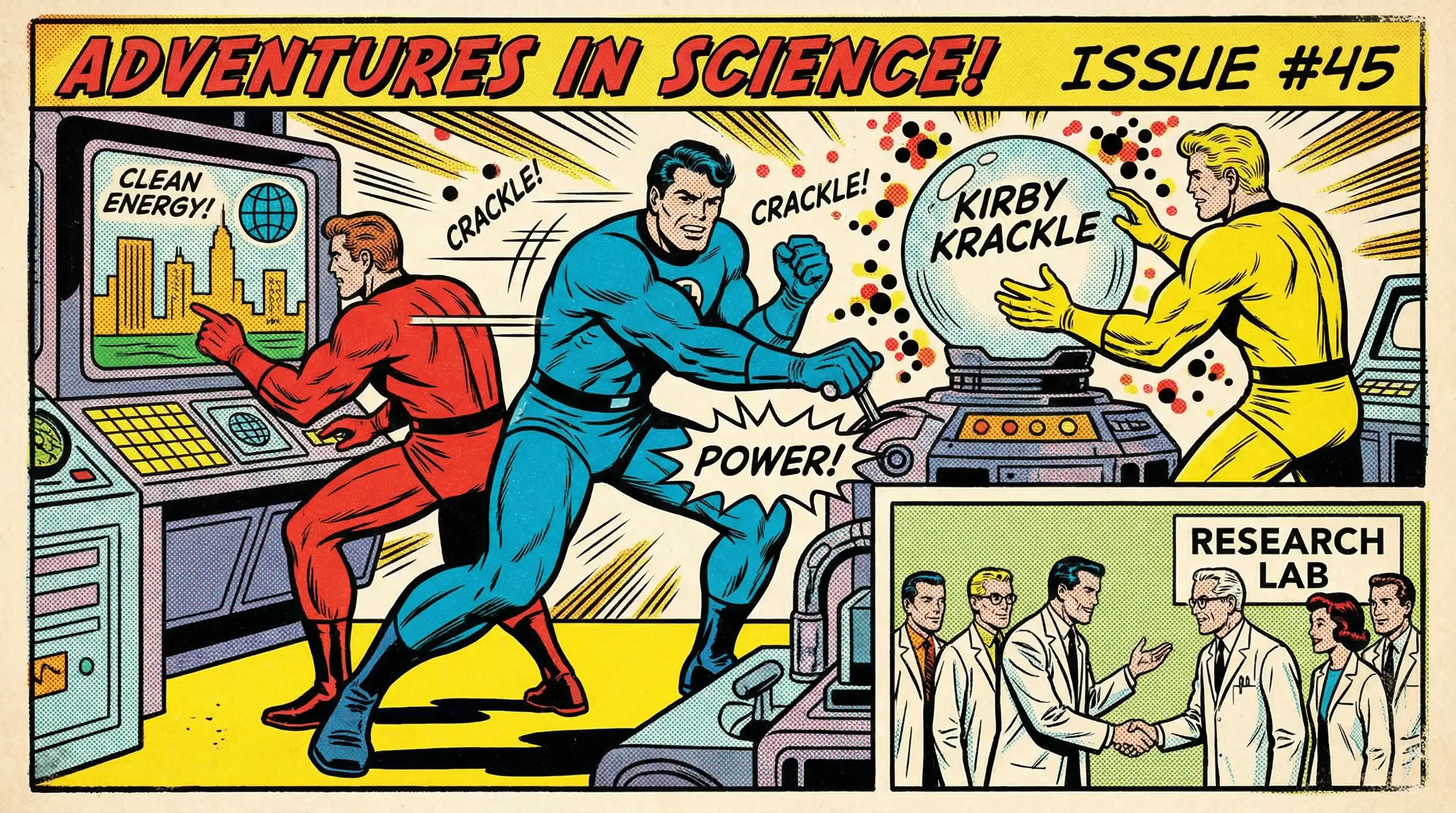
Marvel Comics
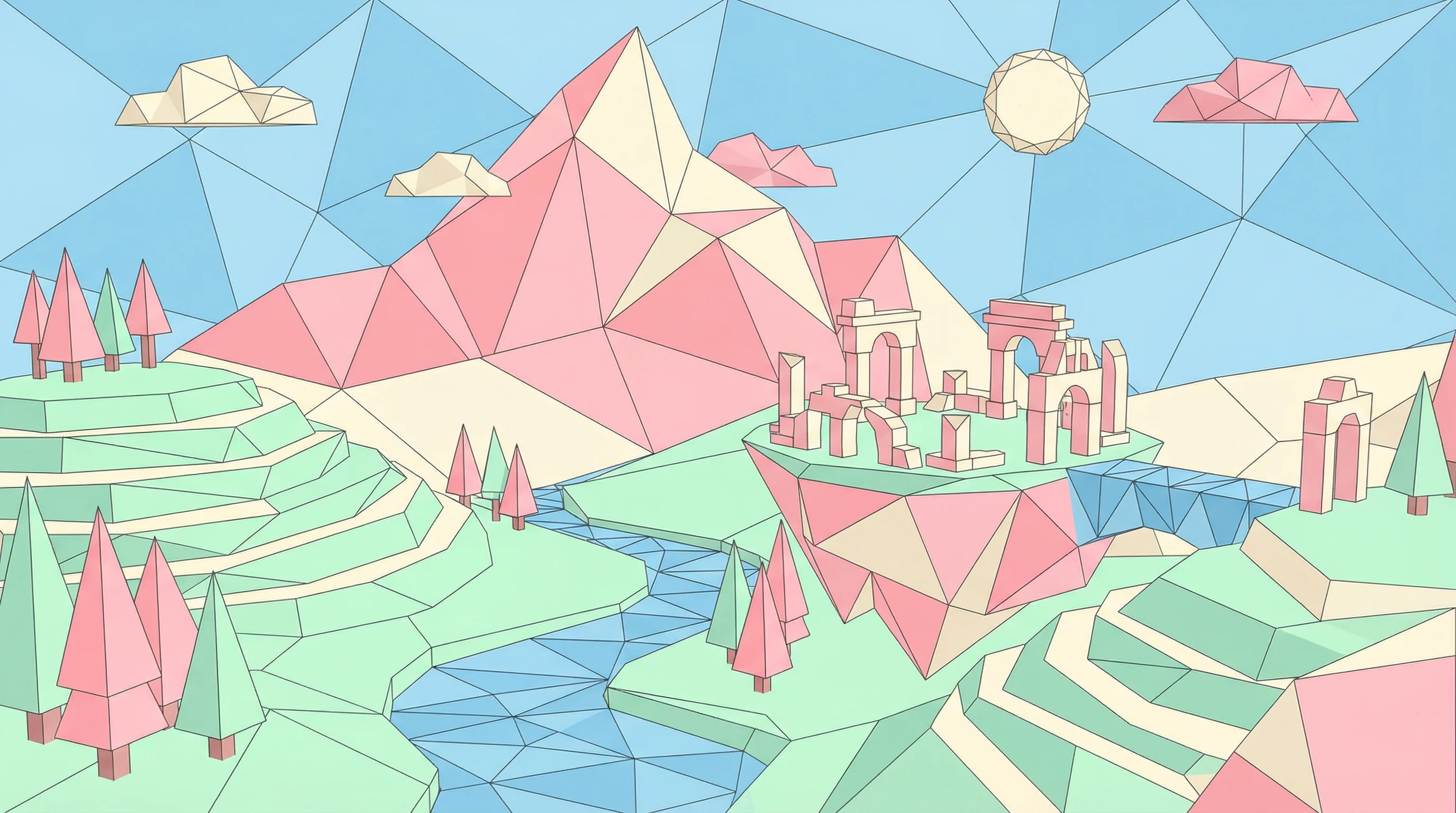
Low Poly
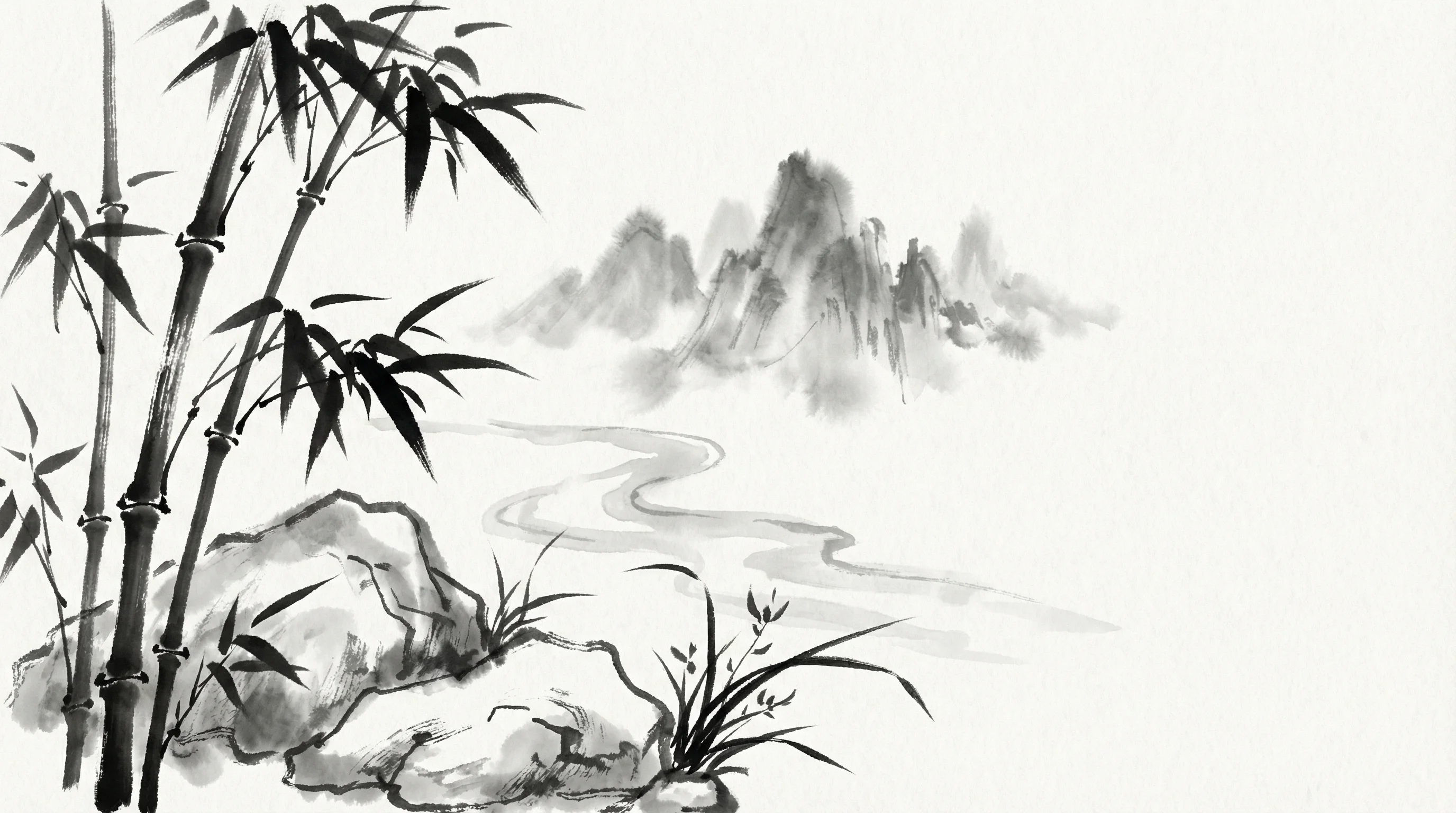
Sumi-e Ink

Pixar 3D