Base64 to Image Decoder
Decode Base64 strings to images instantly. Paste any Base64 encoded data and preview the decoded image. Download as PNG, JPG, GIF, or WebP. 100% free, works entirely in your browser - no uploads to servers.
Features
Decode Base64 to PNG, JPG, GIF, WebP images
Automatic image format detection
Preview decoded images with dimensions and file size
100% client-side - your data never leaves your browser
Generate Professional Blog Images
Need more than decoding? Use our AI to create stunning blog images in 21 artistic styles, already optimized for web.
Try BlogImageGen FreeHow to Decode Base64 to Image
Paste Base64 String
Copy your Base64 string from HTML, CSS, database, or API and paste it into the text area. Works with or without the data:image/png;base64, prefix. The tool handles both formats automatically.
Preview Decoded Image
Click Decode to instantly convert the Base64 string back to an image. The tool automatically detects the image format (PNG, JPG, GIF, WebP) and displays the image with its dimensions and file size.
Download or Copy
Download the decoded image to your computer in its original format, or copy the Base64 string to use elsewhere. Perfect for extracting images from code, databases, or API responses.
Use Cases
Web Development
Extract images from HTML/CSS code where they're embedded as Base64. Perfect for debugging inline images, recovering images from old code, or converting Base64 data back to image files for optimization.
Database & API Work
Decode image data stored as Base64 in databases or received from APIs. Convert Base64 responses to viewable images for testing, debugging, or extracting images from JSON/XML responses.
Email & Document Recovery
Extract embedded images from HTML emails or documents where images are stored as Base64. Recover images from email templates, export images from rich text content, or extract visuals from archived communications.
Frequently Asked Questions
What Base64 formats are supported?
This tool accepts Base64 strings in two formats: (1) With data URL prefix like data:image/png;base64,iVBORw0K... or (2) Raw Base64 string without any prefix. Both formats work - the tool automatically detects and handles them.
What image formats can be decoded?
The tool automatically detects and decodes PNG, JPG/JPEG, GIF, and WebP images from Base64. The image format is determined from the Base64 header or data URL prefix. The decoded image maintains its original format when downloaded.
Is my Base64 data uploaded to a server?
No! This tool works 100% client-side in your browser using JavaScript. Your Base64 data never leaves your computer. The decoding happens locally for complete privacy and security. Nothing is uploaded to our servers.
Where do I find Base64 image data?
Base64 image data commonly appears in: HTML/CSS code (inline images), database records (stored image data), API responses (image transmission), email templates (embedded images), and JSON files (image data fields). Copy the Base64 string from any of these sources.
Can I decode multiple images at once?
This tool decodes one Base64 string at a time for simplicity and accuracy. If you have multiple Base64 strings, decode them one by one. Each decoding is instant, so processing multiple images only takes a few seconds.
What if my Base64 string is invalid?
The tool validates your Base64 string before decoding and provides clear error messages if the format is invalid. Common issues include: missing characters, incorrect characters (only A-Z, a-z, 0-9, +, /, = allowed), or corrupted data. Ensure you copied the complete Base64 string.
Generate Blog Images
Paste your blog content and select a style to generate images
Configuration
Professional studio photography
Choose Your Artistic Style
From hyperrealistic photography to anime, cyberpunk to watercolor

Cyberpunk

Studio Ghibli
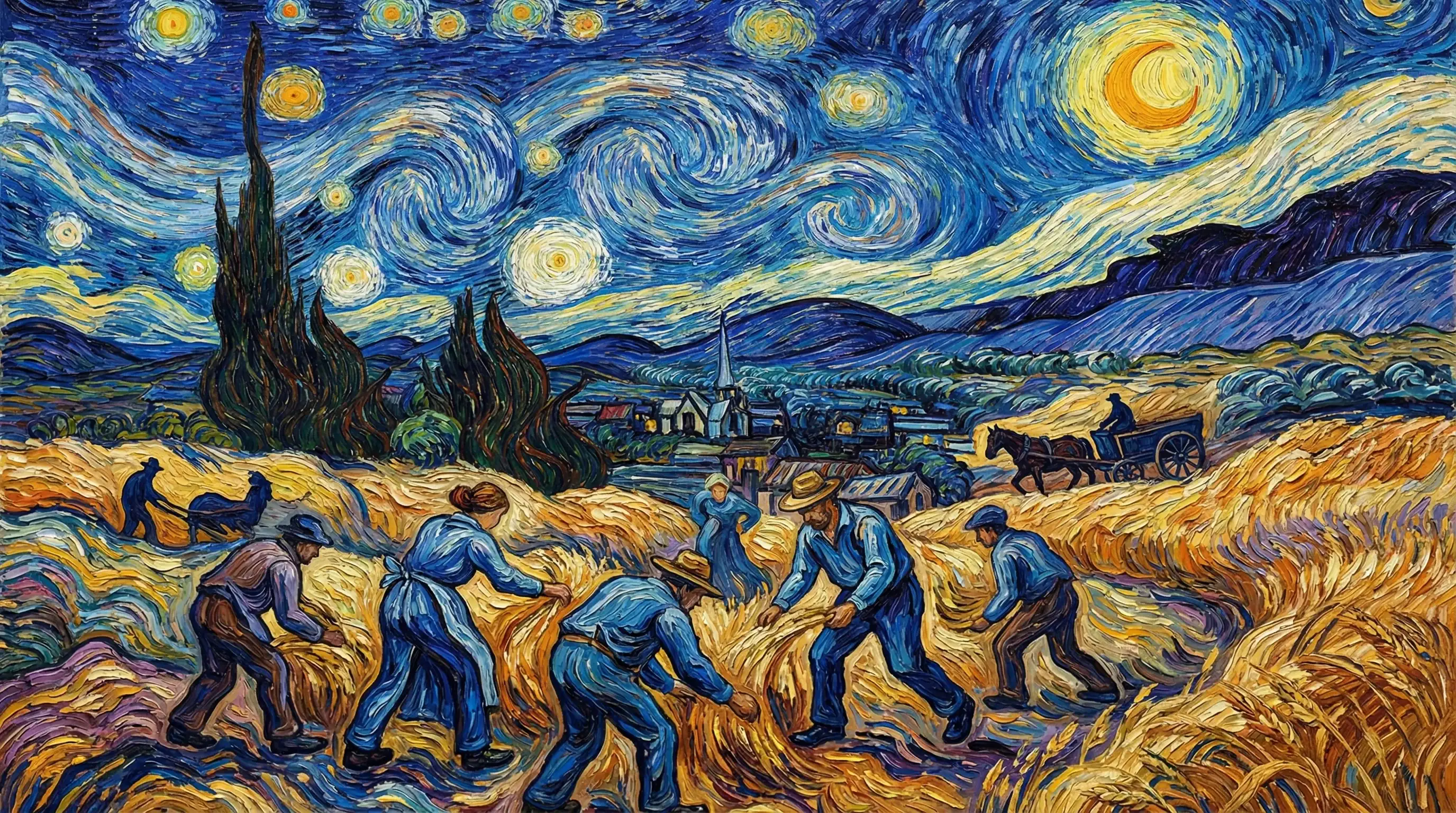
Van Gogh

Hyperrealistic

Synthwave

Marvel Comics

Low Poly

Sumi-e Ink

Pixar 3D