Color Picker Tool
Click any pixel to get its exact color. Upload an image, paste from clipboard, or load from URL. Perfect for designers who need precise color matching.
Features
Pick exact color from any pixel with eyedropper
Upload, paste from clipboard (Ctrl+V), or load from URL
Get hex codes, RGB, and HSL values instantly
Works 100% in your browser - your images never leave your device
Generate On-Brand Blog Images
Need more than colors? Use our AI to generate blog images with your exact brand colors and style.
Try BlogImageGen FreeHow to Pick Colors from an Image
Upload Your Image
Upload an image, paste from clipboard (Ctrl+V), or load from a URL. The tool supports JPG, PNG, WebP, and GIF formats.
Hover to Preview
Move your cursor over the image. A magnifier will show you a zoomed view of the area around your cursor for precise color selection.
Click to Pick Color
Click on any pixel to pick its color. Copy the hex code, RGB, or HSL values with one click to use in your designs.
Use Cases
Exact Color Matching
Pick the exact color from a competitor's logo, website, or design to match it perfectly in your own work.
Design Inspiration
Find that perfect shade from a photo, artwork, or screenshot and use it in your design projects.
Brand Color Documentation
Extract exact colors from brand materials to document your color system with pixel-perfect accuracy.
Frequently Asked Questions
What image formats are supported?
The color picker supports JPG, PNG, WebP, GIF, and most common image formats. You can upload files, paste from clipboard, or load from any public image URL.
How accurate is the color picker?
The color picker is pixel-perfect accurate. It reads the exact RGB values from the specific pixel you click on, ensuring precise color matching for your designs.
Is my image uploaded to your servers?
No! This tool works entirely in your browser using the Canvas API. Your images never leave your device, ensuring complete privacy and security.
Can I paste images from clipboard?
Yes! Press Ctrl+V (or Cmd+V on Mac) or click the 'Paste from Clipboard' button. This works great for screenshots or images you've copied from other applications.
What color formats do you provide?
Each picked color includes hex codes (e.g., #FF5733), RGB values (e.g., rgb(255, 87, 51)), and HSL values (e.g., hsl(14, 100%, 60%)). Copy any format with one click.
How is this different from the color palette extractor?
The color picker lets you select exact colors from specific pixels, while the palette extractor finds the 5-10 most dominant colors in the entire image. Use both tools together for complete color analysis!
Generate Blog Images
Paste your blog content and select a style to generate images
Configuration
Professional studio photography
Choose Your Artistic Style
From hyperrealistic photography to anime, cyberpunk to watercolor

Cyberpunk
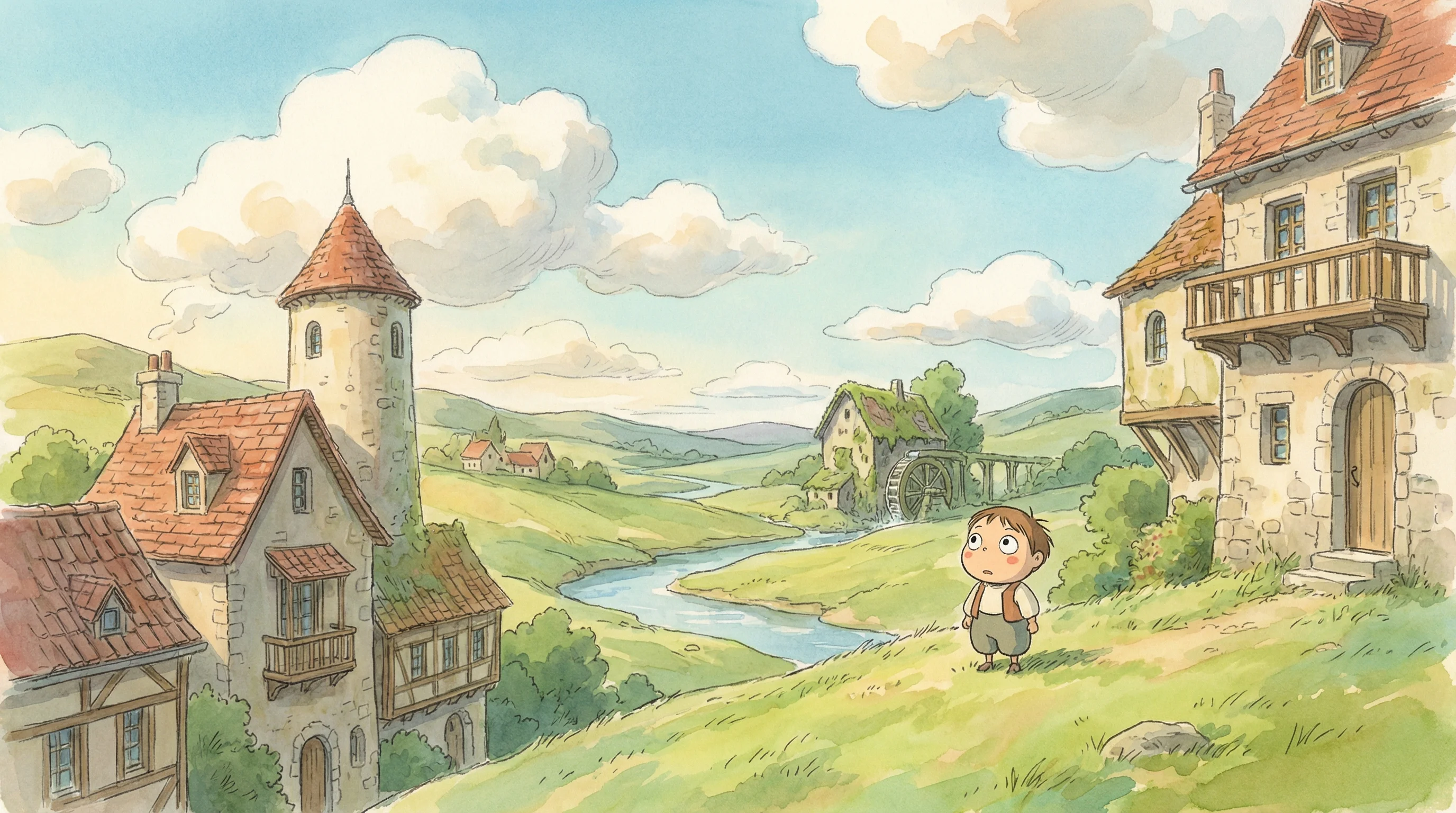
Studio Ghibli
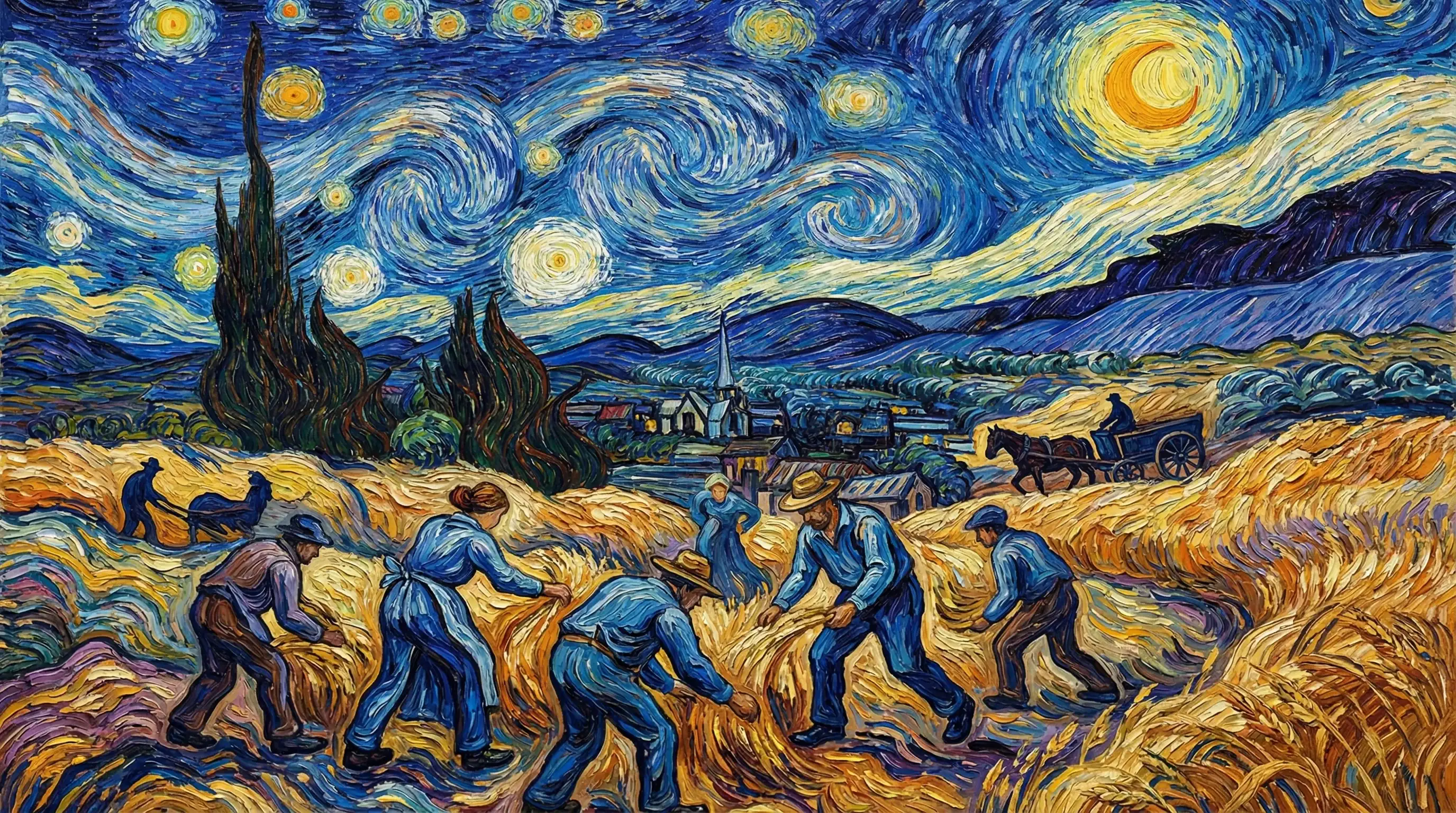
Van Gogh

Hyperrealistic
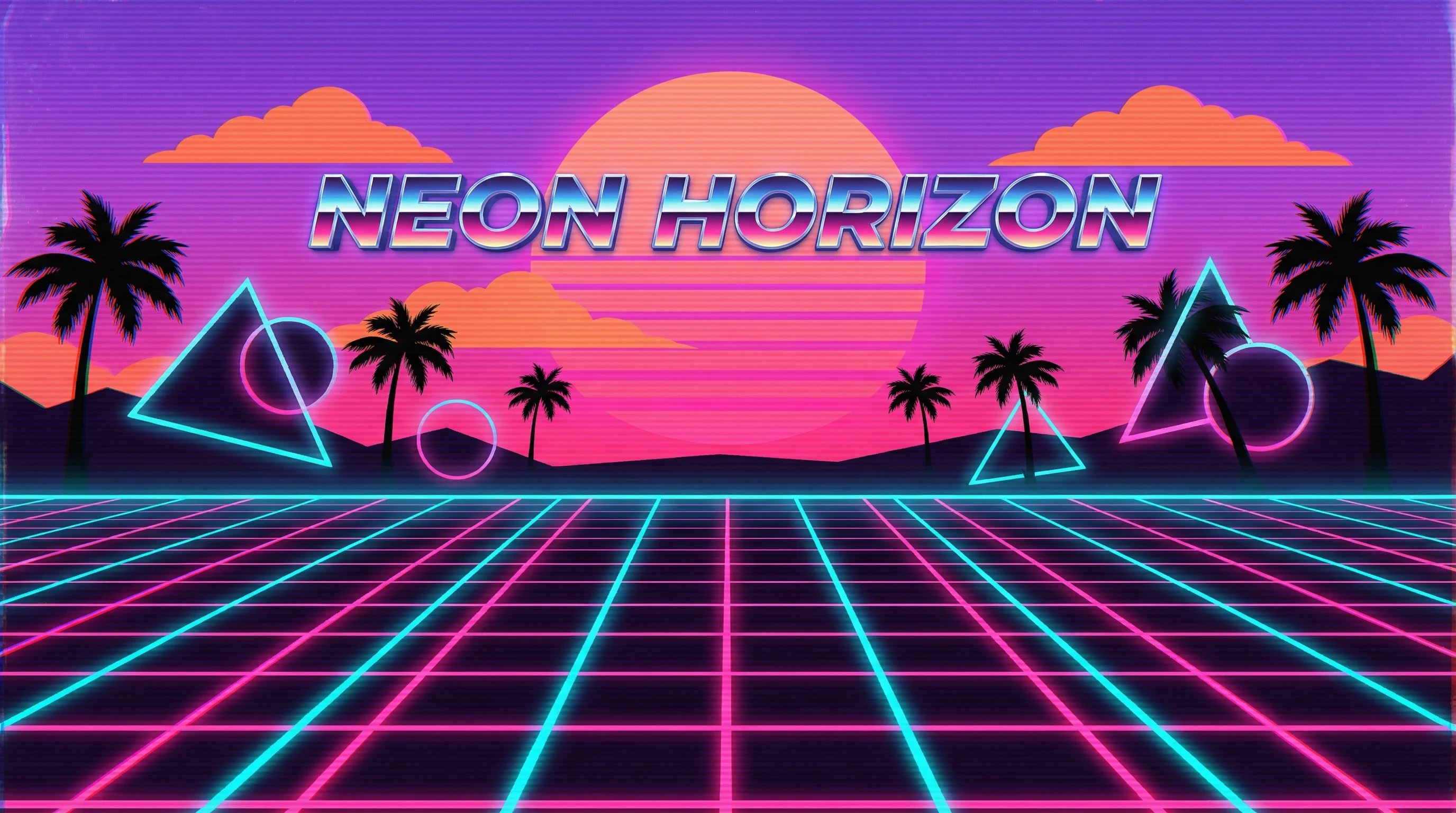
Synthwave

Marvel Comics

Low Poly

Sumi-e Ink

Pixar 3D