Favicon Generator
Generate all favicon sizes from a single image. Create favicon.ico, Apple Touch Icons, and Android icons instantly. Get production-ready HTML code. 100% free.
Features
Generate 8 favicon sizes + multi-resolution ICO file
Includes Apple Touch Icon and Android icons
Copy-paste ready HTML code snippet
100% client-side - your images never leave your device
Generate Professional Blog Images
Need custom blog visuals? Use our AI to create stunning images in 21 artistic styles, already optimized for web.
Try BlogImageGen FreeHow to Generate Favicons
Upload Your Image
Click to browse or drag and drop your logo or icon. Accepts PNG, JPG, WebP, and SVG up to 10MB. Square images (1:1 ratio) work best. Minimum recommended size is 512x512px for optimal quality.
Customize Options
Optionally add a background color for transparent PNGs. Toggle the subfolder option if you'll store favicons in an /icons/ directory. The tool automatically generates 8 different sizes plus a multi-resolution favicon.ico file.
Download & Implement
Download all favicons as a ZIP file or individually. Copy the generated HTML code and paste it into your website's <head> section. Upload the favicon files to your website root or /icons/ directory.
Use Cases
Website Branding
Create professional favicons for your website or web app. Ensure your brand appears consistently across browser tabs, bookmarks, and mobile home screens with properly sized icons.
Progressive Web Apps (PWA)
Generate all required icon sizes for PWAs including Android home screen icons (192x192, 512x512) and Apple Touch Icons (180x180). Essential for installable web applications.
Multi-Platform Apps
Create favicons that work perfectly across all devices and browsers. From desktop browser tabs to mobile home screens, ensure your icon looks crisp and professional at every size.
Frequently Asked Questions
What favicon sizes are generated?
The tool generates 8 PNG sizes: 16x16, 32x32, 48x48, 64x64, 128x128, 180x180 (Apple Touch Icon), 192x192 (Android), and 512x512 (Android splash). It also creates a multi-resolution favicon.ico file containing 16x16, 32x32, and 48x48.
What's the difference between favicon.ico and PNG favicons?
favicon.ico is a multi-resolution format that works in all browsers and is displayed in browser tabs. PNG favicons offer better quality and are used for Apple Touch Icons, Android home screen icons, and modern browsers. Using both ensures maximum compatibility.
What image should I upload for best results?
Upload a square image (1:1 aspect ratio) at least 512x512px for best quality. Simple, bold designs with high contrast work best at small sizes. Avoid fine details that won't be visible at 16x16px. PNG format with transparency is recommended.
What does the background color option do?
If your logo has transparency and you want a solid background color for the favicon, use this option. It fills transparent areas with your chosen color. Leave it empty to preserve transparency (recommended for most cases).
Where should I upload the generated favicon files?
Upload favicon files to your website's root directory (same level as index.html) or create an /icons/ subdirectory. If using a subfolder, enable the 'Use /icons/ subfolder' option to get the correct HTML code with proper paths.
Do I need all these different sizes?
Yes, for maximum compatibility. Different devices and platforms use different sizes: 16x16 and 32x32 for browser tabs, 180x180 for iOS home screen, 192x192 and 512x512 for Android. The favicon.ico ensures compatibility with older browsers.
Generate Blog Images
Paste your blog content and select a style to generate images
Configuration
Professional studio photography
Choose Your Artistic Style
From hyperrealistic photography to anime, cyberpunk to watercolor

Cyberpunk

Studio Ghibli
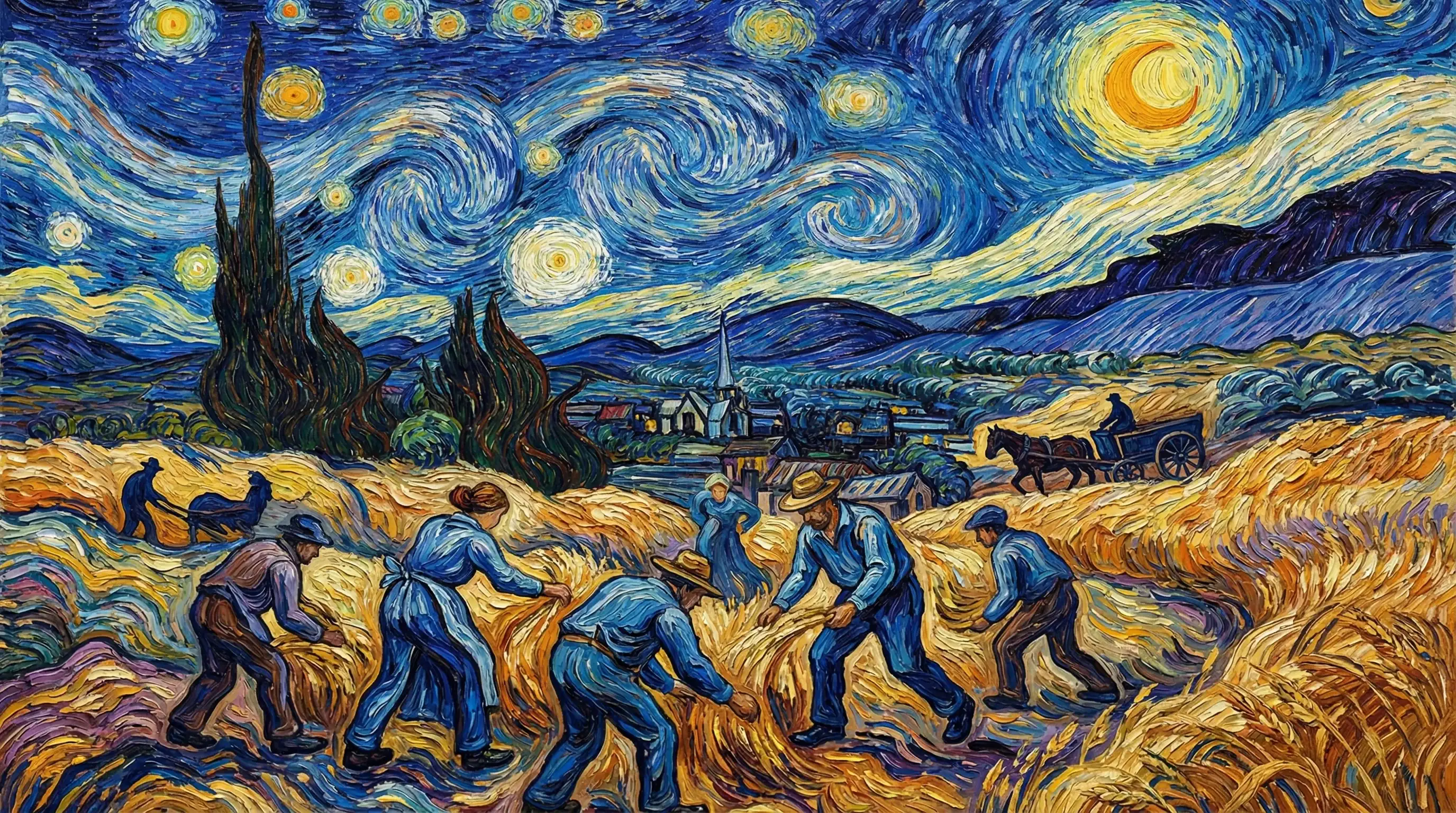
Van Gogh

Hyperrealistic
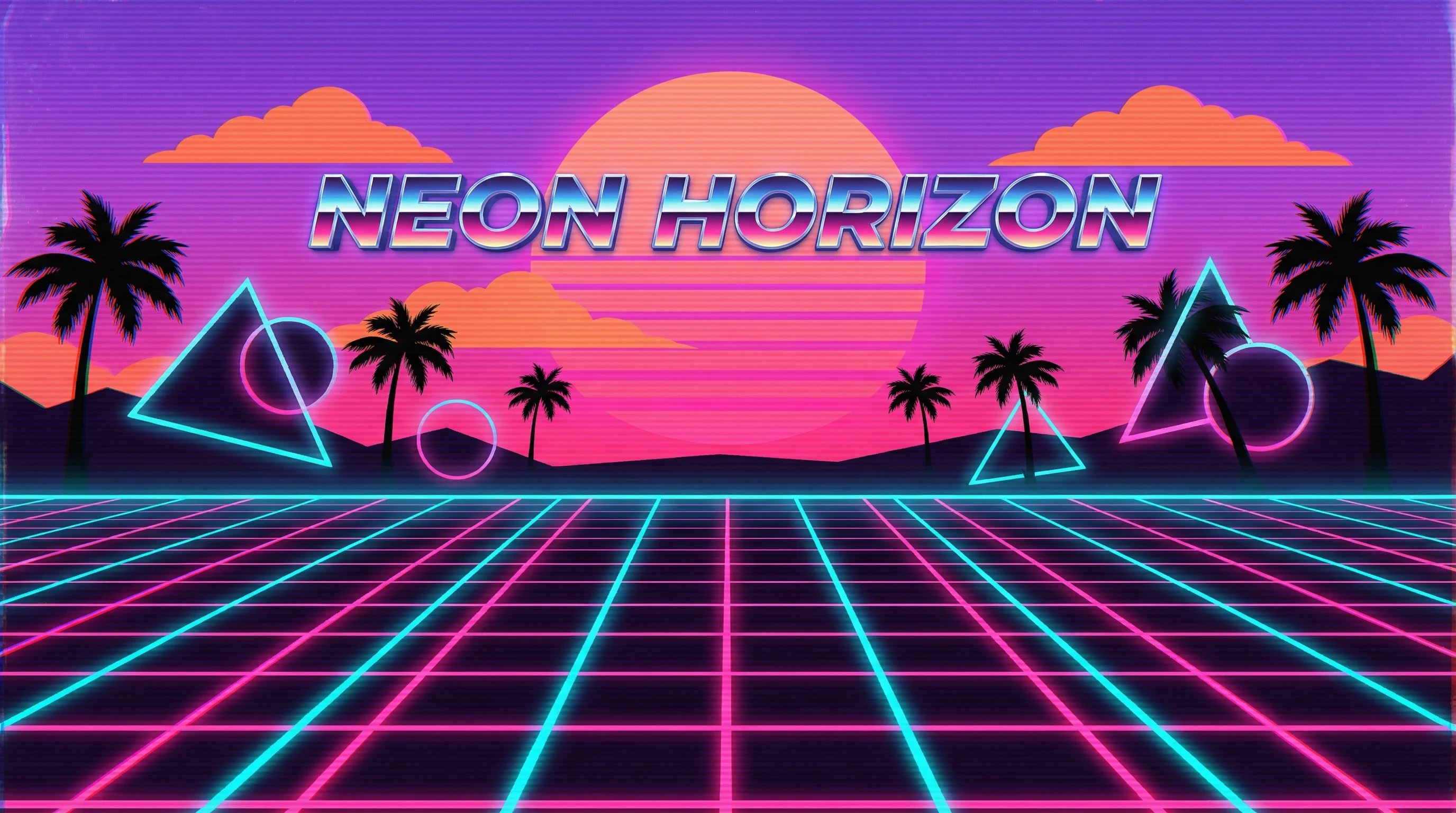
Synthwave
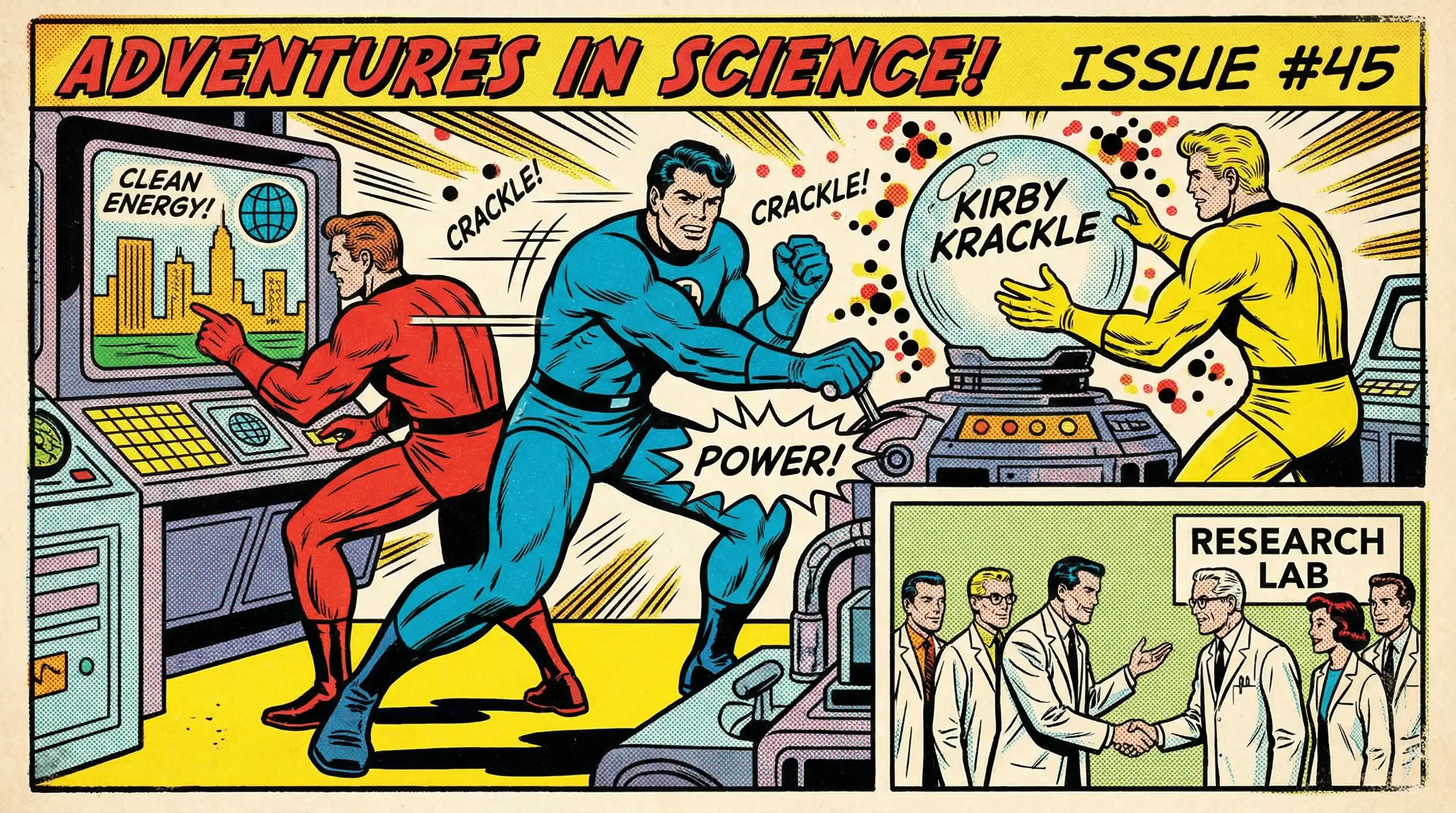
Marvel Comics

Low Poly

Sumi-e Ink

Pixar 3D