Image Compressor
Reduce image file size while maintaining quality. Perfect for faster websites, email attachments, and easy sharing. Adjust quality with a simple slider and see savings in real-time. Your images never leave your browser.
Features
Reduce file size by up to 80% without visible quality loss
Choose between JPEG, PNG, and WebP output formats
Real-time preview with before/after size comparison
100% browser-based - your images never leave your device
Generate Professional Blog Images
Need more than compression? Use our AI to create stunning blog images in 21 artistic styles, already optimized for web.
Try BlogImageGen FreeHow to Compress Images Online
Upload Your Image
Click the upload button or drag and drop your image. The tool supports JPG, PNG, WebP, and GIF formats.
Adjust Quality Settings
Use the quality slider or choose a preset (High Quality, Balanced, Small Size, Maximum Compression). See real-time file size changes and select your preferred output format (JPEG, PNG, WebP).
Download Compressed Image
Preview your compressed image and see exactly how much space you saved. Download instantly - the file is processed entirely in your browser for complete privacy.
Use Cases
Website Performance
Reduce image file sizes to improve website loading speed, boost SEO rankings, and provide better user experience on mobile devices.
Email & Sharing
Compress images to meet email attachment size limits and make sharing via messaging apps faster and easier.
Storage Optimization
Save disk space and cloud storage costs by compressing images while maintaining visual quality for backup and archival purposes.
Frequently Asked Questions
How much can I compress an image without losing quality?
You can typically reduce file size by 60-80% with minimal visible quality loss using our 'Balanced' or 'High Quality' presets. The exact amount depends on your image - photos compress more than graphics.
What's the difference between JPEG, PNG, and WebP?
JPEG is best for photos with lots of colors. PNG is best for graphics, logos, and images with transparency. WebP is a modern format that typically produces the smallest files with excellent quality - it's ideal for websites.
Is my image uploaded to your servers?
No! This tool works entirely in your browser using the Canvas API. Your images never leave your device, ensuring complete privacy and security.
Will compression reduce image dimensions?
No, compression only reduces file size by removing unnecessary data. The image dimensions (width × height) remain exactly the same. If you need to resize, use our Image Resizer tool.
Can I compress images for email attachments?
Absolutely! Use our tool to reduce file sizes for email attachments. Most email services limit attachment sizes to 10-25MB, and compression can help you fit more images or reduce sending time.
What quality setting should I use?
For most uses, 85% quality (our 'Balanced' preset) offers the best balance of file size and quality. Use 'High Quality' (92%) for professional photography, or 'Small Size' (75%) when file size is more important than perfect quality.
Generate Blog Images
Paste your blog content and select a style to generate images
Configuration
Professional studio photography
Choose Your Artistic Style
From hyperrealistic photography to anime, cyberpunk to watercolor

Cyberpunk
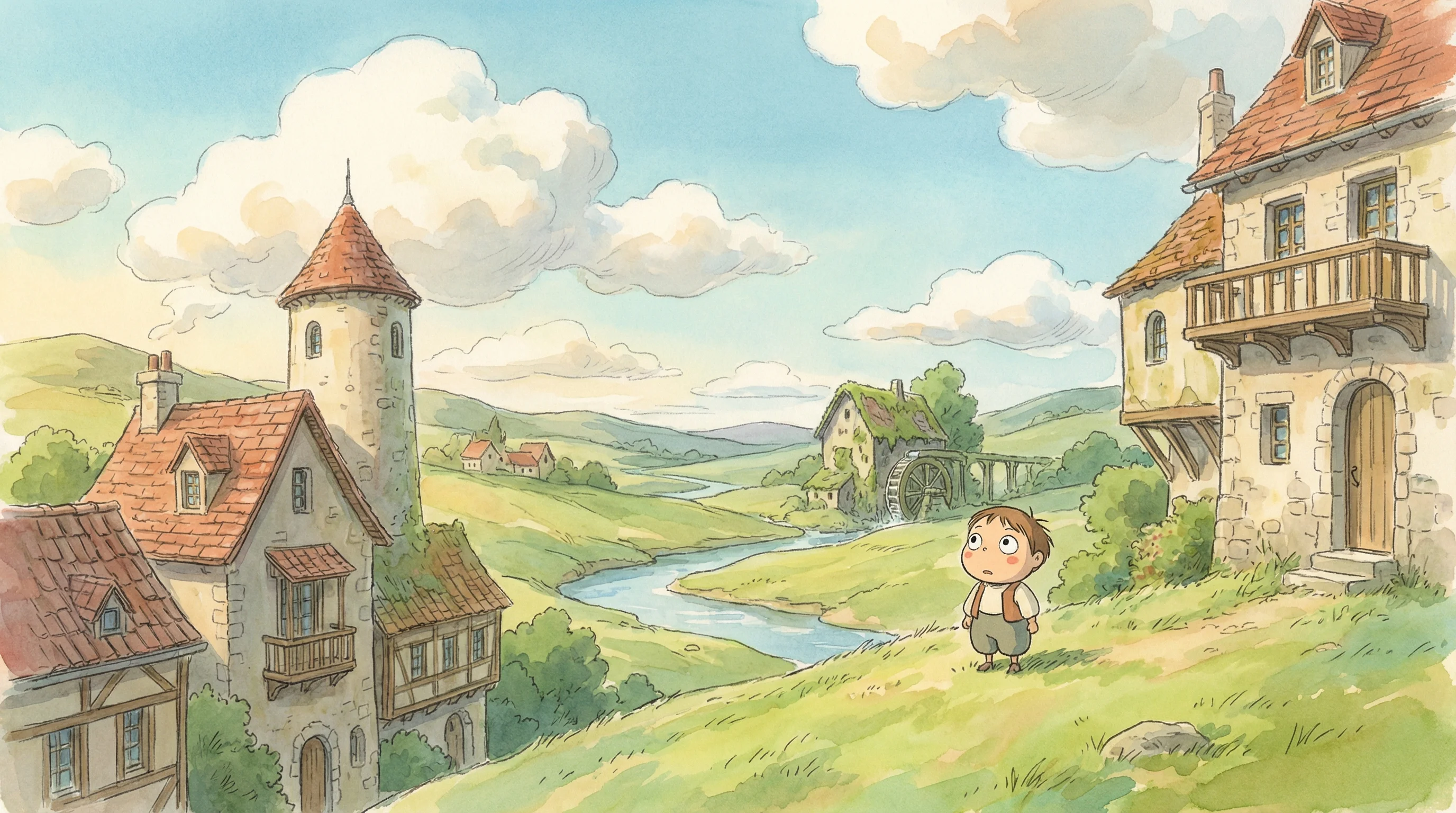
Studio Ghibli
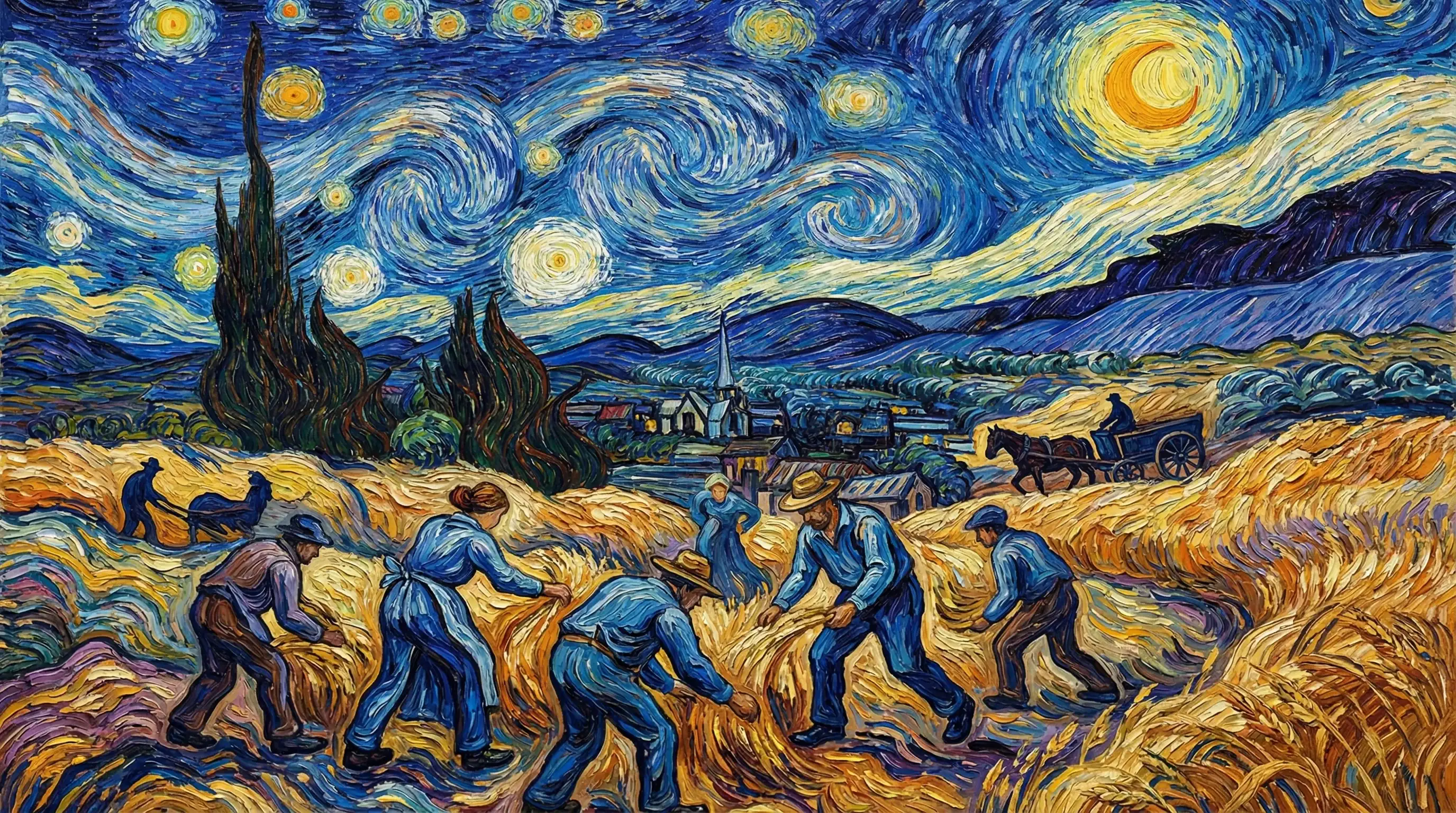
Van Gogh

Hyperrealistic
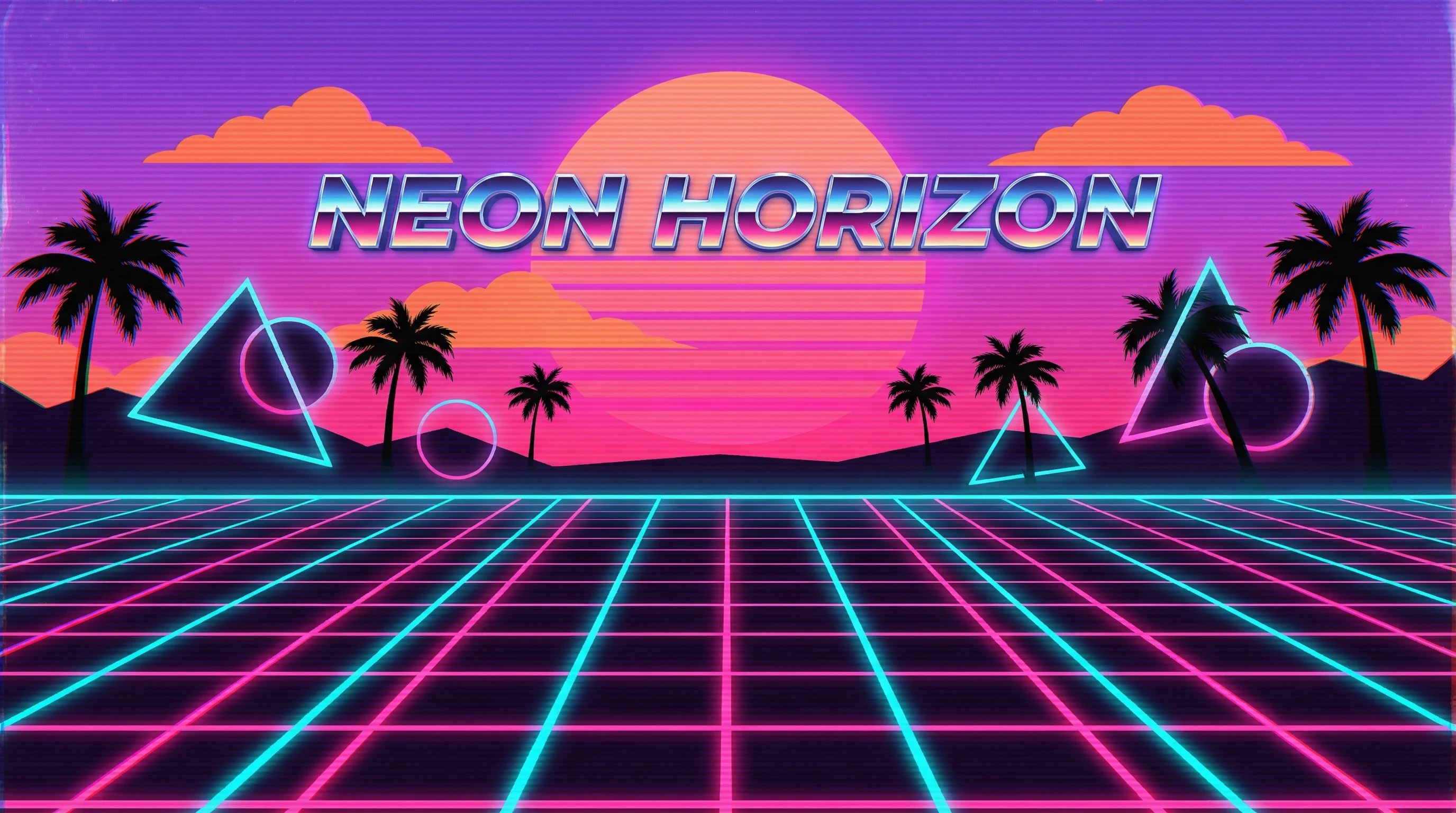
Synthwave
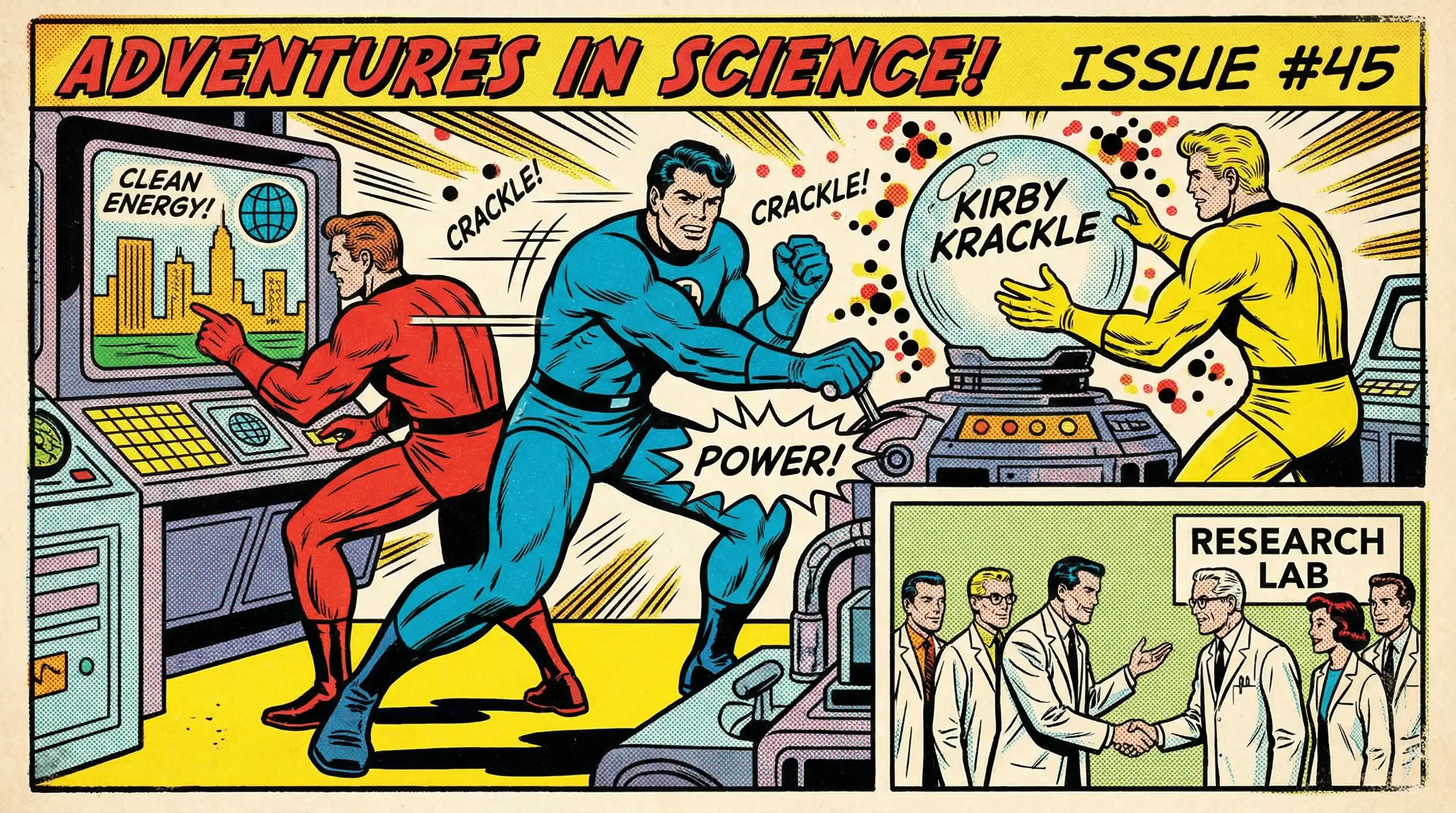
Marvel Comics

Low Poly
Sumi-e Ink

Pixar 3D