Image Converter
Convert images between formats instantly. Choose from JPEG, PNG, WebP, GIF, BMP, and ICO. Adjust quality, create favicons, and download immediately. Your images never leave your browser.
Features
Convert between 6 popular formats: JPEG, PNG, WebP, GIF, BMP, ICO
Quality control for JPEG and WebP formats
Create favicons with custom sizes (16x16, 32x32, 48x48)
100% browser-based - your images never leave your device
Generate Professional Blog Images
Need more than conversion? Use our AI to create stunning blog images in 21 artistic styles, already optimized for web.
Try BlogImageGen FreeHow to Convert Images Online
Upload Your Image
Click the upload button or drag and drop your image. The tool supports JPG, PNG, WebP, GIF, BMP, and SVG formats.
Select Output Format
Choose your desired format: JPEG (best for photos), PNG (lossless, supports transparency), WebP (modern, best compression), GIF (animations), BMP (uncompressed), or ICO (favicons). Adjust quality for JPEG and WebP if needed.
Download Converted Image
Preview your converted image and download instantly. The file is processed entirely in your browser for complete privacy.
Use Cases
Web Development
Convert images to WebP for better website performance, create favicons in ICO format, or optimize images for different use cases across your web project.
Graphic Design
Convert between formats for different design needs: PNG for transparency, JPEG for photos, or GIF for simple animations. Maintain quality while meeting specific format requirements.
Social Media
Convert images to formats required by different platforms. Reduce file sizes with JPEG or WebP for faster uploads while maintaining visual quality.
Frequently Asked Questions
What image formats can I convert?
You can convert between JPEG, PNG, WebP, GIF, BMP, and ICO formats. Common conversions include PNG to JPEG (reduce size), JPEG to PNG (add transparency), any format to WebP (best web performance), and PNG to ICO (create favicons).
When should I use each format?
Use JPEG for photos with many colors (smaller files). Use PNG for graphics, logos, screenshots with text, or when you need transparency. Use WebP for the best compression and quality balance (ideal for websites). Use GIF for simple animations. Use ICO for website favicons.
Will converting change my image quality?
Converting from a lossless format (PNG) to a lossy format (JPEG) may reduce quality. Converting between lossless formats (PNG to WebP lossless) preserves quality. You can adjust quality for JPEG and WebP to control file size vs quality tradeoff.
How do I create a favicon?
Select ICO as the output format and choose your desired icon size (16x16, 32x32, or 48x48 pixels). Upload any image and the tool will automatically resize and convert it to ICO format suitable for website favicons.
Are my images uploaded to your servers?
No! This tool works entirely in your browser using the Canvas API. Your images never leave your device, ensuring complete privacy and security.
Can I batch convert multiple images?
Currently, the tool converts one image at a time. For the best experience, convert each image individually. This ensures you can review and adjust settings (format, quality) for each image before downloading.
Generate Blog Images
Paste your blog content and select a style to generate images
Configuration
Professional studio photography
Choose Your Artistic Style
From hyperrealistic photography to anime, cyberpunk to watercolor
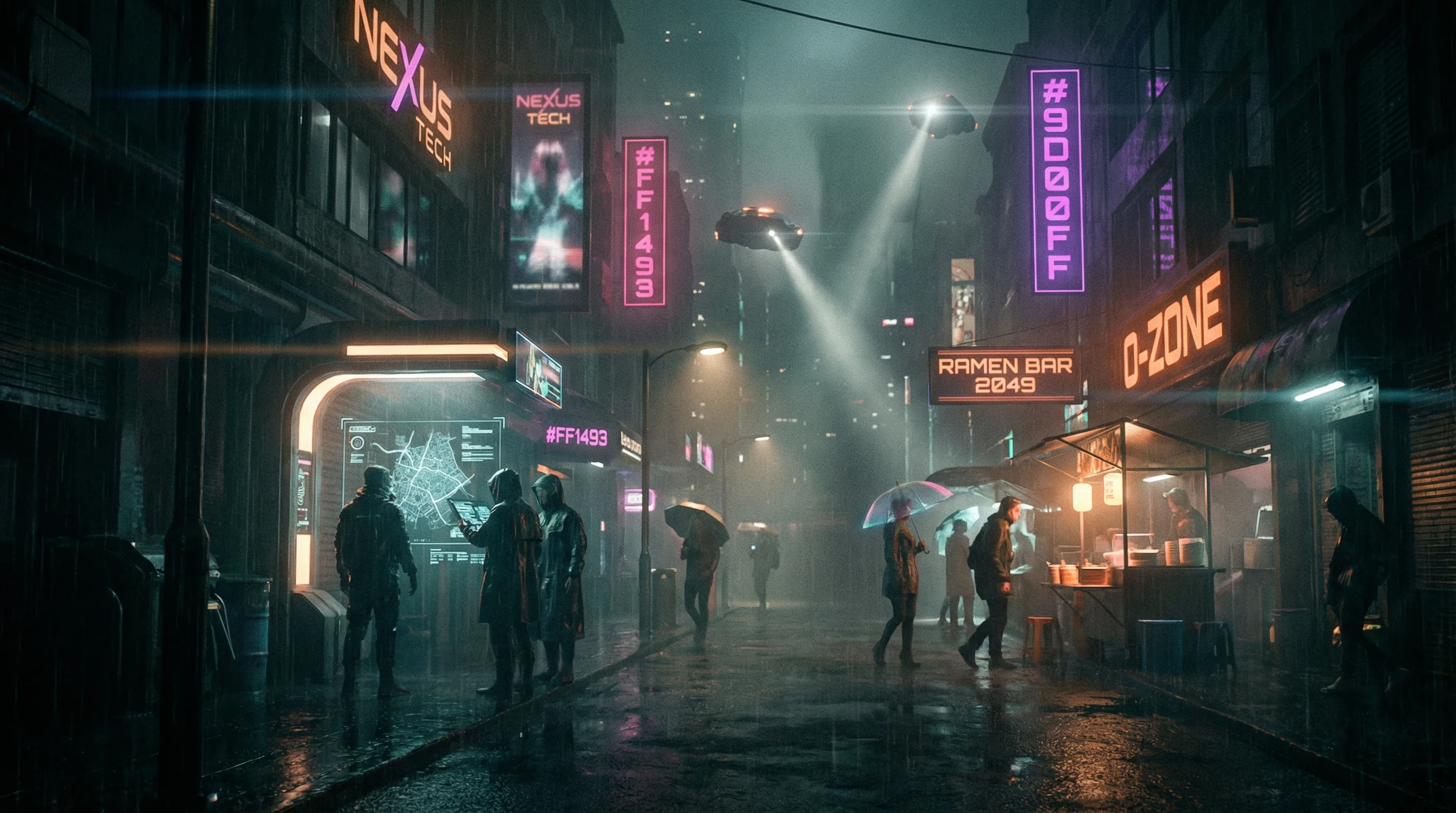
Cyberpunk
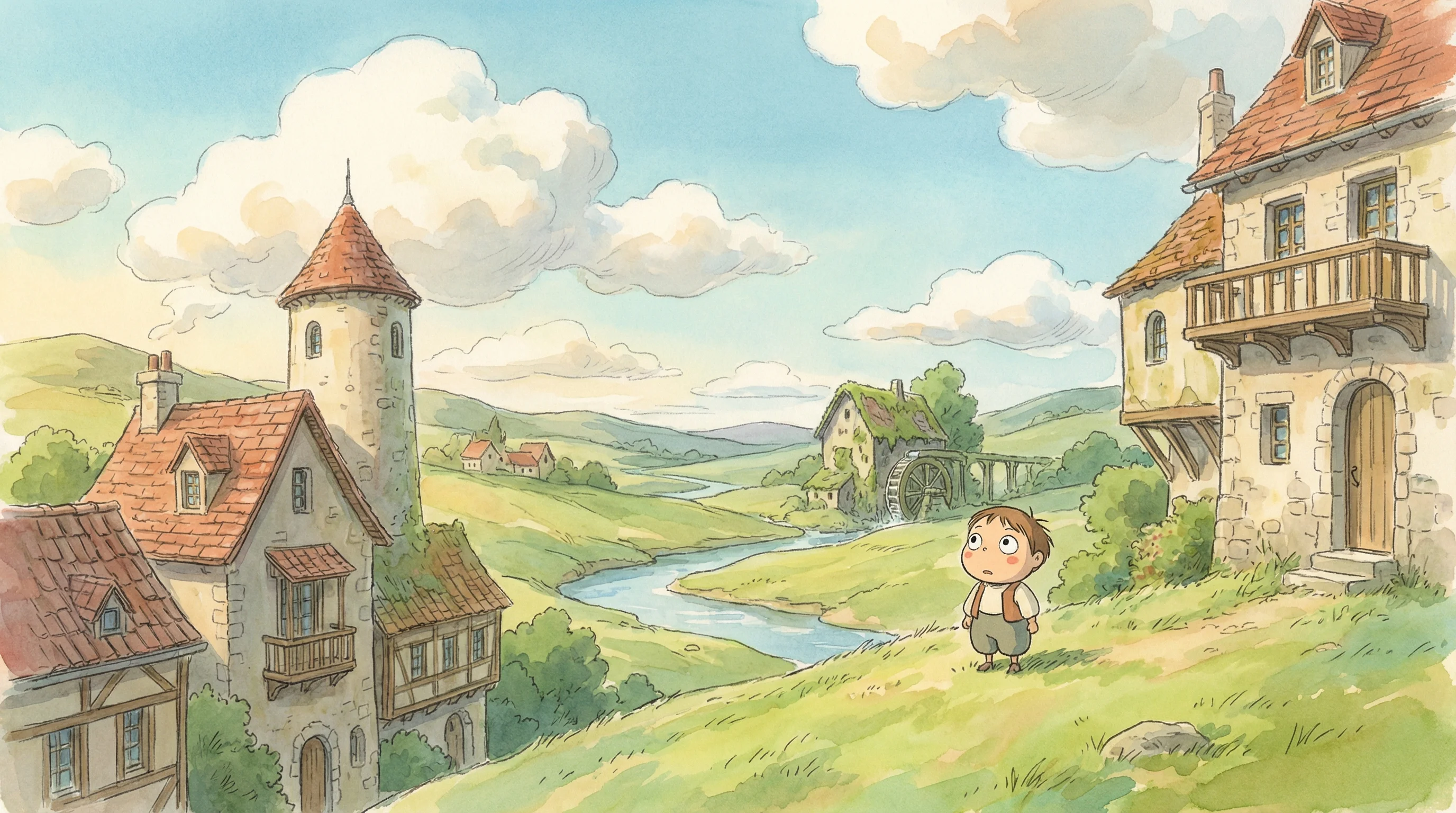
Studio Ghibli
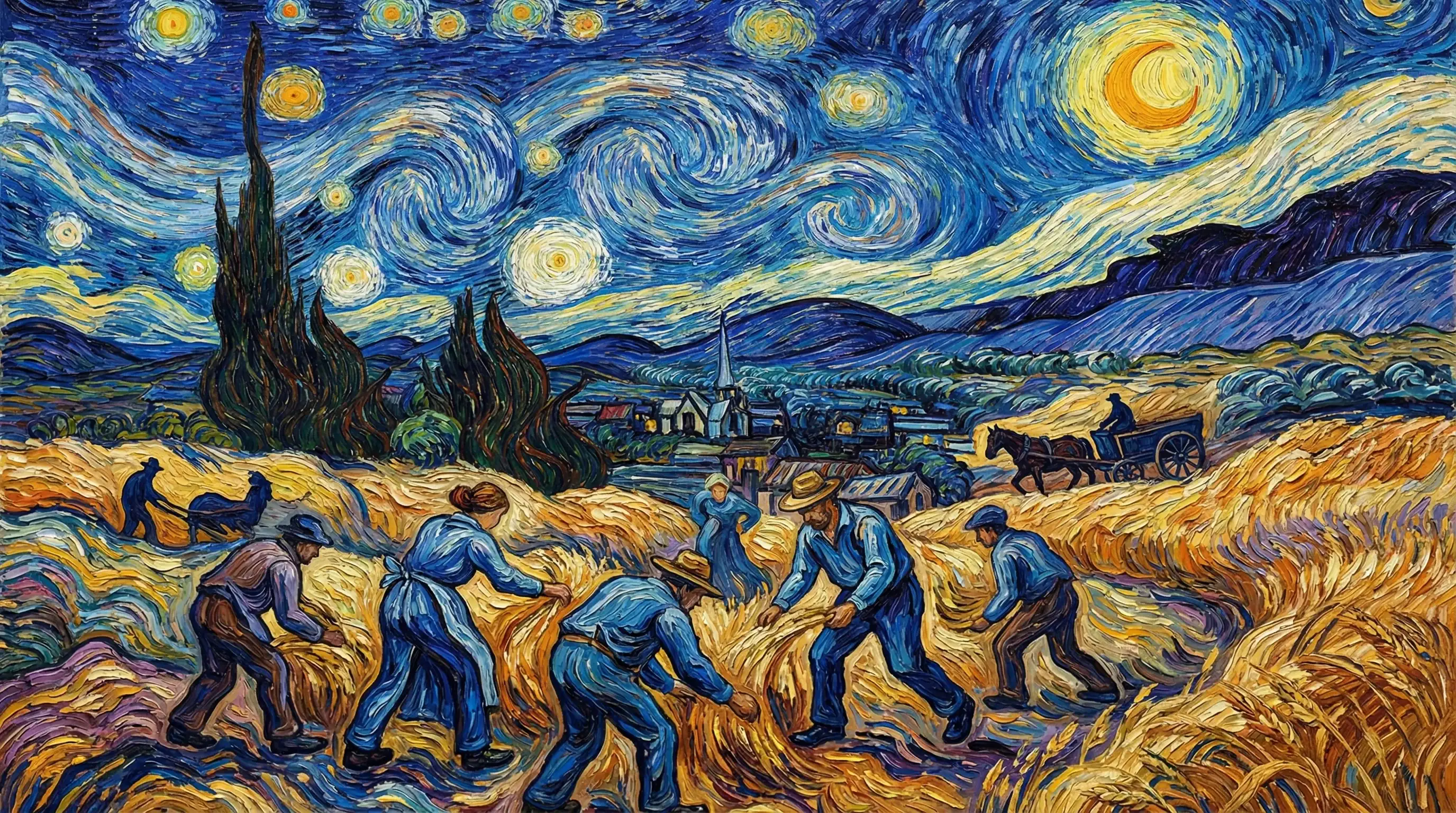
Van Gogh

Hyperrealistic
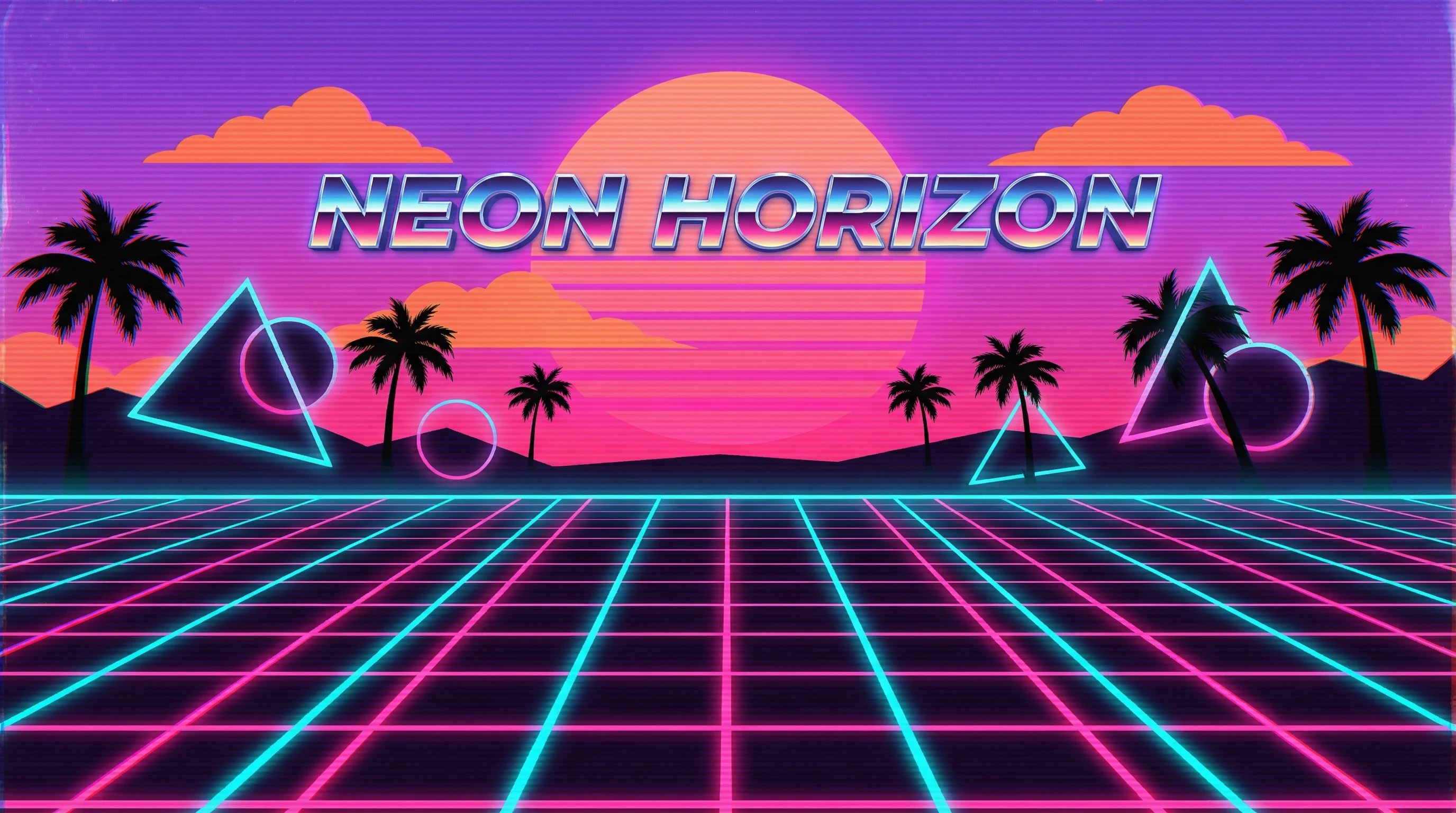
Synthwave
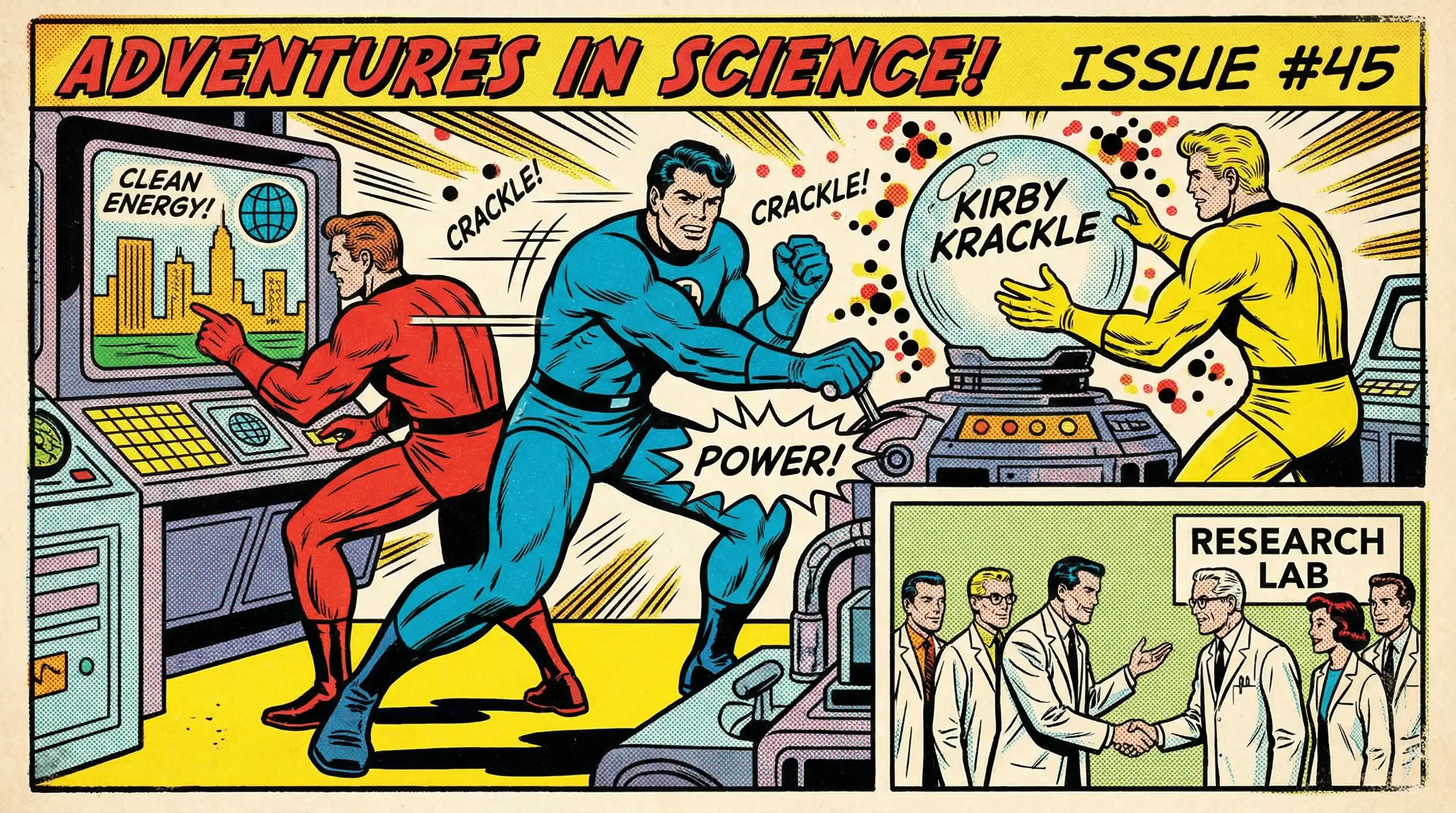
Marvel Comics
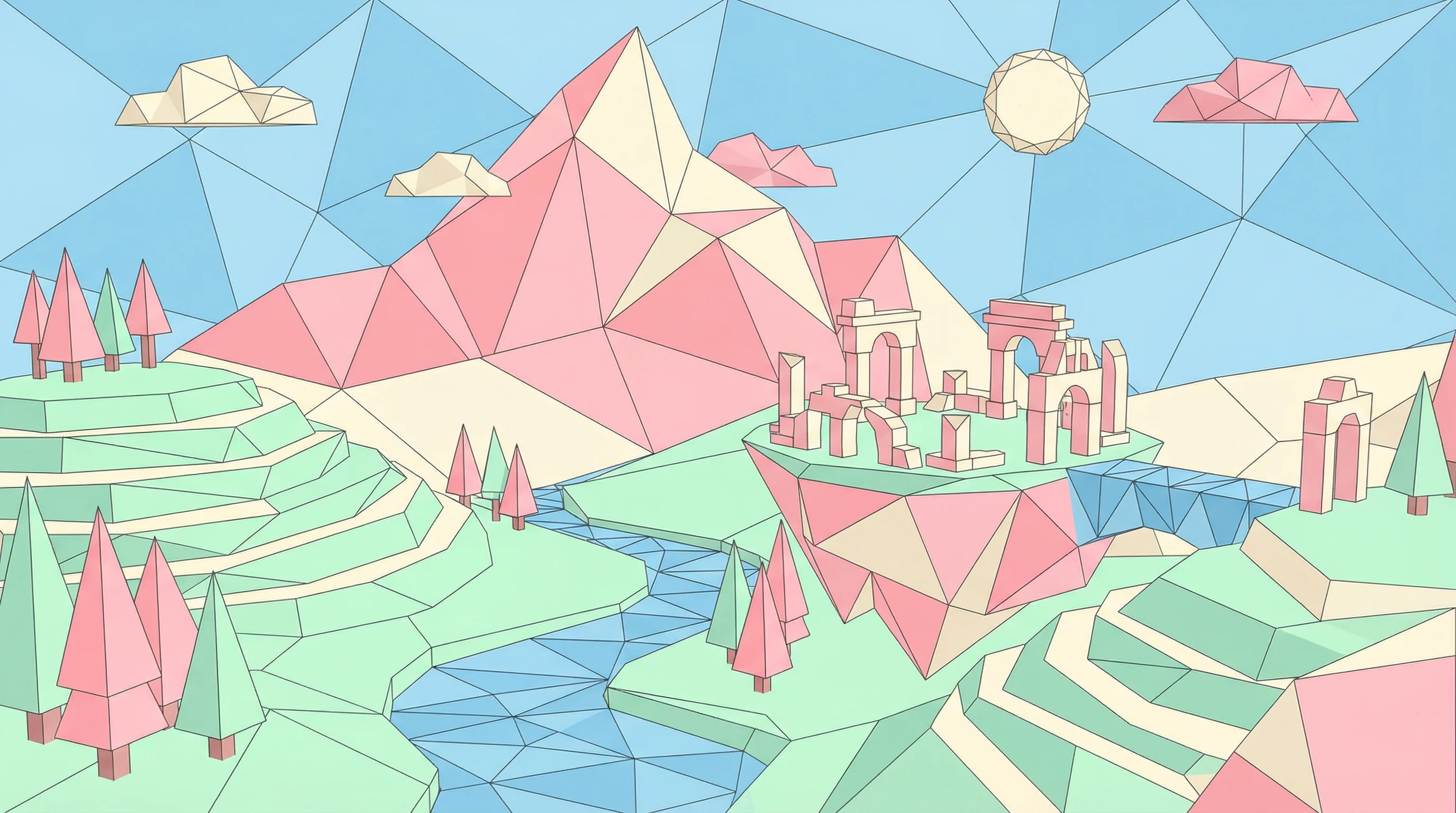
Low Poly
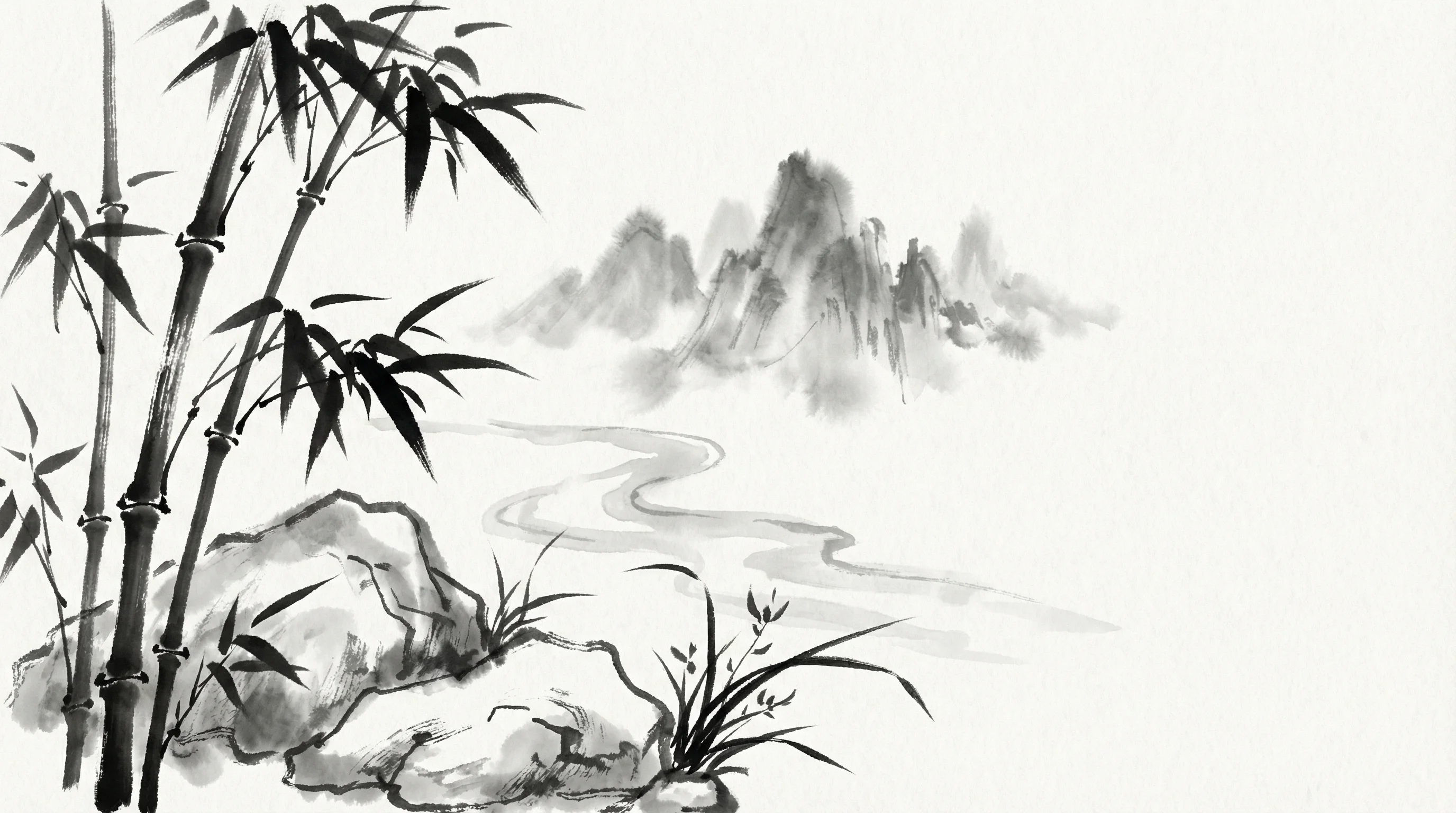
Sumi-e Ink
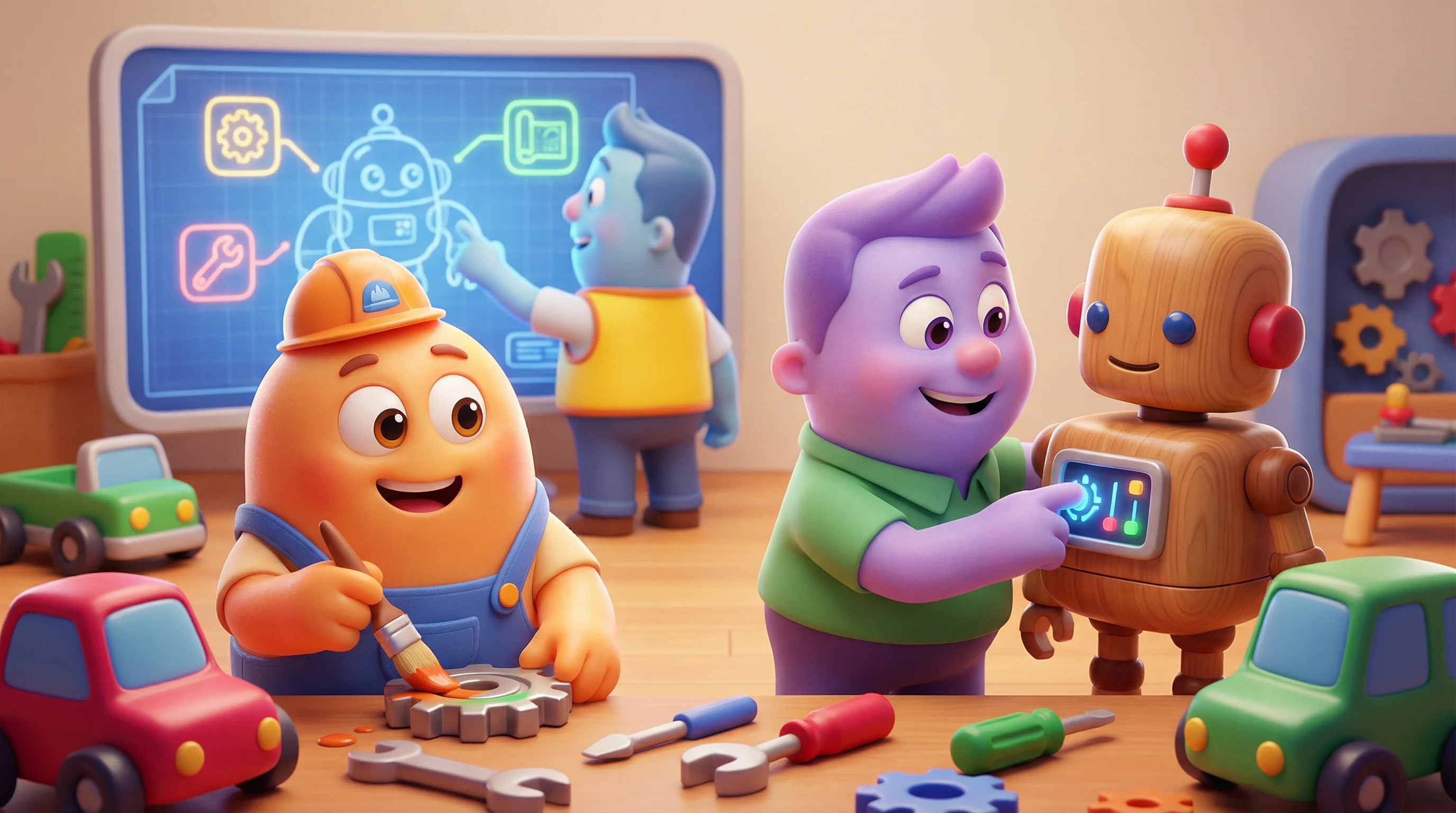
Pixar 3D