Image Cropper
Crop images with precision using aspect ratio presets or freeform selection. Perfect for social media posts, profile pictures, and design work. Rotate, flip, and download in PNG, JPG, or WebP. 100% free, works entirely in your browser.
Features
Crop with aspect ratio presets (1:1, 16:9, 4:3, etc.)
Rotate, flip, and transform images
Export as PNG, JPG, or WebP
100% client-side - your images never leave your browser
Generate Professional Blog Images
Need more than cropping? Use our AI to create stunning blog images in 21 artistic styles, already optimized for web.
Try BlogImageGen FreeHow to Crop Images
Upload Your Image
Click to browse or drag and drop your image. Supports JPG, PNG, WebP, and GIF formats up to 20MB. The cropper works with any image size or resolution.
Select Crop Area
Drag the corners to select your crop area. Use aspect ratio presets (1:1, 16:9, 4:3, etc.) for social media or choose freeform. Rotate, flip, or reset the crop as needed. The crop area updates in real-time.
Download Cropped Image
Click 'Crop Image' to preview the result. Adjust quality for JPG/WebP formats. Download your cropped image in PNG, JPG, or WebP format. Processing happens entirely in your browser.
Use Cases
Social Media Content
Crop images to exact dimensions for Instagram (1:1), YouTube (16:9), TikTok (9:16), Facebook, Twitter, and other platforms. Ensure your content displays perfectly without automatic cropping or letterboxing.
Profile Pictures & Avatars
Create perfect square profile pictures for social media, forums, and professional networks. Crop to 1:1 aspect ratio to ensure your face or logo is centered and properly framed across all platforms.
Photo Editing & Design
Remove unwanted elements, reframe compositions, or extract specific portions of images for design projects, presentations, websites, and print materials. Export in PNG for transparency or JPG for photos.
Frequently Asked Questions
What aspect ratios are available?
We provide common aspect ratios: Free (any shape), 1:1 (Square - Instagram), 16:9 (Landscape - YouTube), 9:16 (Portrait - Stories), 4:3, 3:2, 21:9 (Ultrawide), and A4 (210:297). Choose 'Free' to crop to any custom dimensions without constraints.
What image formats can I crop?
You can crop JPG, PNG, WebP, and GIF images up to 20MB. Output formats include PNG (best quality, transparency support), JPG (smaller files), and WebP (modern format, better compression). Choose the format that best suits your needs.
Are my images uploaded to a server?
No! This tool works 100% client-side in your browser using JavaScript and Canvas API. Your images never leave your computer. All cropping, rotating, and processing happens locally for complete privacy and security. Nothing is uploaded to our servers.
Can I rotate or flip the image?
Yes! Use the toolbar buttons to rotate left (↶) or right (↷), flip horizontal (↔️), or flip vertical (↕️). These transformations are applied to your crop in real-time. You can combine multiple transformations before cropping.
What's the difference between PNG, JPG, and WebP?
PNG offers the best quality with transparency support but larger file sizes. JPG creates smaller files with adjustable quality (good for photos). WebP is a modern format with better compression than JPG while maintaining quality. Choose PNG for graphics/logos, JPG for photos, WebP for web use.
How do I crop for social media?
Select the appropriate aspect ratio: 1:1 for Instagram posts, 16:9 for YouTube thumbnails, 9:16 for Instagram/TikTok stories, 4:3 for traditional photos. Position your subject in the crop area, then download. The cropper ensures your image fits perfectly without distortion.
Generate Blog Images
Paste your blog content and select a style to generate images
Configuration
Professional studio photography
Choose Your Artistic Style
From hyperrealistic photography to anime, cyberpunk to watercolor
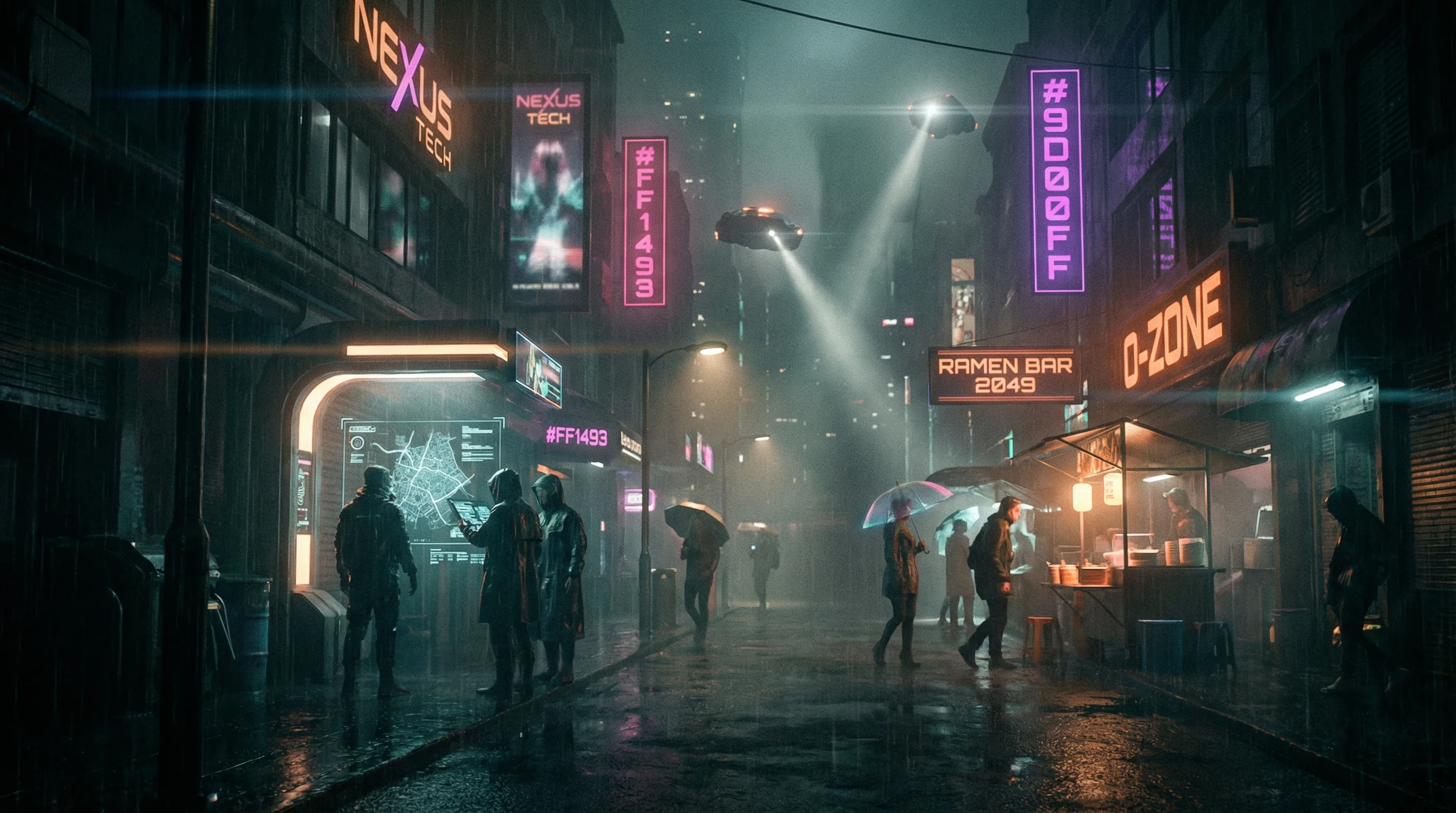
Cyberpunk
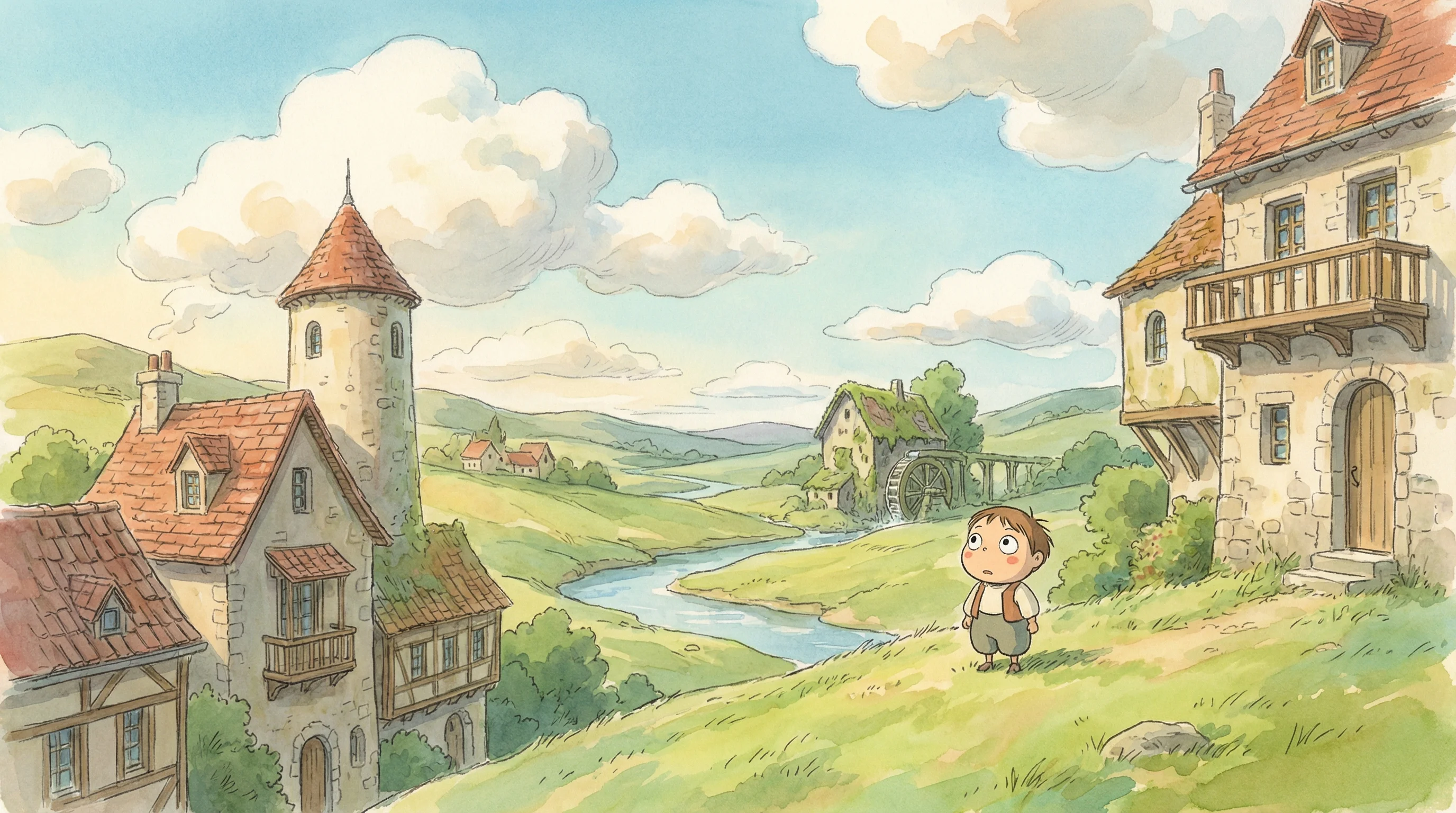
Studio Ghibli
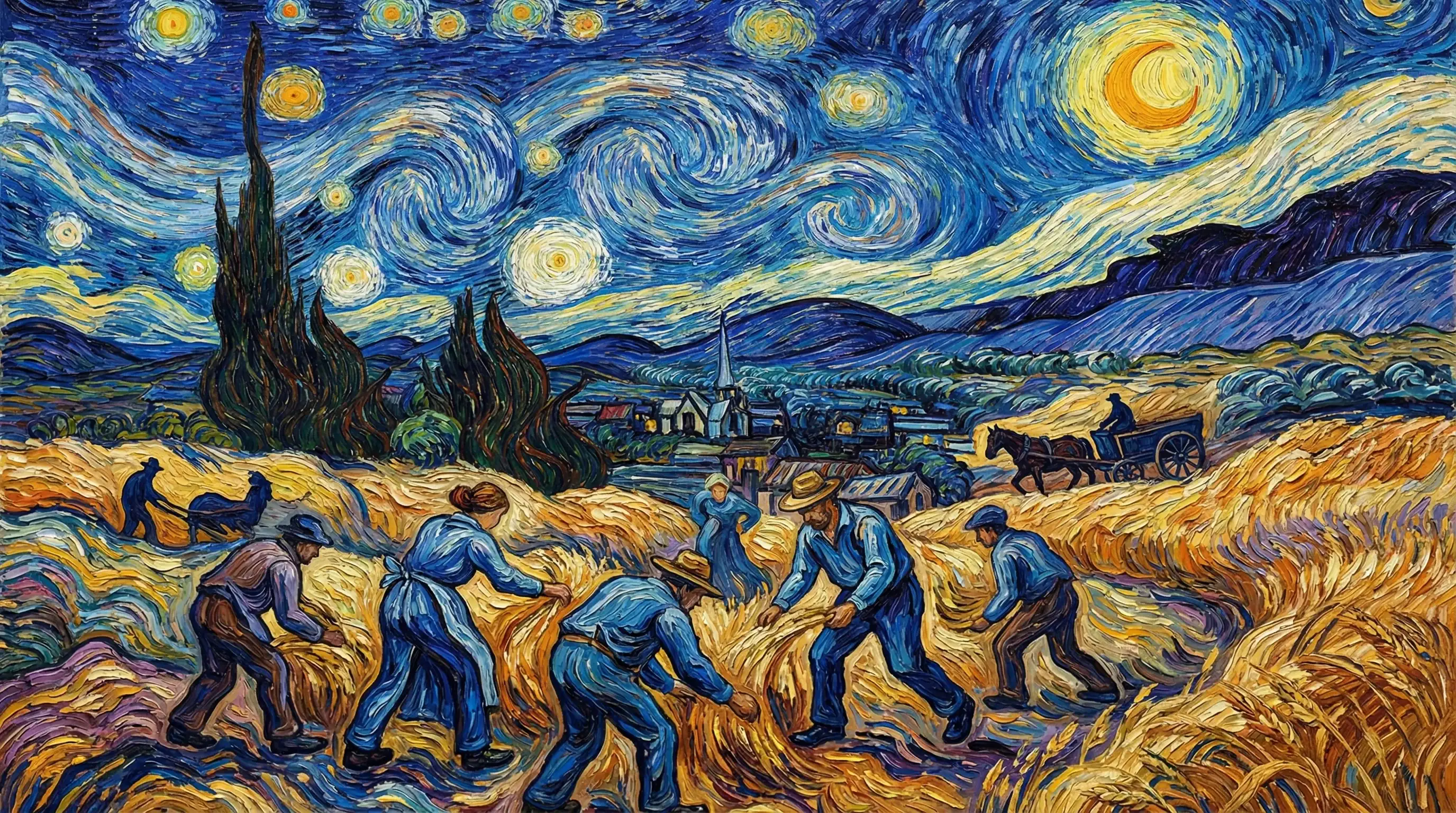
Van Gogh

Hyperrealistic
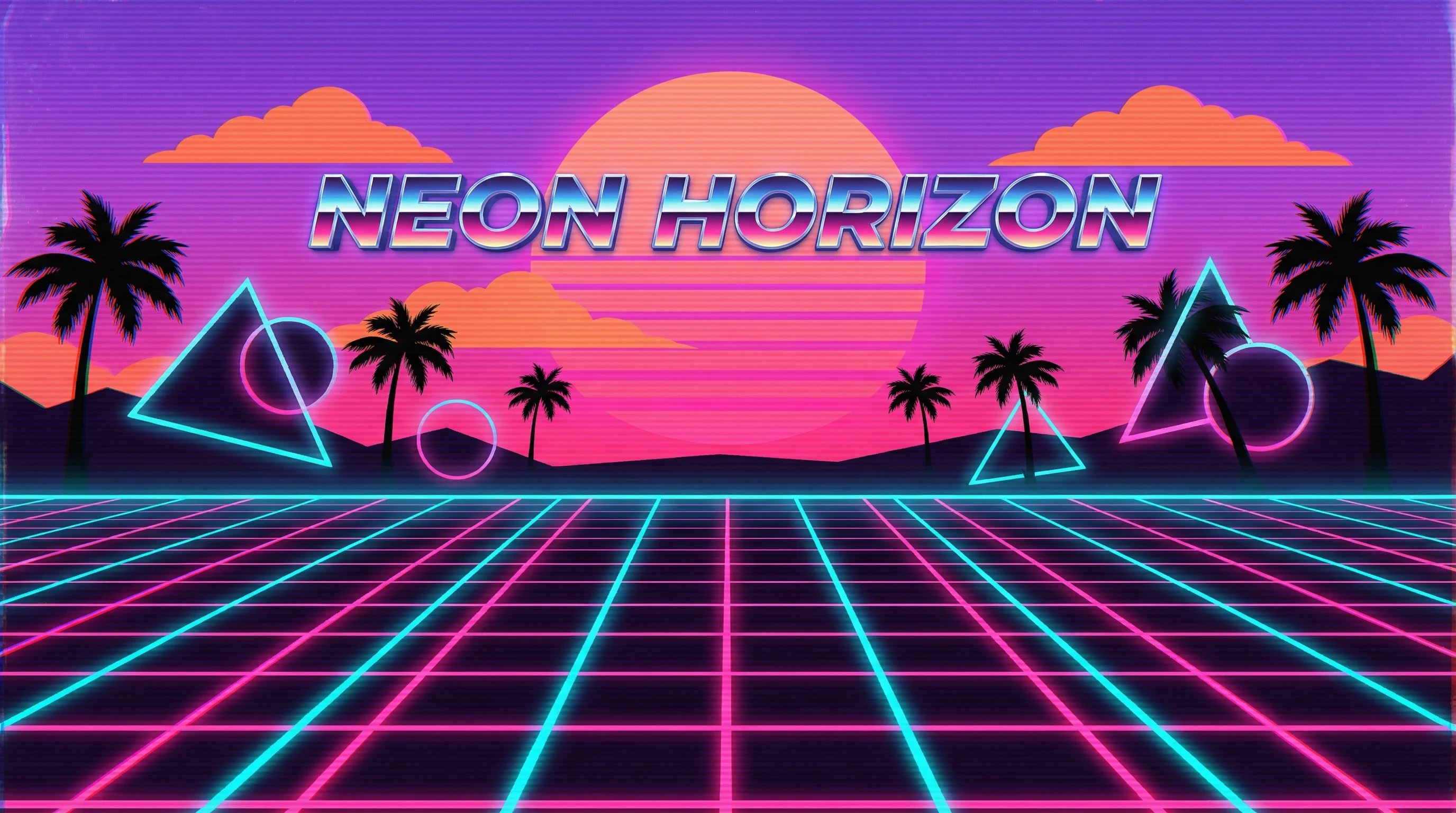
Synthwave
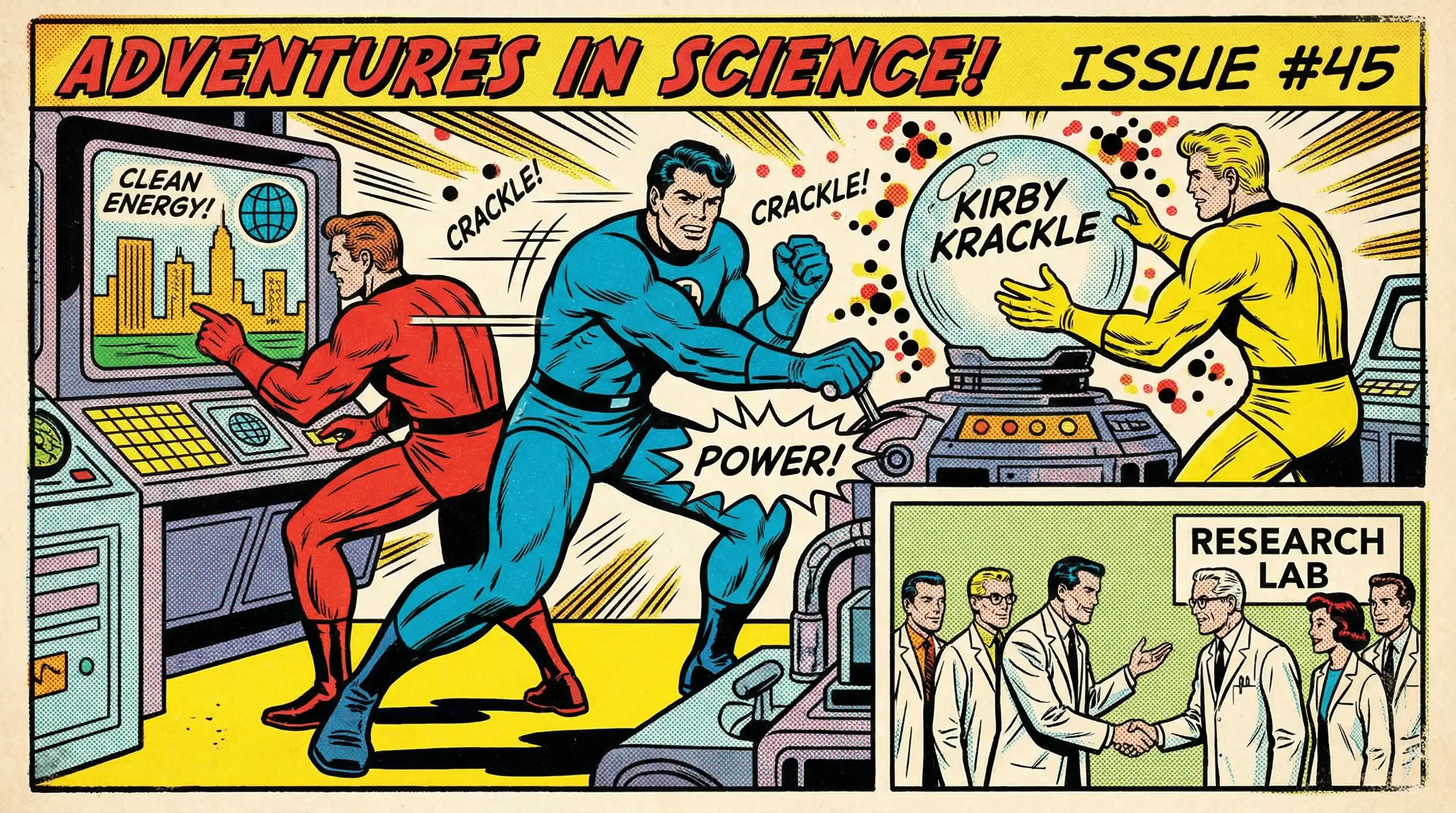
Marvel Comics
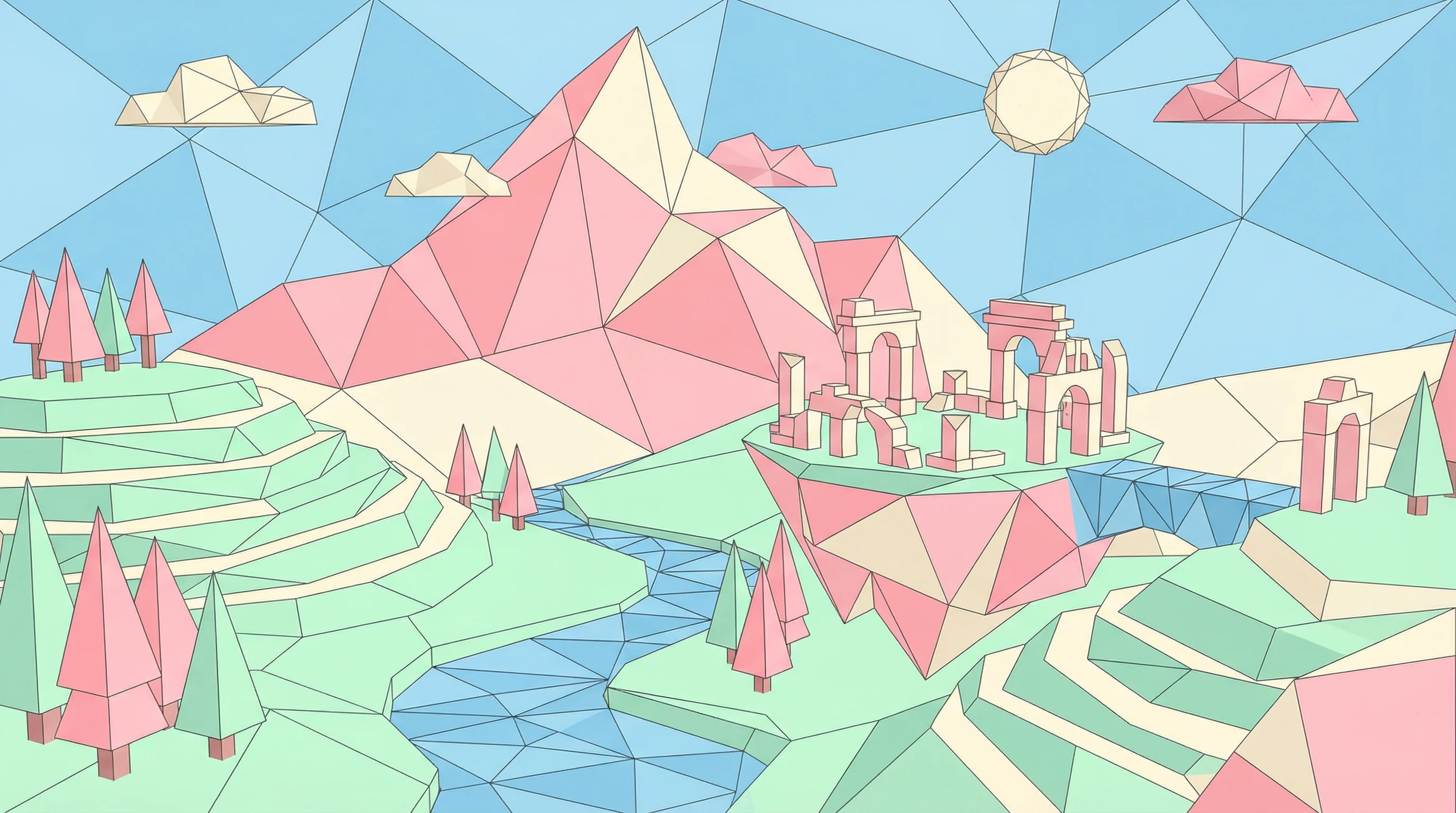
Low Poly
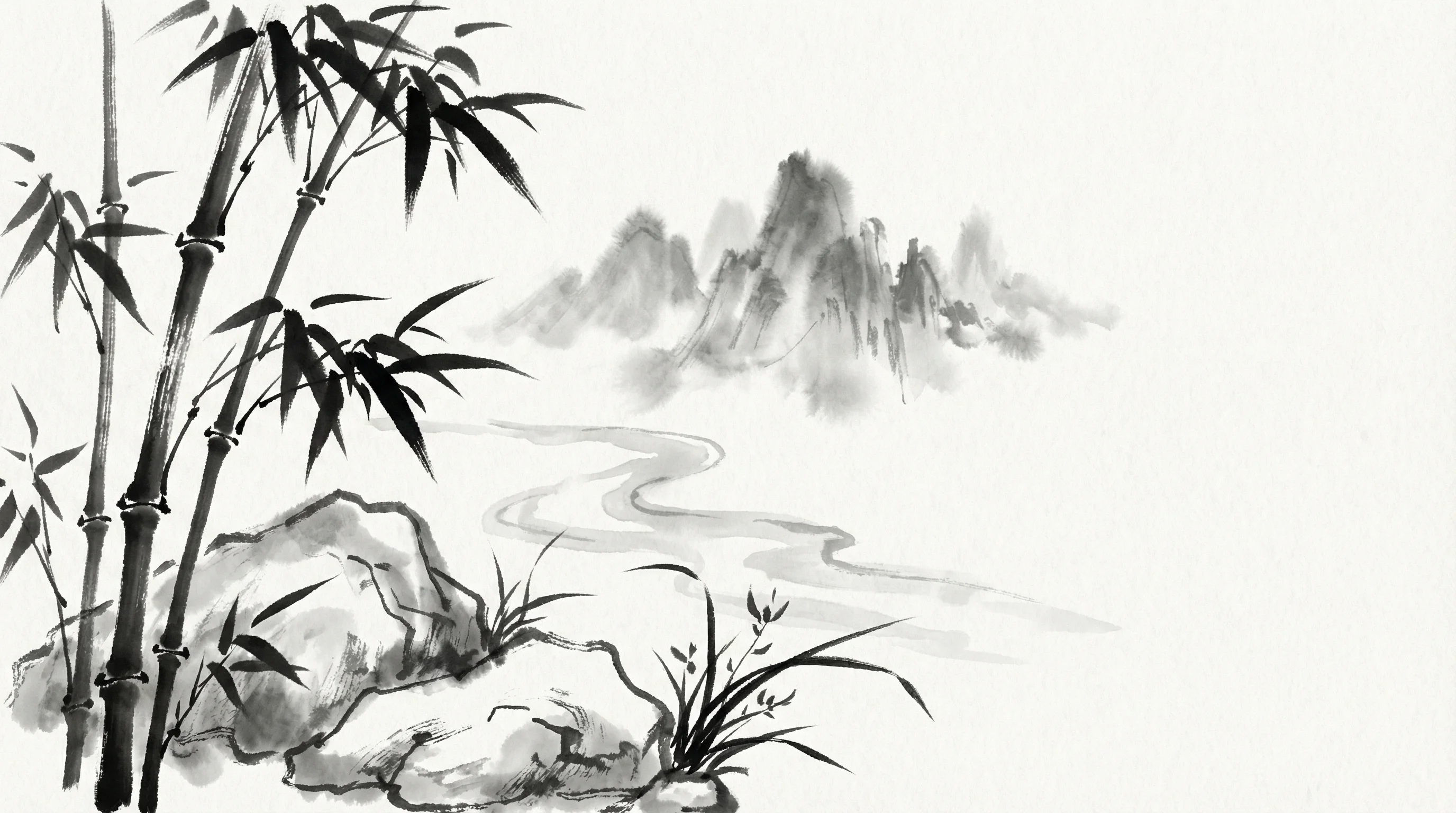
Sumi-e Ink
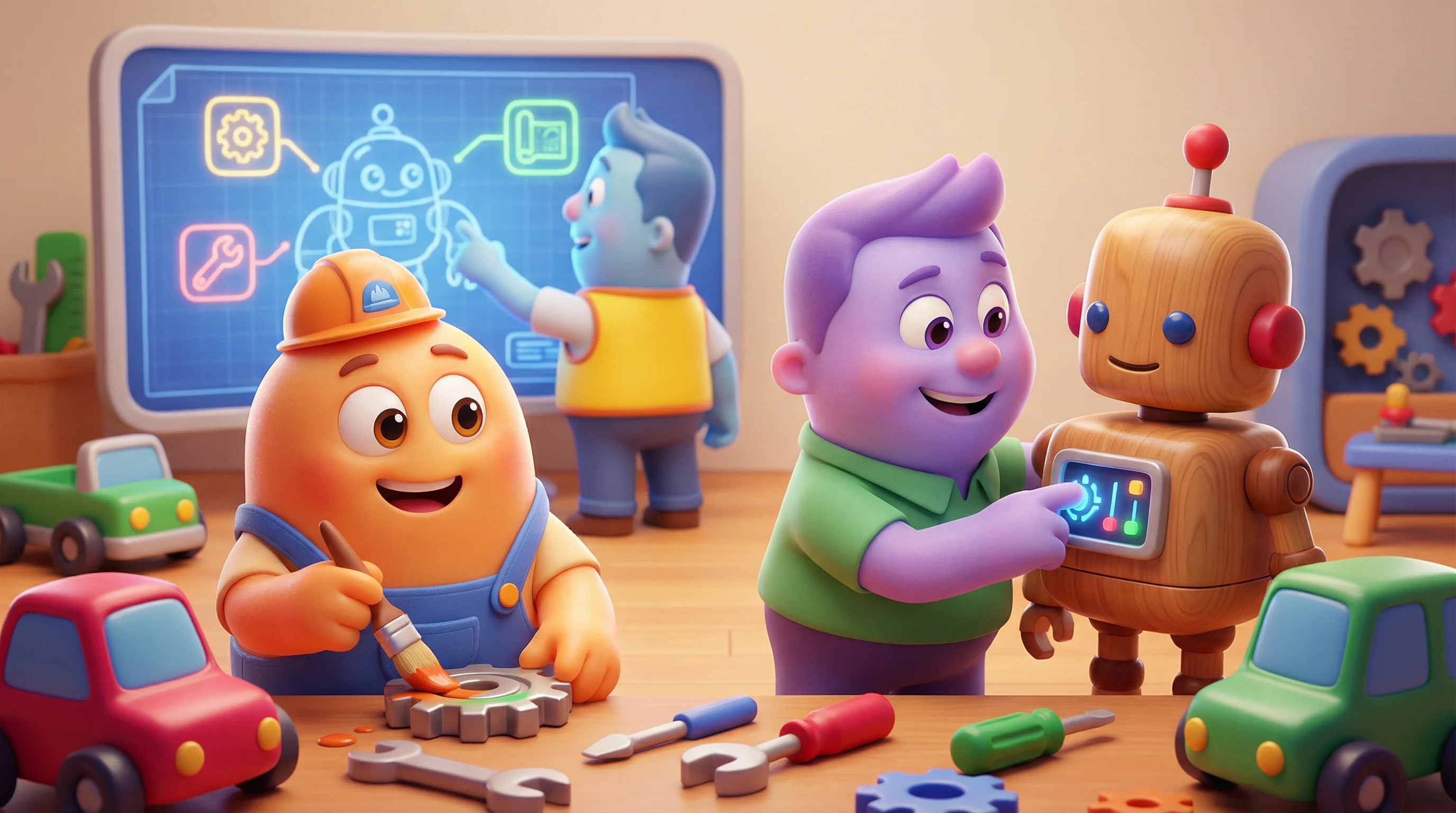
Pixar 3D