Image Resizer
Resize images for social media, blogs, and websites. Choose from aspect ratios, social media presets, or enter custom dimensions. Your images never leave your browser.
Features
Instant resize with aspect ratio presets (16:9, 9:16, 1:1, and more)
Social media presets for Instagram, Facebook, Twitter, LinkedIn
Custom dimensions with aspect ratio lock option
100% browser-based - your images never leave your device
Generate Professional Blog Images
Need more than resizing? Use our AI to create stunning blog images in 21 artistic styles with perfect dimensions.
Try BlogImageGen FreeHow to Resize Images Online
Upload Your Image
Click the upload button or drag and drop your image. The tool supports JPG, PNG, WebP, and GIF formats.
Choose Dimensions
Select from aspect ratio presets (16:9, 9:16), social media sizes (Instagram, Twitter), or enter custom dimensions with optional aspect ratio lock.
Download Resized Image
Preview your resized image and download it instantly. The file is processed entirely in your browser for complete privacy.
Use Cases
Social Media Marketing
Quickly resize images to meet the exact requirements of Instagram, Facebook, Twitter, LinkedIn, and other platforms.
Blog & Website Images
Optimize images for faster page load times by resizing to the exact dimensions needed for your website or blog.
Email Newsletters
Resize images to appropriate dimensions for email newsletters, ensuring fast loading and professional appearance.
Frequently Asked Questions
What image formats are supported?
The image resizer supports JPG, PNG, WebP, GIF, and most common image formats. Simply upload or drag and drop your image to get started.
What are the best Instagram image sizes?
For Instagram: Post (1080×1080), Story/Reel (1080×1920), Landscape Post (1080×566). All these presets are available in the Social Media tab for instant resizing.
Is my image uploaded to your servers?
No! This tool works entirely in your browser using the Canvas API. Your images never leave your device, ensuring complete privacy and security.
Does resizing reduce image quality?
When downsizing, quality loss is minimal using our high-quality smoothing algorithm. When upsizing beyond original dimensions, some quality loss may occur. We recommend keeping images at or below their original size.
Can I maintain the aspect ratio?
Yes! In the Custom Size tab, enable 'Lock Aspect Ratio' and changing one dimension will automatically adjust the other to maintain your image's proportions.
What's the difference between aspect ratios and social presets?
Aspect ratios (16:9, 9:16, 1:1) maintain proportions at high quality. Social presets provide exact pixel dimensions required by each platform (Instagram, Twitter, etc.).
Generate Blog Images
Paste your blog content and select a style to generate images
Configuration
Professional studio photography
Choose Your Artistic Style
From hyperrealistic photography to anime, cyberpunk to watercolor
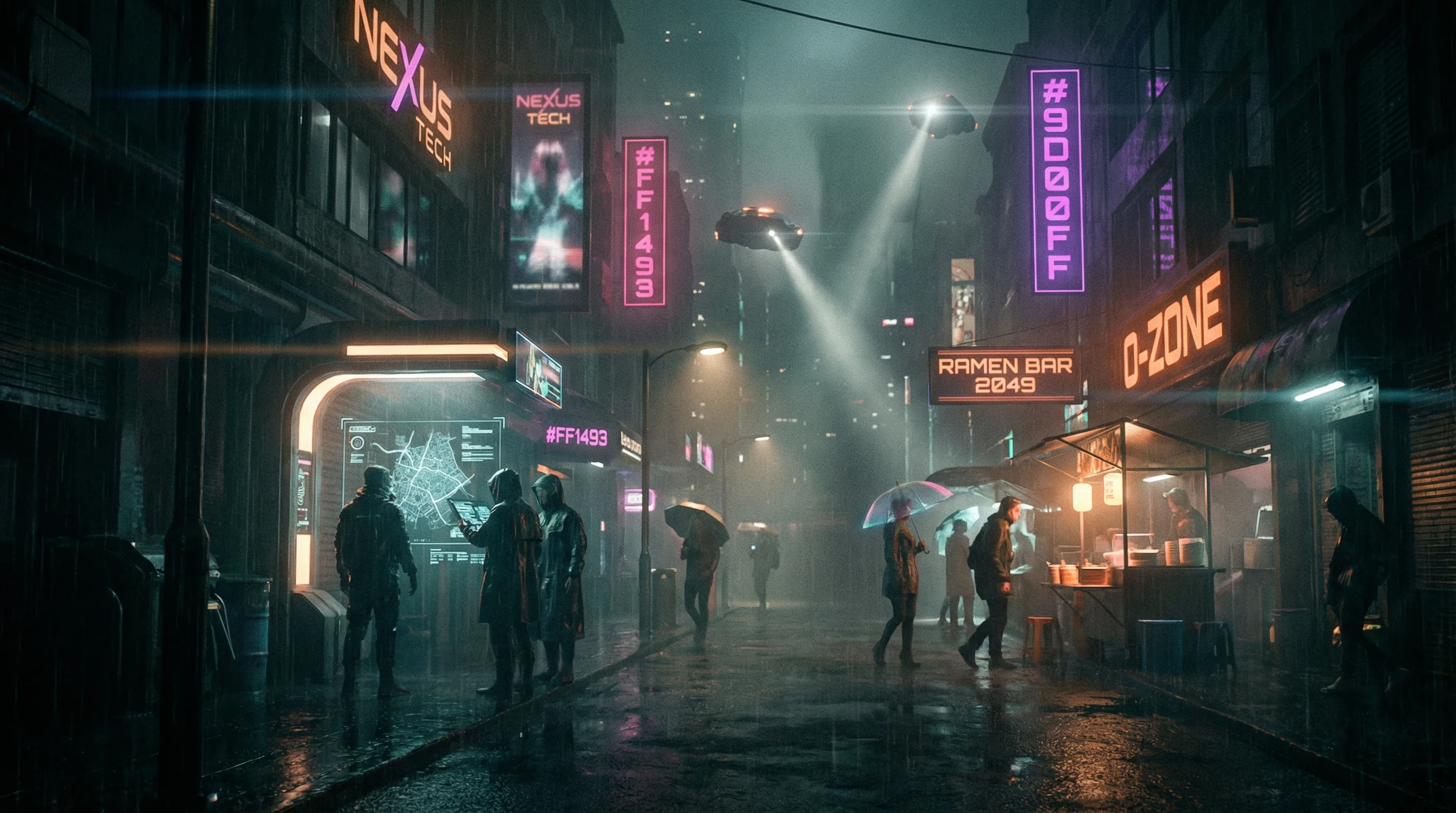
Cyberpunk
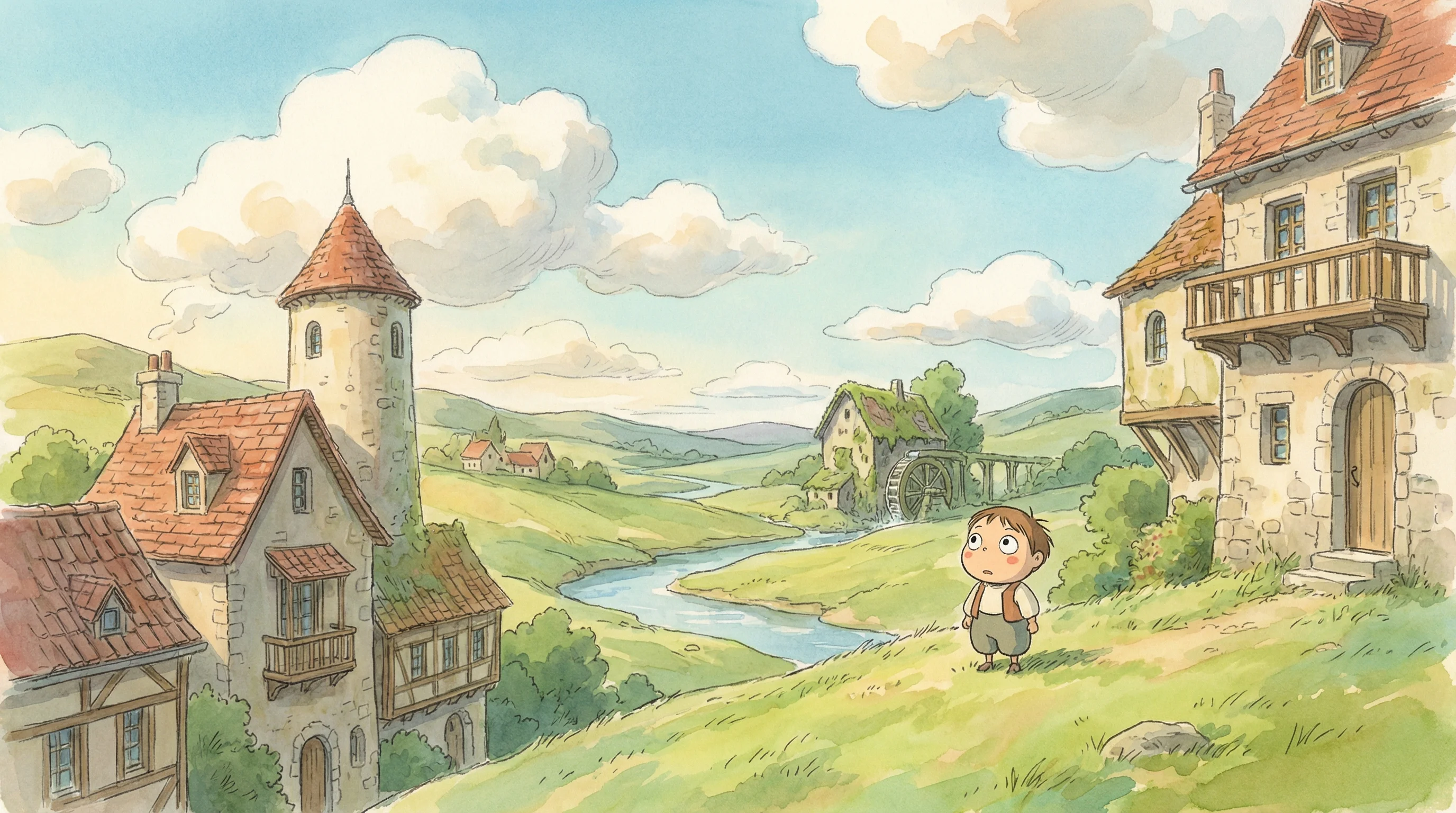
Studio Ghibli
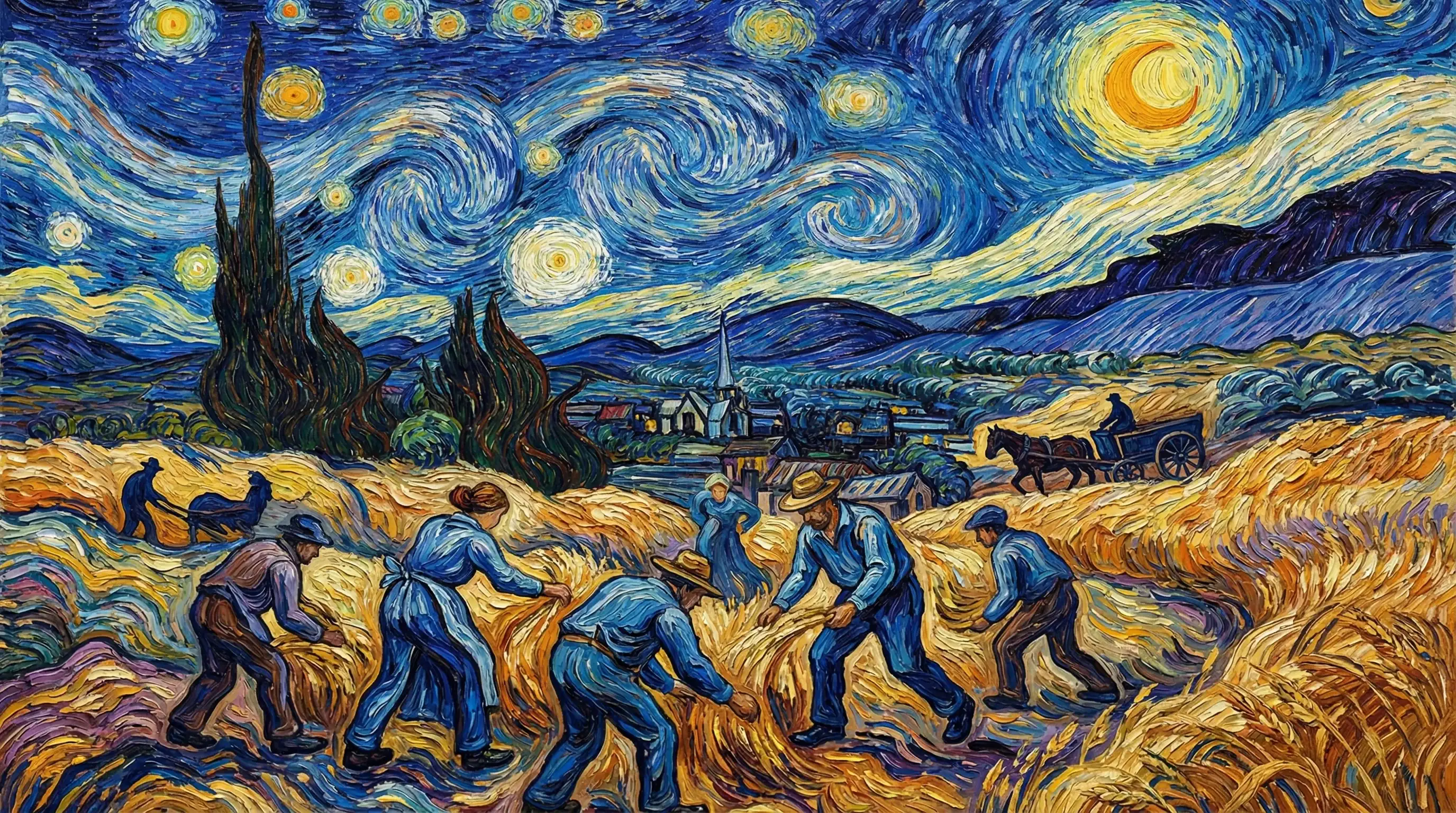
Van Gogh
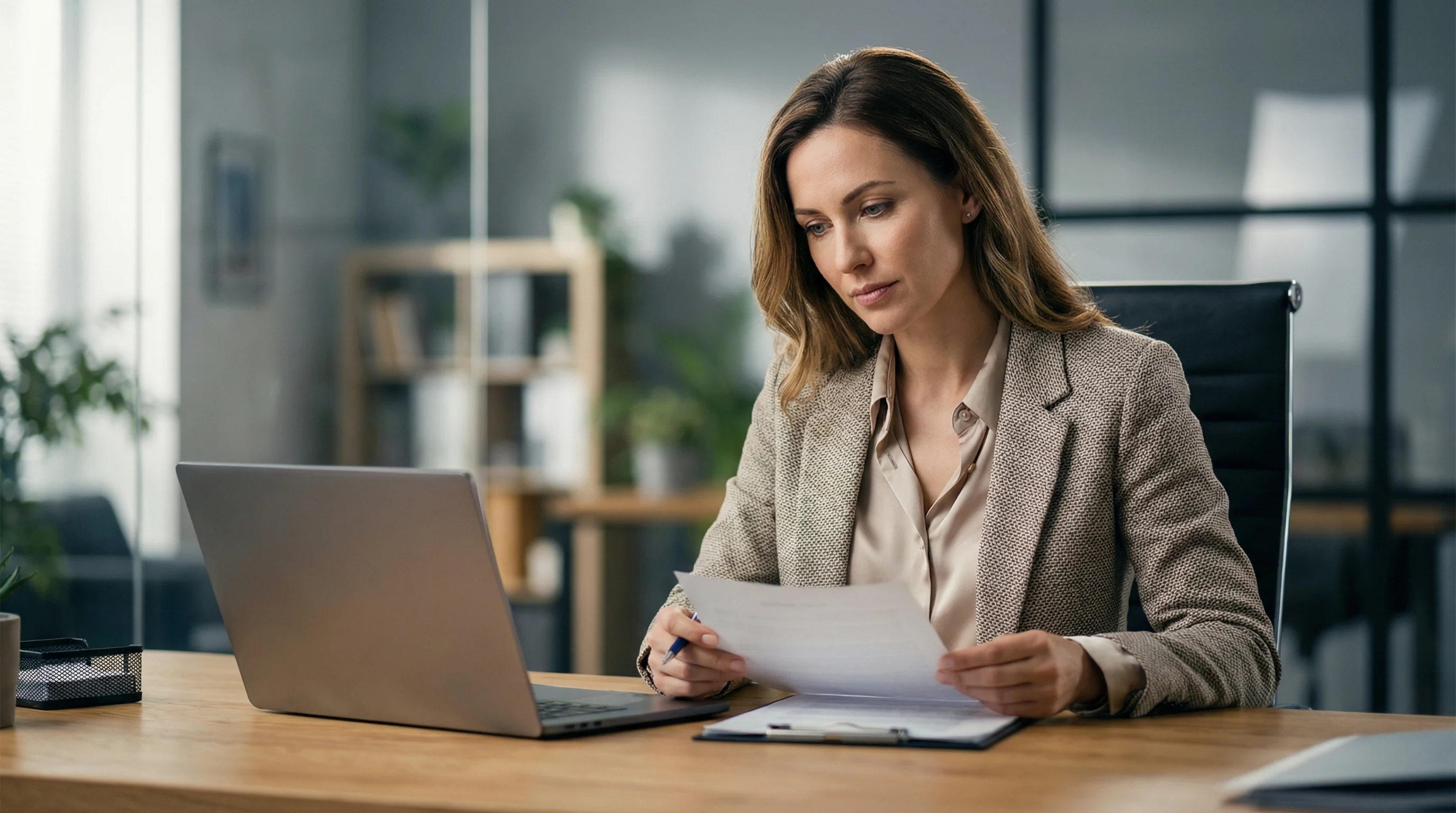
Hyperrealistic
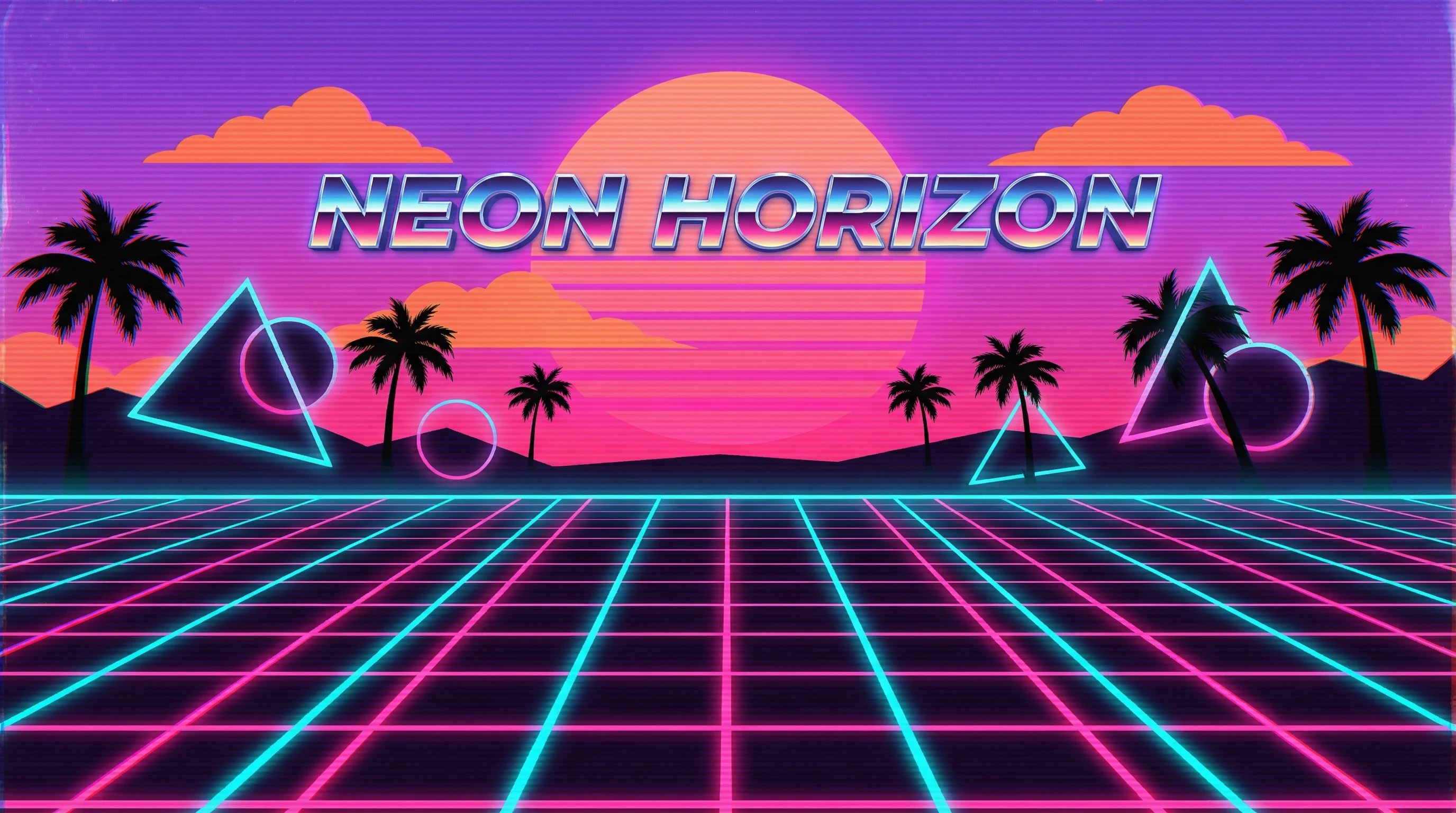
Synthwave
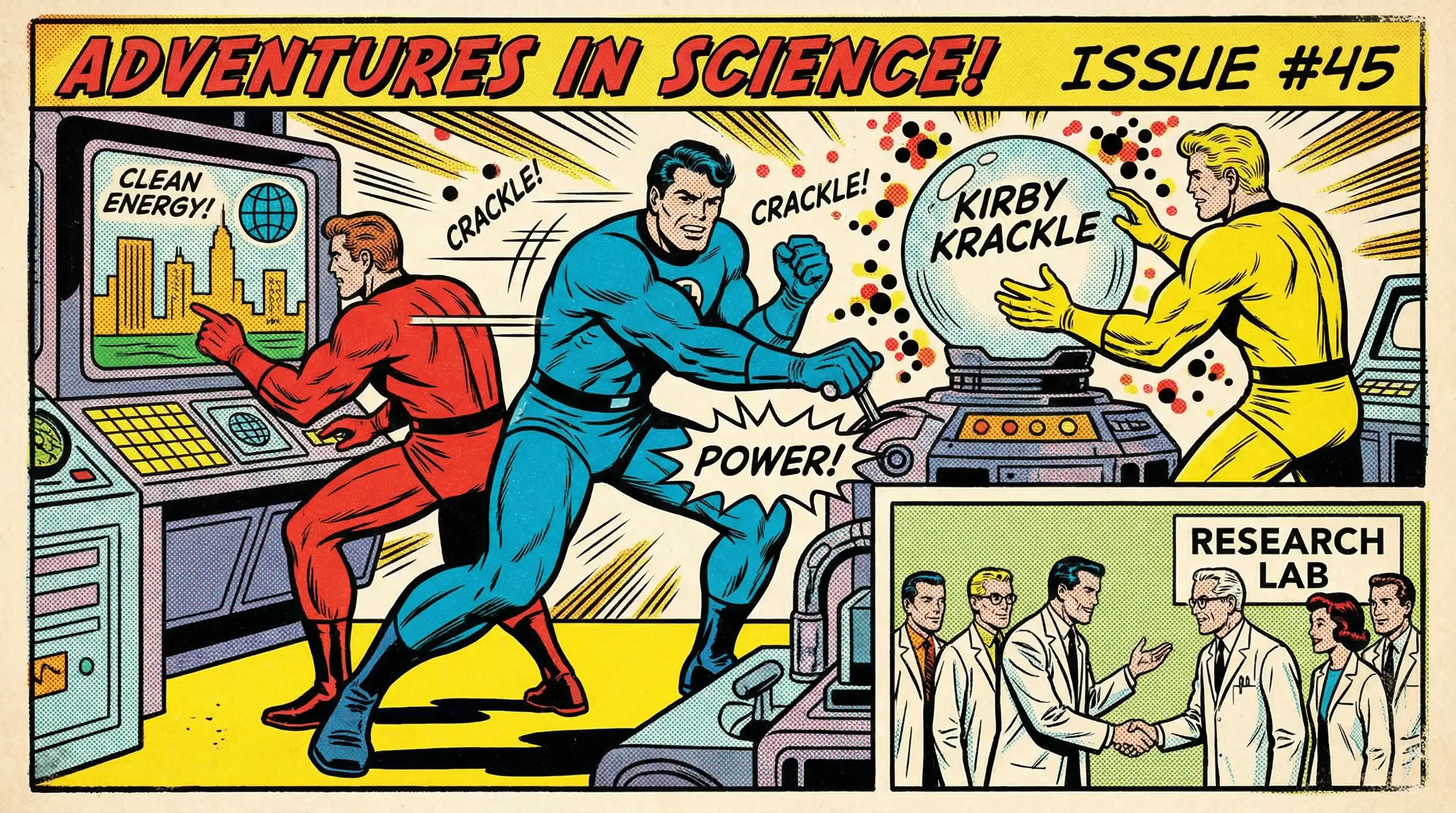
Marvel Comics
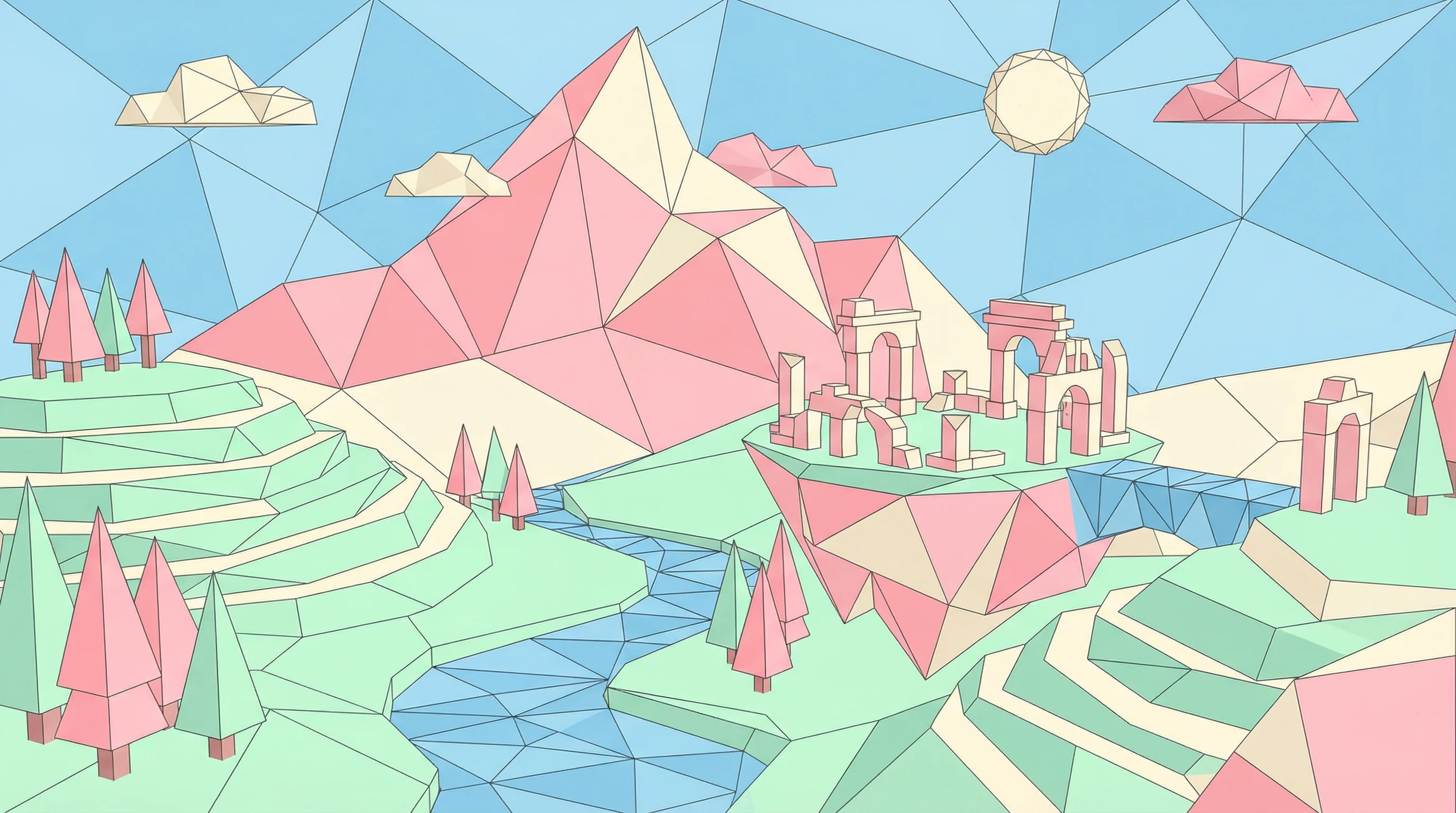
Low Poly
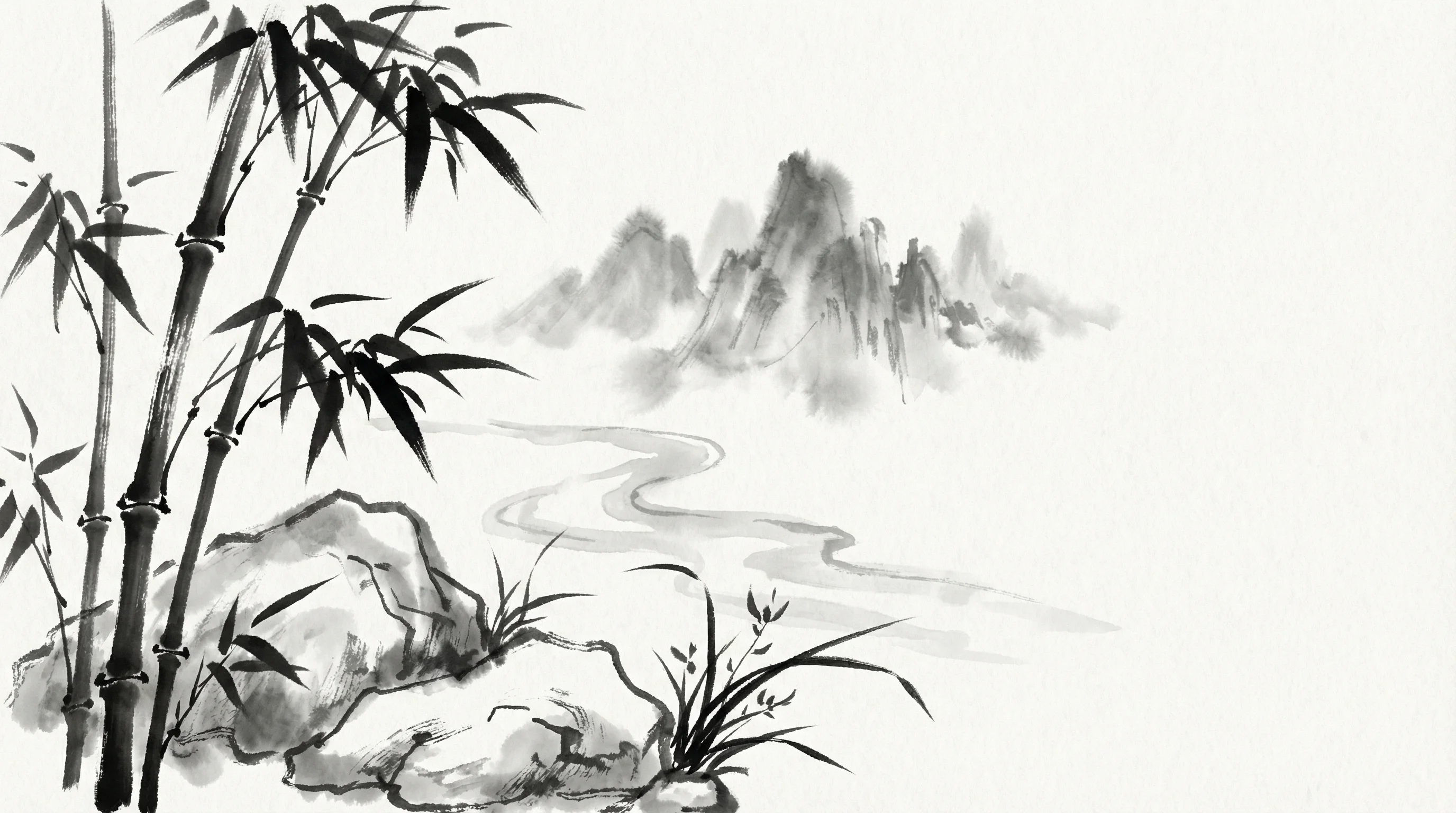
Sumi-e Ink
Pixar 3D