Image to PDF Converter
Convert images to PDF documents instantly. Upload multiple images, arrange them in order, and download as a single PDF file. Customize page size, orientation, and fit mode. 100% free, works entirely in your browser.
Features
Convert multiple images to single PDF
Customize page size (A4, Letter, Legal, etc.)
Choose portrait or landscape orientation
100% client-side - your images never leave your browser
Generate Professional Blog Images
Need more than PDF conversion? Use our AI to create stunning blog images in 21 artistic styles, already optimized for web.
Try BlogImageGen FreeHow to Convert Images to PDF
Upload Images
Click to browse or drag and drop your images. You can upload multiple images at once - they'll each become a page in your PDF. Supports JPG, PNG, and WebP formats up to 20MB per image.
Arrange & Configure
Reorder images using the up/down arrows - the order determines the page sequence in your PDF. Choose page size (A4, Letter, Legal), orientation (portrait/landscape), fit mode (fit, fill, or stretch), and margins.
Generate & Download
Click 'Generate PDF' to create your document. The tool combines all images into a single PDF file maintaining quality. Download your PDF - perfect for sharing, printing, or archiving multiple images as one document.
Use Cases
Document Scanning & Archiving
Convert scanned receipts, invoices, contracts, or documents into organized PDF files. Perfect for record-keeping, expense reports, tax documents, or digital archives. Combine multiple scans into single PDF documents for easy storage and sharing.
Presentations & Portfolios
Create PDF presentations from design mockups, infographics, or portfolio pieces. Perfect for sharing visual work with clients, creating pitch decks, or assembling design portfolios that can be viewed on any device without special software.
Photo Albums & Collections
Combine related photos into themed PDF albums - vacation photos, family events, project documentation, or before/after comparisons. Easy to share via email, print as physical albums, or archive for long-term storage.
Frequently Asked Questions
How many images can I convert to PDF?
You can convert unlimited images to a single PDF document. Each image becomes one page. For best performance, we recommend keeping individual PDFs under 50 pages. Large PDFs (100+ pages) may take longer to generate depending on your device.
What's the difference between fit modes?
Fit mode determines how images are placed on pages: 'Fit' maintains aspect ratio with no cropping (may have margins), 'Fill' scales to fill the entire page (may crop edges), and 'Stretch' distorts the image to fit exactly. Choose 'Fit' to preserve image proportions.
Are my images uploaded to a server?
No! This tool works 100% client-side in your browser using JavaScript and jsPDF library. Your images never leave your computer. All PDF generation happens locally for complete privacy and security. Nothing is uploaded to our servers.
Can I change the page order?
Yes! Use the up (⬆️) and down (⬇️) arrows next to each image to reorder them. The order you arrange your images determines the page sequence in the final PDF. The first image becomes page 1, second becomes page 2, and so on.
What page sizes are available?
We support common page sizes: A4 (210×297mm - international standard), Letter (8.5×11in - US standard), Legal (8.5×14in), A3 (297×420mm), and A5 (148×210mm). Choose the size that matches your intended use or printing requirements.
Why is my PDF file size large?
PDF file size depends on: number of images, original image resolutions, image format (PNG creates larger PDFs than JPG), and fit mode (fill/stretch may increase size). To reduce size: compress images before upload, use JPG instead of PNG, or use lower resolution images.
Generate Blog Images
Paste your blog content and select a style to generate images
Configuration
Professional studio photography
Choose Your Artistic Style
From hyperrealistic photography to anime, cyberpunk to watercolor
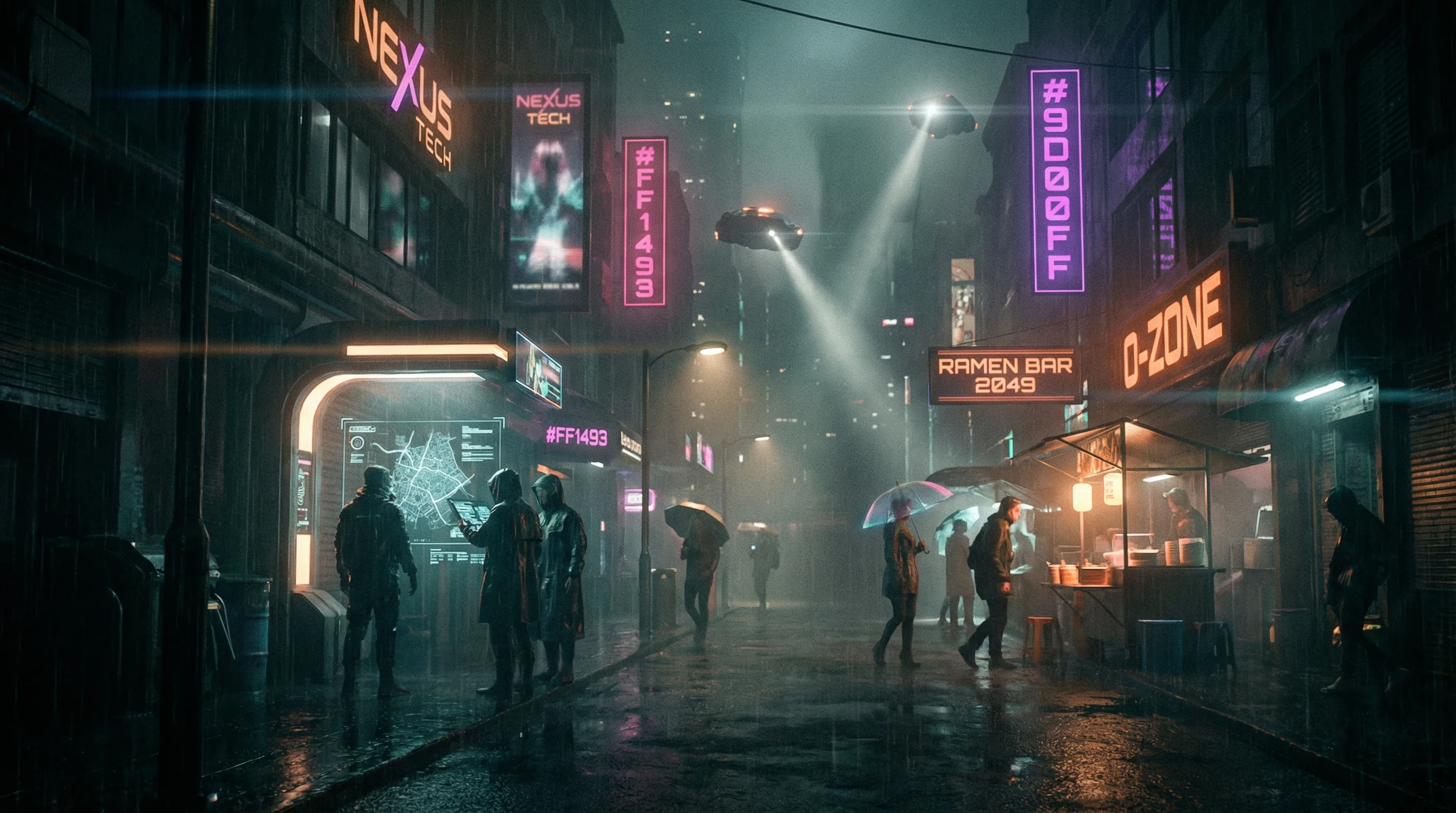
Cyberpunk
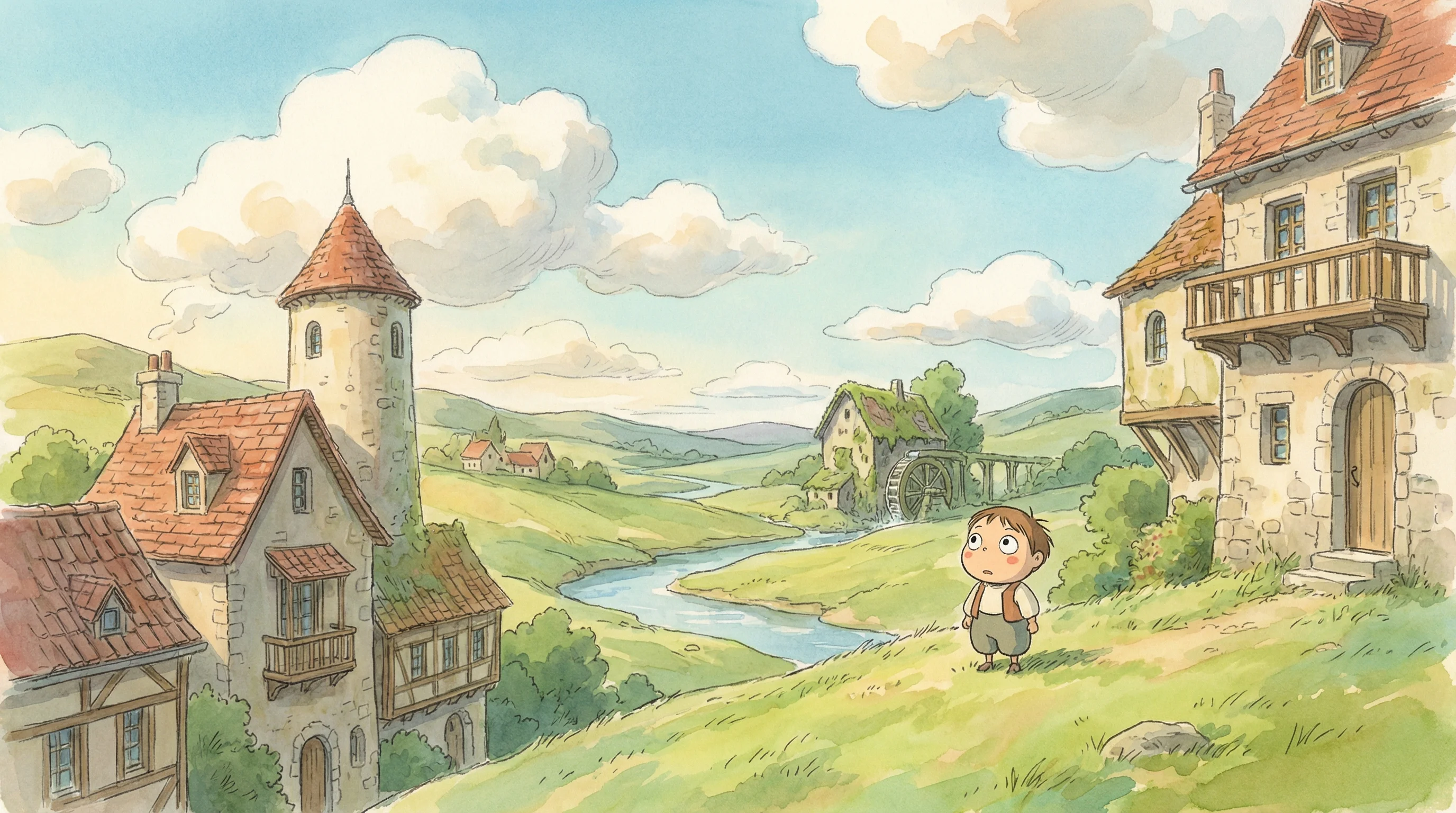
Studio Ghibli
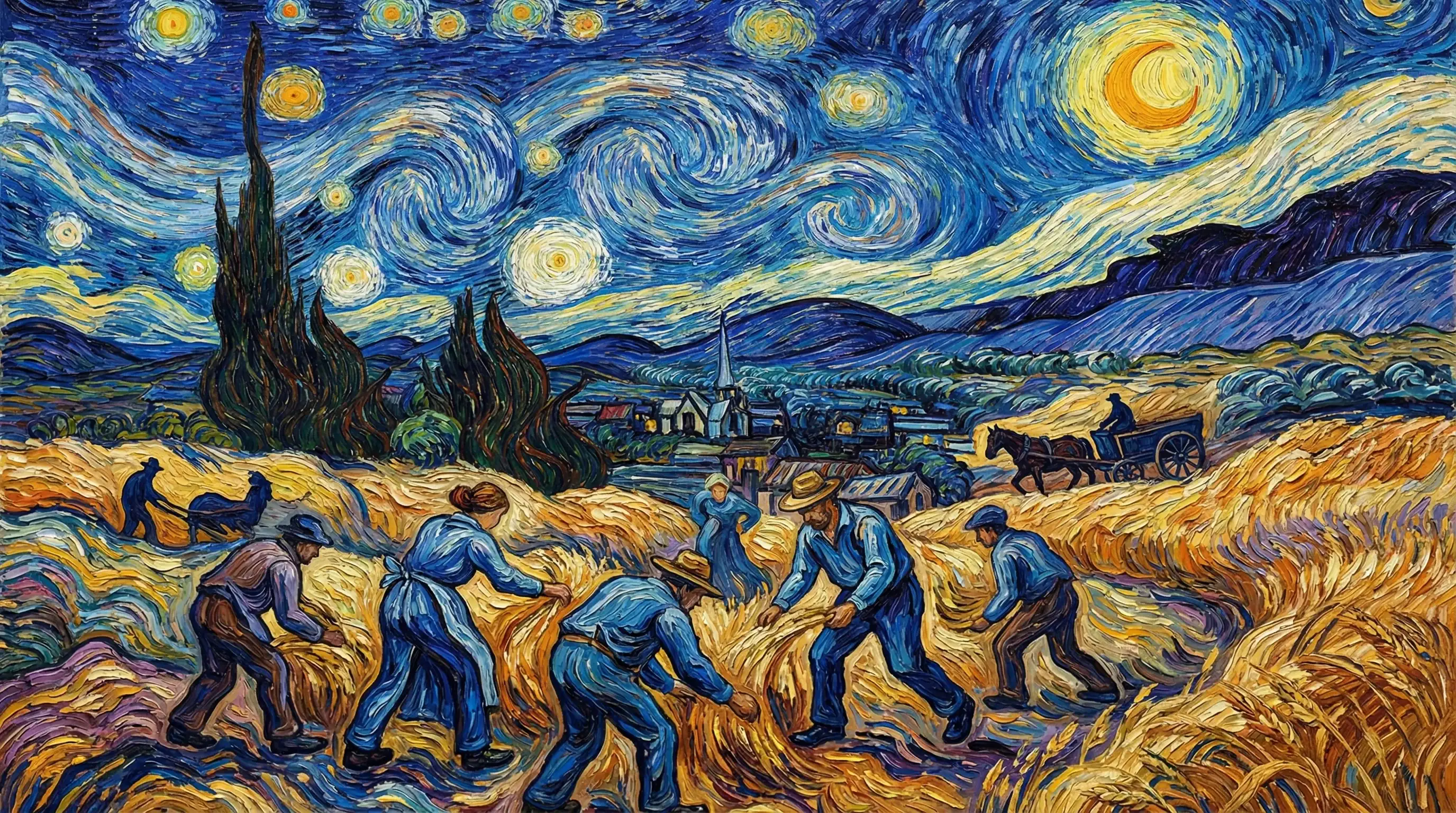
Van Gogh

Hyperrealistic
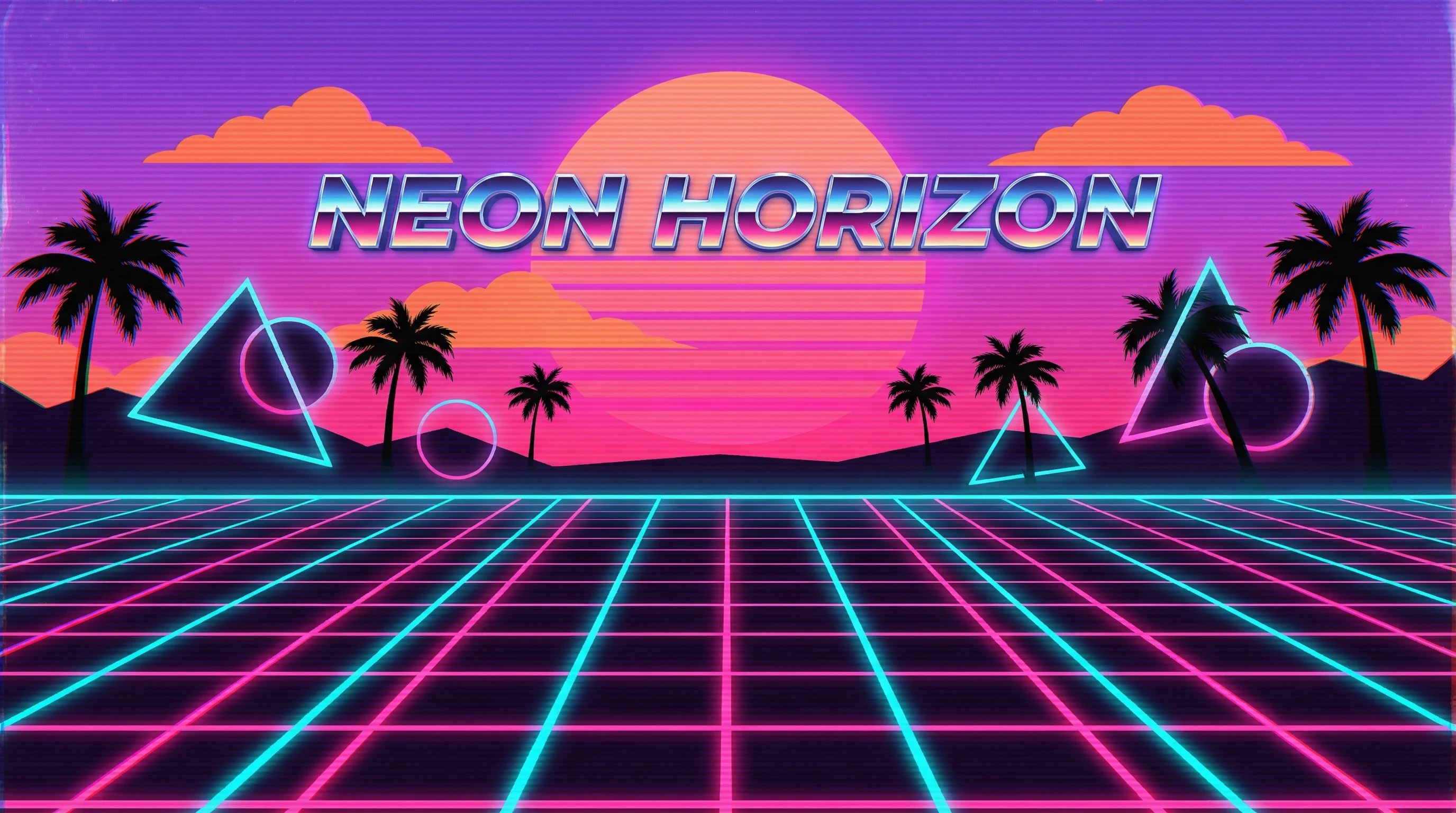
Synthwave
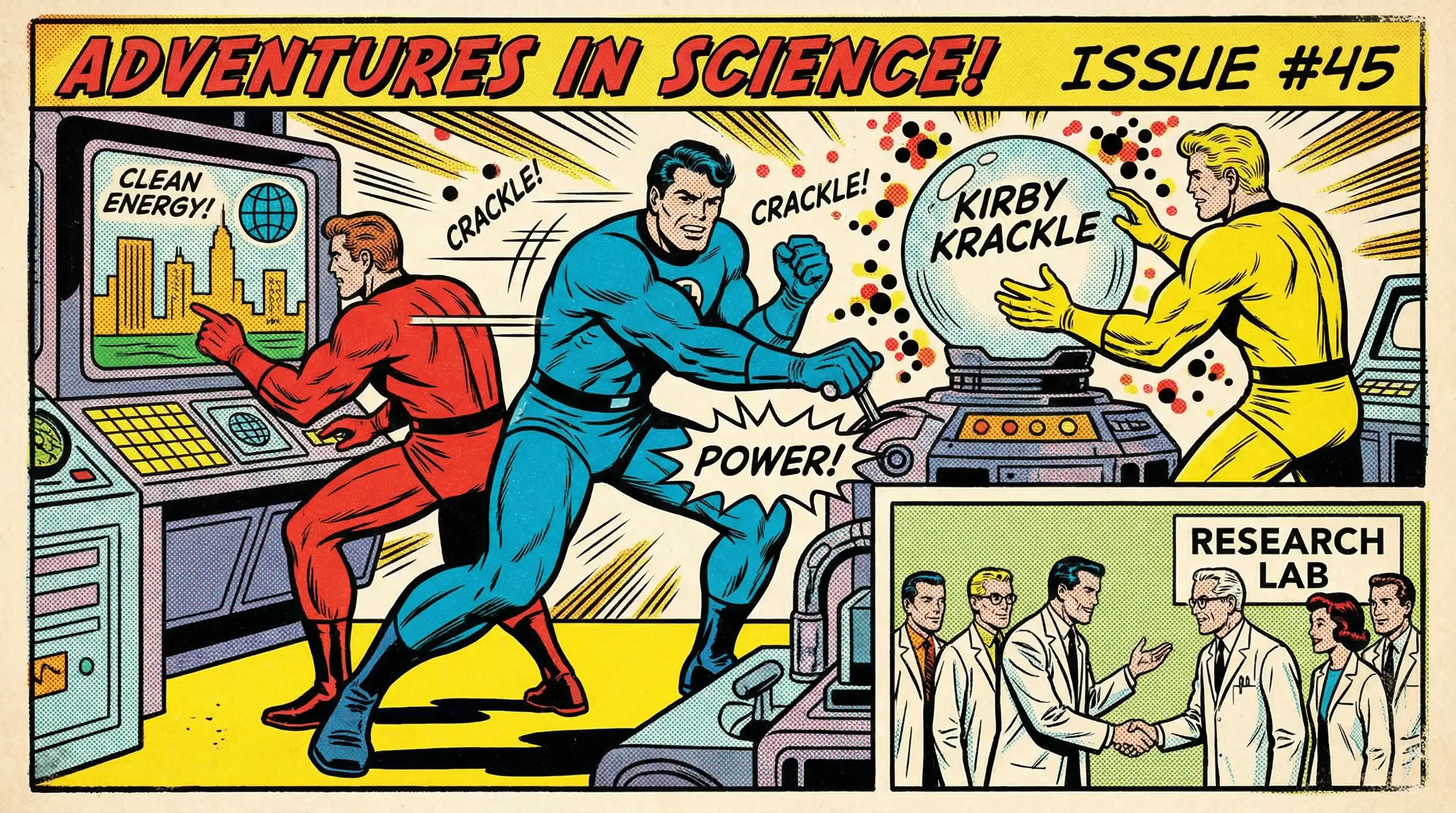
Marvel Comics
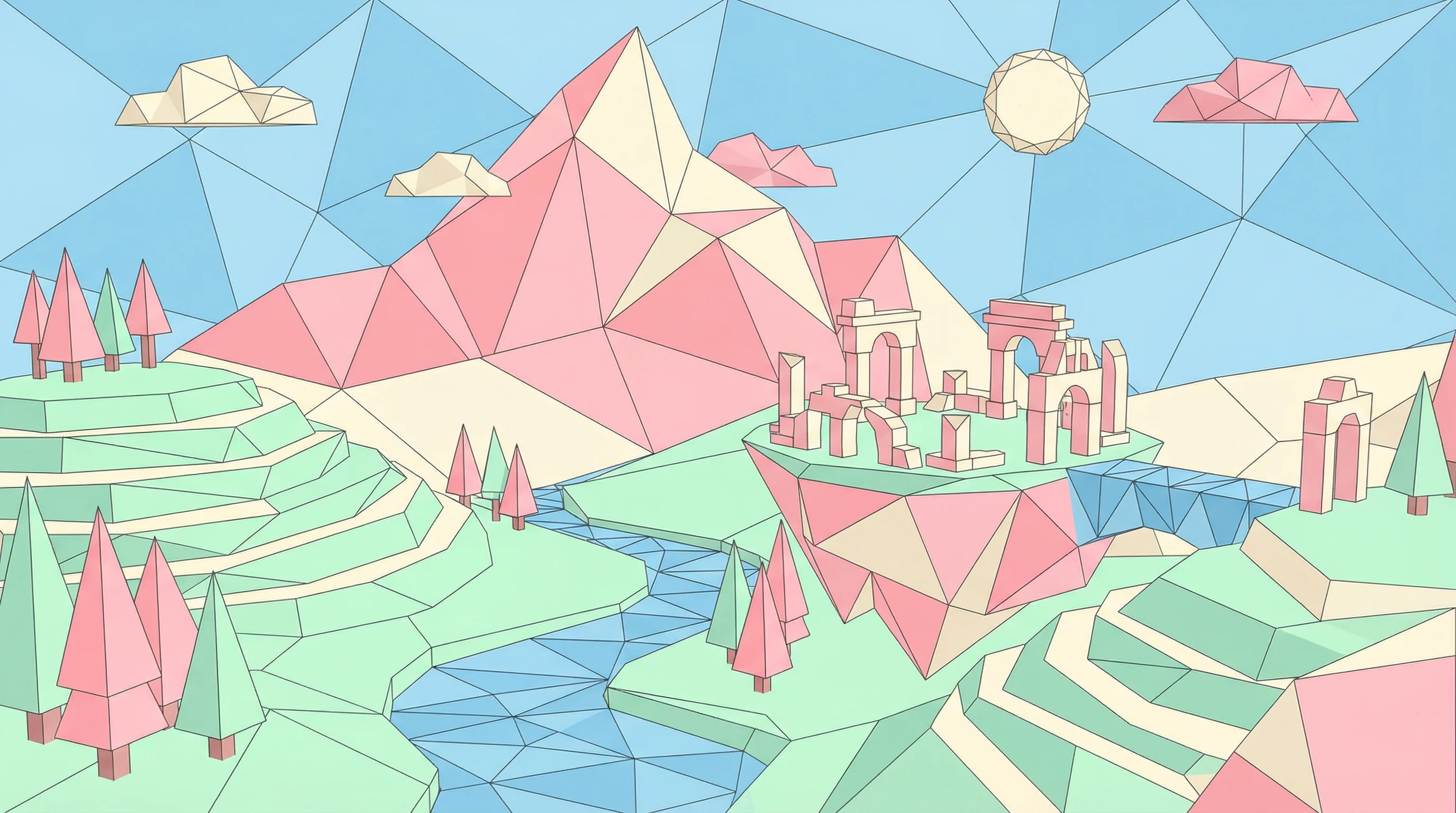
Low Poly
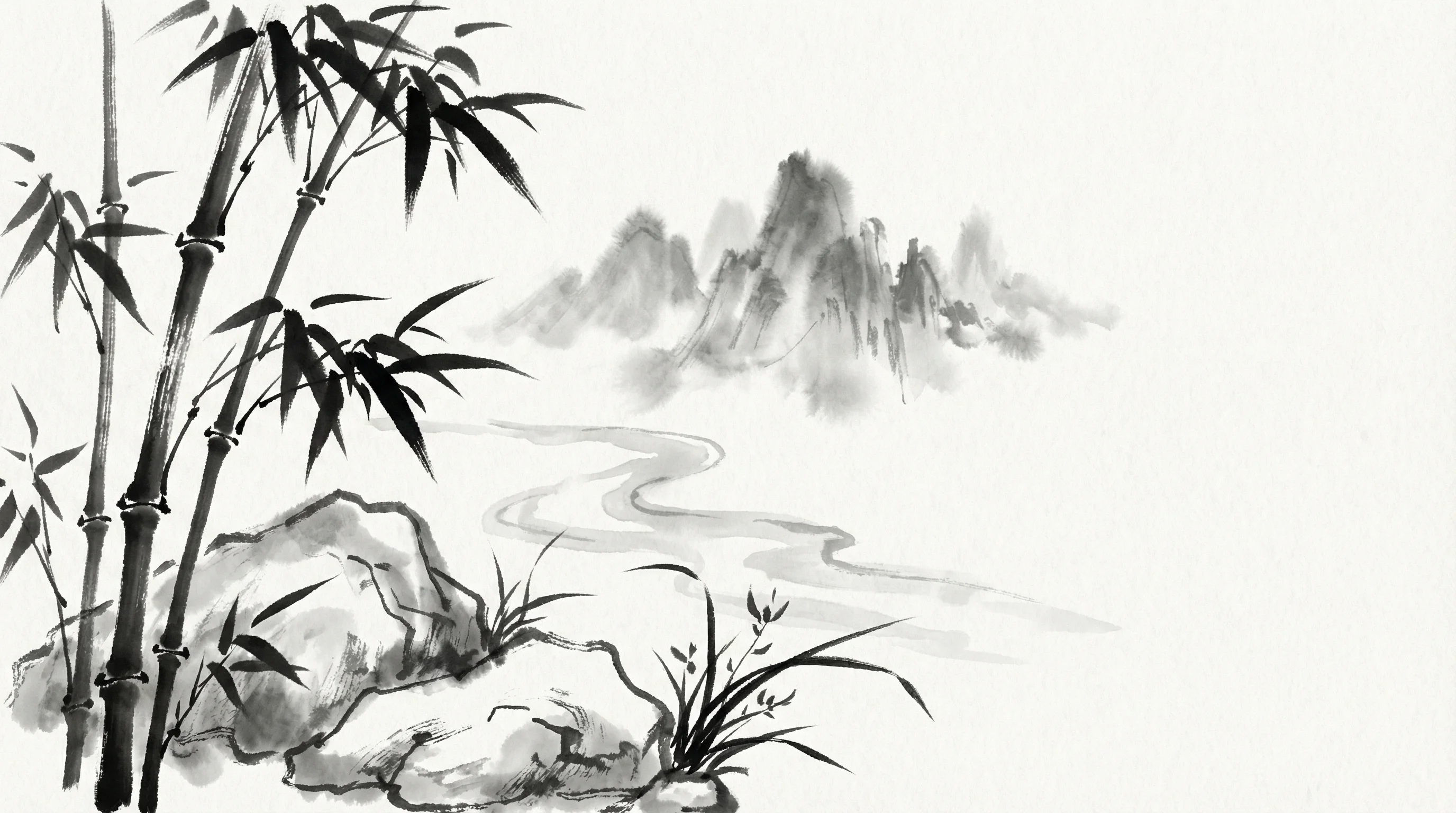
Sumi-e Ink
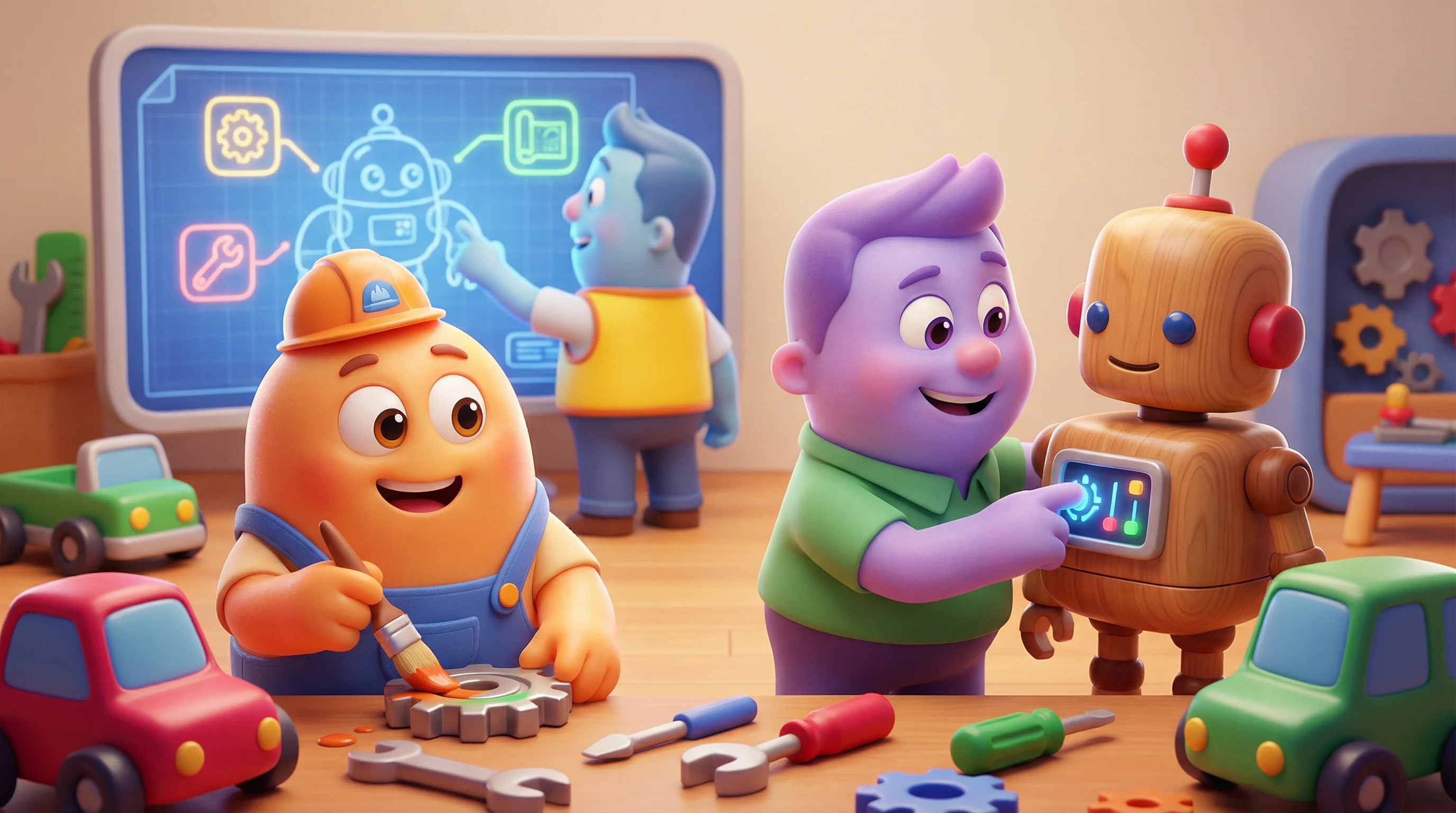
Pixar 3D