OG & Twitter Card Validator
Validate and preview your Open Graph and Twitter Card meta tags. See exactly how your page will appear when shared on Facebook, Twitter, and LinkedIn.
Features
Validate Open Graph and Twitter Card tags instantly
Preview how your page appears on Facebook, Twitter, and LinkedIn
Enter a URL or paste HTML code directly
Get validation errors, warnings, and image analysis
Generate Professional Blog Images
Need eye-catching images for your social shares? Use our AI to create stunning blog images optimized for social media.
Try BlogImageGen FreeHow to Validate OG Tags
Enter URL or Paste HTML
Option 1: Enter your webpage URL and we'll fetch and validate it automatically. Option 2: Right-click on your webpage, select 'View Page Source', copy the <head> section, and paste it into the tool.
Review Preview & Validation
See exactly how your page will appear on Facebook, Twitter, and LinkedIn. Check validation results for any missing tags, incorrect formats, or optimization suggestions. Review image analysis to ensure your OG image meets recommended dimensions.
Fix Issues & Copy Tags
Edit tags directly in the tool to fix any issues. Copy the generated HTML code and paste it into your website's <head> section. Re-validate to ensure all tags are correct.
Use Cases
Website Launch
Before launching your website, validate all your Open Graph and Twitter Card tags to ensure your pages look perfect when shared on social media. Test different pages and fix any issues before going live.
Content Marketing
Optimize blog posts, landing pages, and marketing content for social sharing. Ensure each piece of content has compelling titles, descriptions, and images that drive clicks and engagement on social platforms.
E-commerce Products
Validate product page meta tags to ensure products look appealing when shared on social media. Optimize product images, titles, and descriptions to maximize conversions from social traffic.
Frequently Asked Questions
What are Open Graph tags?
Open Graph tags are meta tags that control how your webpage appears when shared on social media platforms like Facebook, LinkedIn, and Twitter. They define the title, description, image, and other metadata that platforms use to create rich previews of your content.
What's the difference between OG tags and Twitter Cards?
Open Graph tags are the standard used by Facebook, LinkedIn, and most platforms. Twitter Cards are Twitter-specific tags. Twitter will fall back to Open Graph tags if Twitter Card tags aren't present, but using both ensures optimal display across all platforms.
What image size should I use for og:image?
The recommended size for Open Graph images is 1200x630 pixels (1.91:1 aspect ratio). This ensures your image displays properly on Facebook, Twitter, and LinkedIn without being cropped. Minimum recommended size is 1200x630px, maximum file size should be under 8MB.
Why isn't my URL fetching properly?
If URL fetching fails, the website may be blocking automated requests or have CORS restrictions. You can still validate by copying the HTML source: right-click on the page, select 'View Page Source', copy the <head> section, and paste it directly into the tool.
How do I fix validation errors?
The tool shows errors and warnings for missing or incorrect tags. Edit the tags directly in the tool to fix issues, then copy the corrected HTML code and add it to your website's <head> section. Required tags are og:title, og:description, and og:image.
Will fixing these tags improve my SEO?
Yes, indirectly. While Open Graph tags aren't direct ranking factors, they make your content more shareable and engaging on social media, which can drive more traffic and backlinks to your site - both of which positively impact SEO.
Generate Blog Images
Paste your blog content and select a style to generate images
Configuration
Professional studio photography
Choose Your Artistic Style
From hyperrealistic photography to anime, cyberpunk to watercolor

Cyberpunk

Studio Ghibli
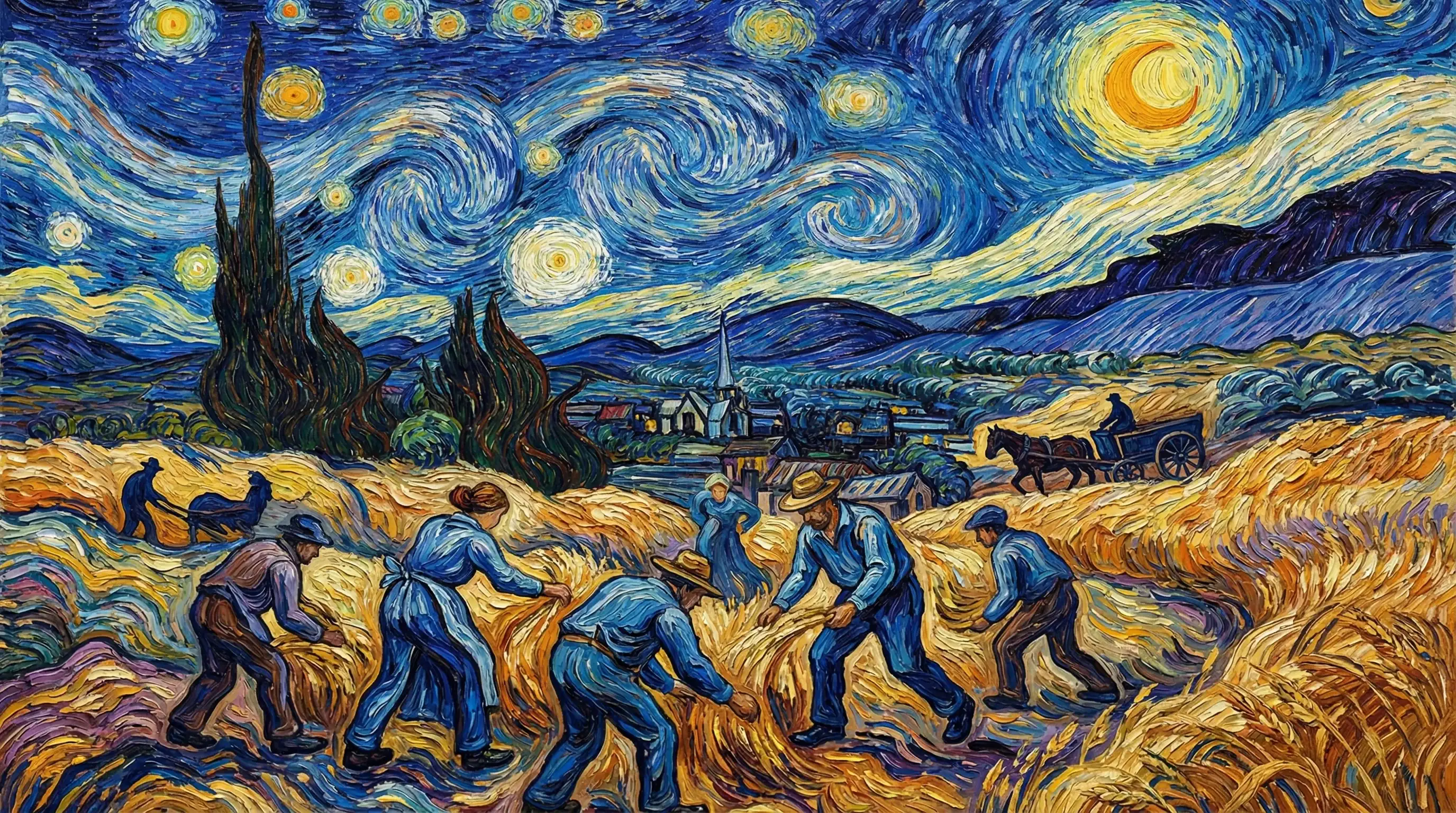
Van Gogh

Hyperrealistic

Synthwave
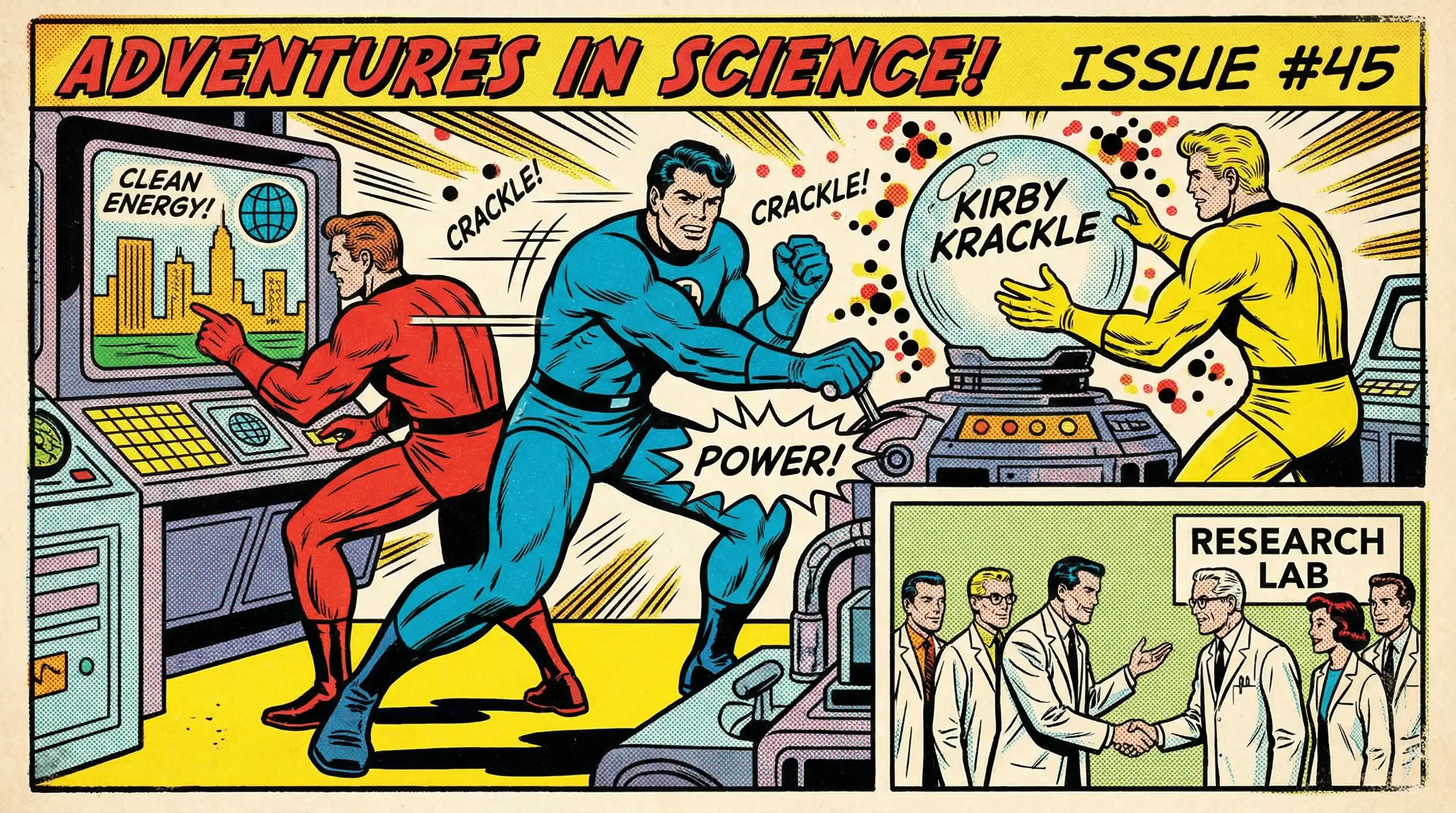
Marvel Comics

Low Poly

Sumi-e Ink

Pixar 3D