PDF to Image Converter
Convert PDF pages to high-quality PNG or JPG images. Upload any PDF and extract pages as individual images. Perfect for presentations, archiving, and sharing. 100% free.
Features
Convert PDF pages to PNG or JPG format
Batch convert multiple pages at once
Adjustable quality and resolution settings
100% client-side - your PDFs never leave your device
Generate Professional Blog Images
Need custom blog visuals? Use our AI to create stunning images in 21 artistic styles, already optimized for web.
Try BlogImageGen FreeHow to Convert PDF to Images
Upload Your PDF
Click to browse or drag and drop your PDF file. Supports PDFs up to 50MB. All pages will be loaded as thumbnails for preview and selection.
Select Pages & Options
Choose which pages to convert by clicking on thumbnails. Select all pages or pick specific ones. Choose output format (PNG or JPG), adjust quality for JPG files, and set resolution scale (1x to 4x for higher DPI).
Download Images
Click download to convert and save your images. Single page selections download directly. Multiple pages are automatically packaged in a ZIP file for convenience. All processing happens in your browser - no uploads required.
Use Cases
Presentations & Slides
Extract PDF presentation slides as individual images for embedding in documents, websites, or social media. Convert PowerPoint exports, Keynote PDFs, or Google Slides downloads into shareable PNG or JPG images.
Document Archiving
Archive important PDF documents as high-resolution images for long-term storage, backup systems, or legacy compatibility. Convert contracts, invoices, receipts, or reports into image format for easier viewing and sharing.
Web & Social Media
Turn PDF infographics, reports, or posters into web-ready images for blogs, social media posts, or email newsletters. Extract specific pages from catalogs, brochures, or ebooks to share as standalone visuals.
Frequently Asked Questions
How does PDF to image conversion work?
Our tool uses PDF.js (Mozilla's PDF renderer) to read your PDF file directly in your browser, render each page to a high-quality canvas, and convert it to PNG or JPG format. Everything happens client-side - your PDF never leaves your device.
What's the difference between PNG and JPG output?
PNG produces lossless images with perfect quality but larger file sizes. JPG creates smaller files with adjustable quality (recommended 90-95%). Use PNG for text-heavy pages, diagrams, or when you need transparency support. Use JPG for photos or when file size matters.
Are my PDF files uploaded or stored anywhere?
No. All conversion happens entirely in your browser using JavaScript. Your PDF file is read locally and never sent to any server. Nothing is stored, tracked, or shared. Your files remain 100% private.
What does the scale setting do?
Scale controls the output resolution. 1x renders at 72 DPI (standard screen resolution), 2x at 144 DPI (Retina displays), 3x at 216 DPI, and 4x at 288 DPI. Higher scales produce sharper images but larger file sizes. For printing, use 2x or higher. For web use, 1x or 2x is sufficient.
Can I convert password-protected PDFs?
No. Password-protected or encrypted PDFs cannot be processed. You'll need to remove the password protection first using Adobe Acrobat or another PDF tool, then convert the unprotected file.
How many pages can I convert at once?
You can convert all pages in a PDF up to the 50MB file size limit. Large PDFs with hundreds of pages are supported, though processing may take longer. Multiple selected pages are automatically downloaded as a ZIP file.
Generate Blog Images
Paste your blog content and select a style to generate images
Configuration
Professional studio photography
Choose Your Artistic Style
From hyperrealistic photography to anime, cyberpunk to watercolor
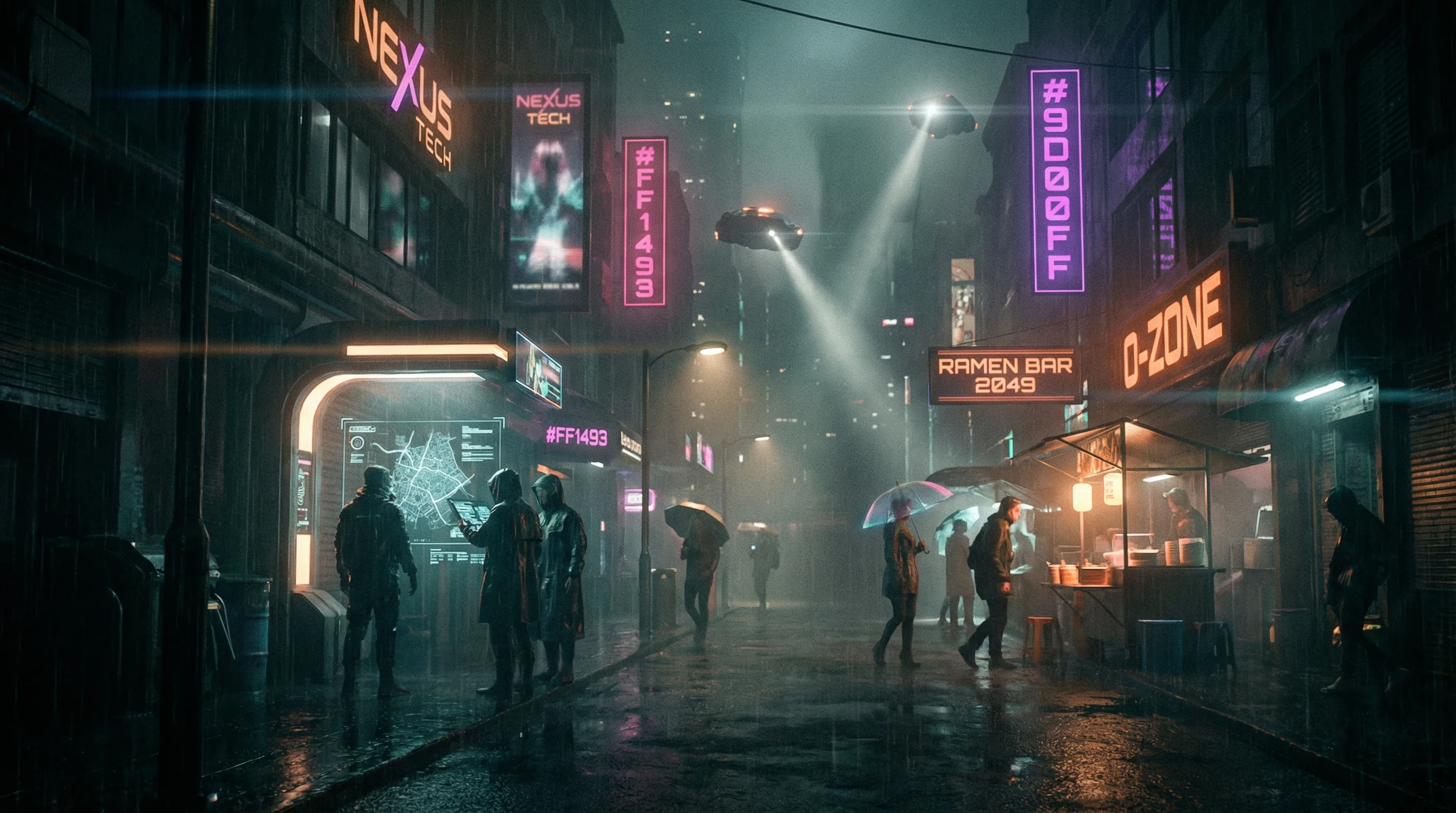
Cyberpunk
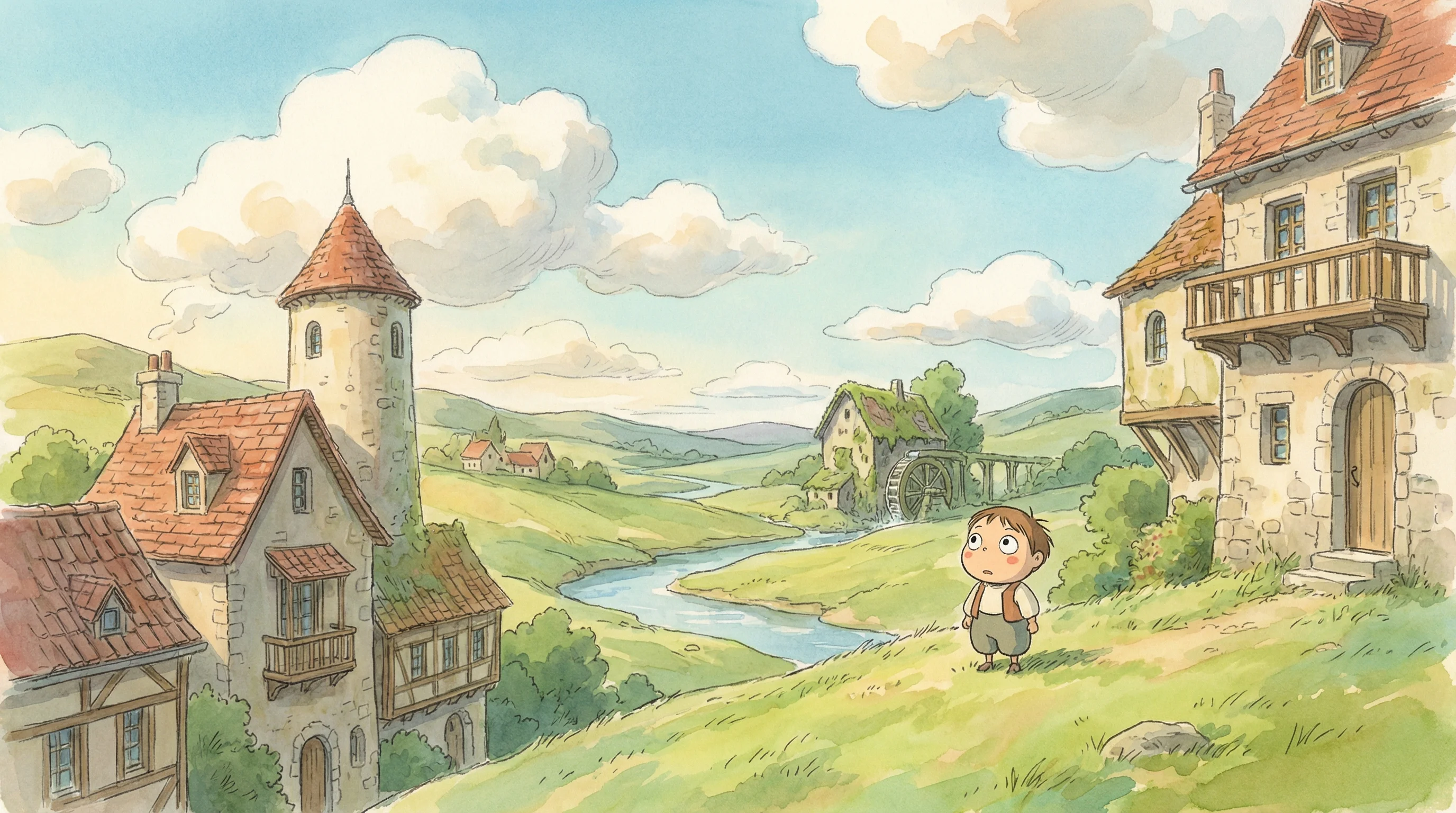
Studio Ghibli
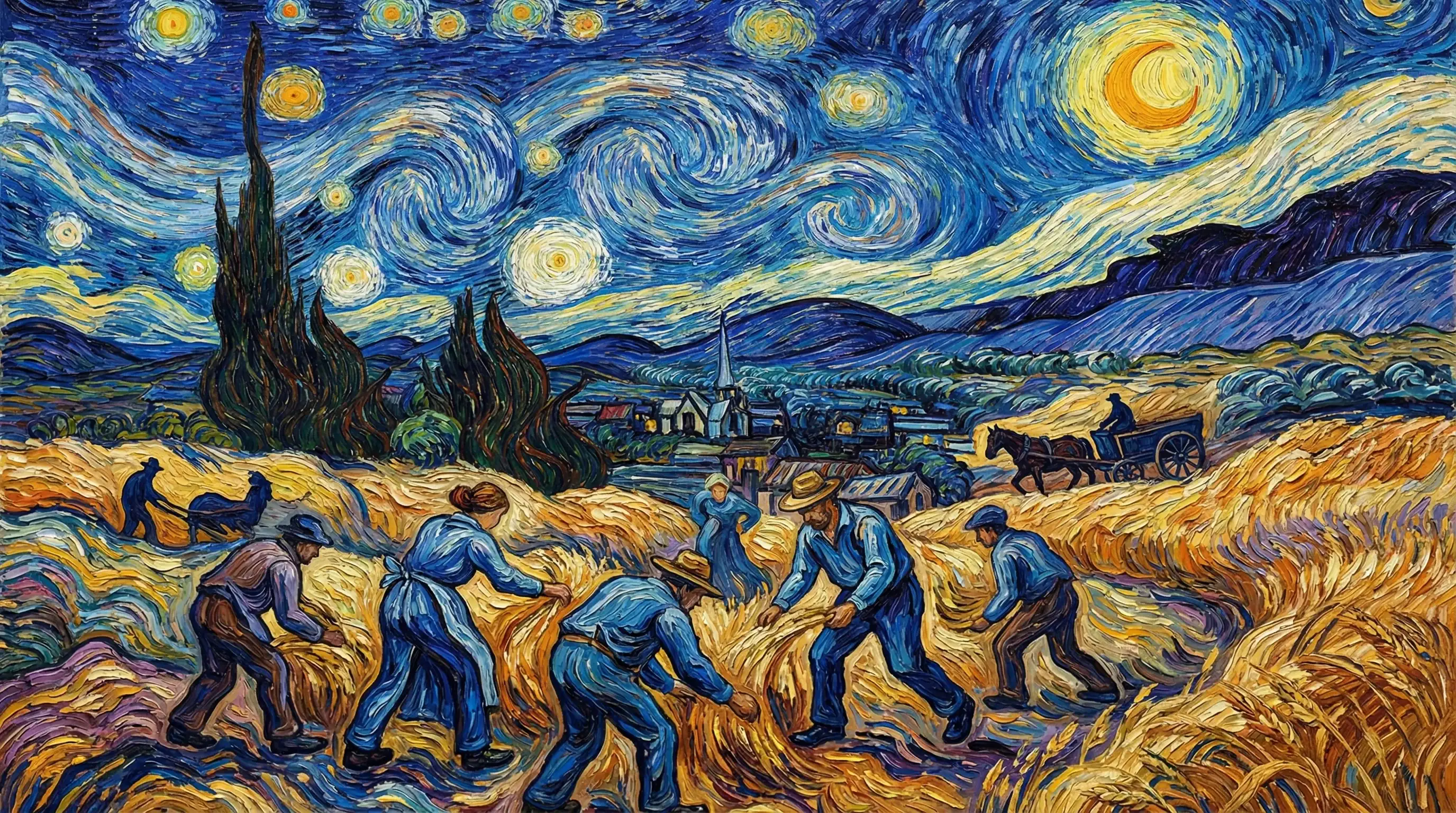
Van Gogh

Hyperrealistic
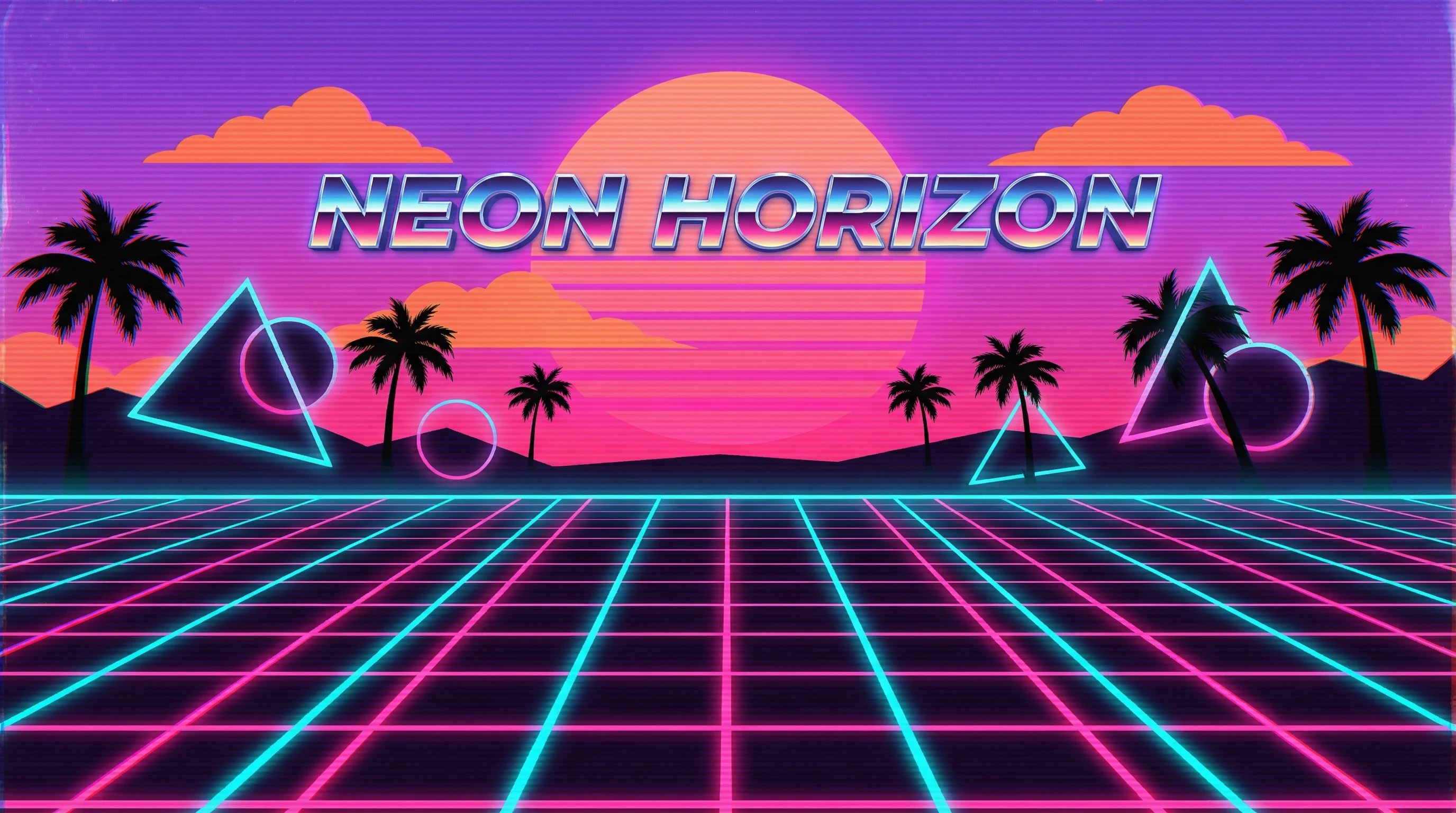
Synthwave
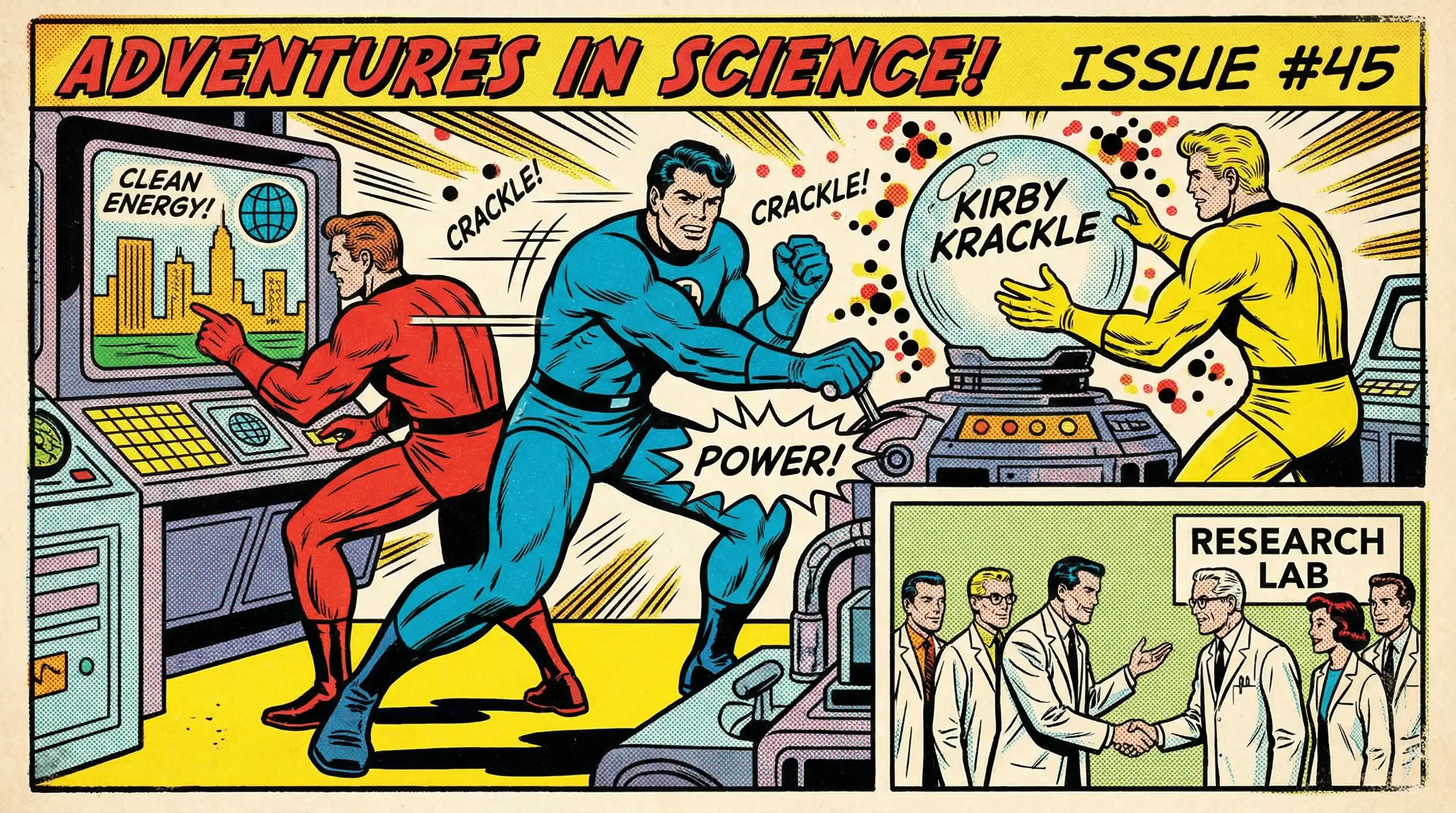
Marvel Comics
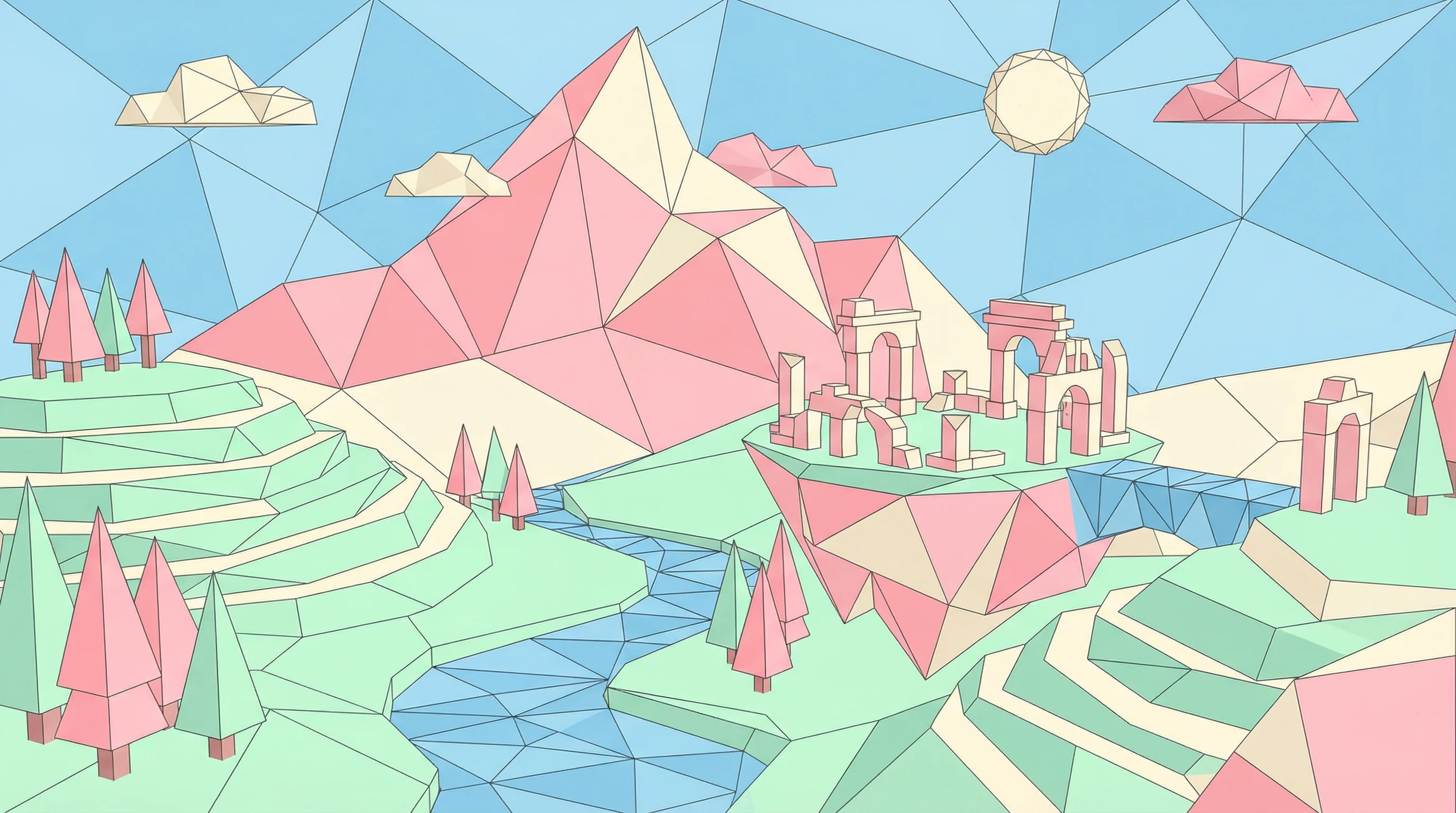
Low Poly
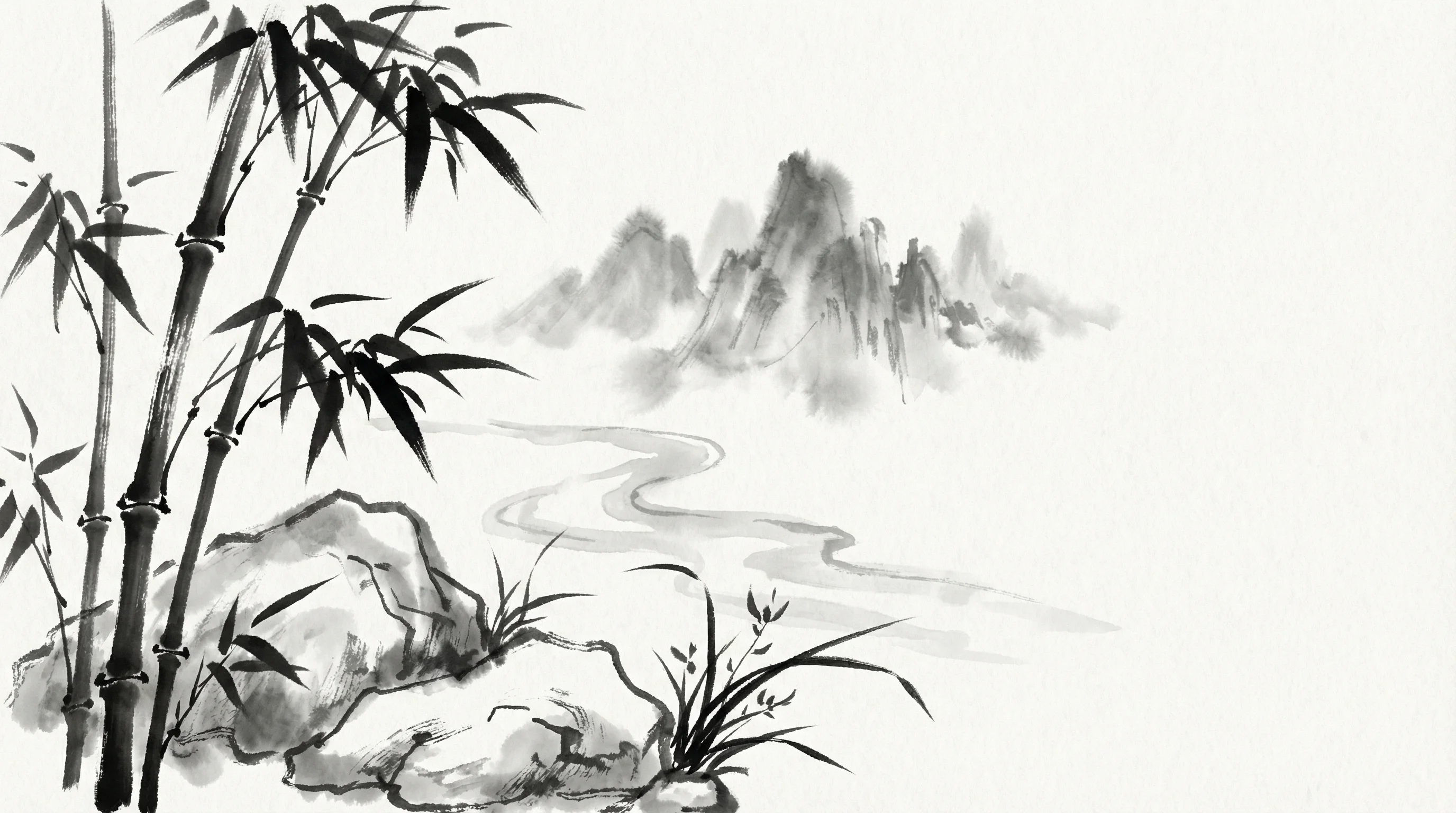
Sumi-e Ink
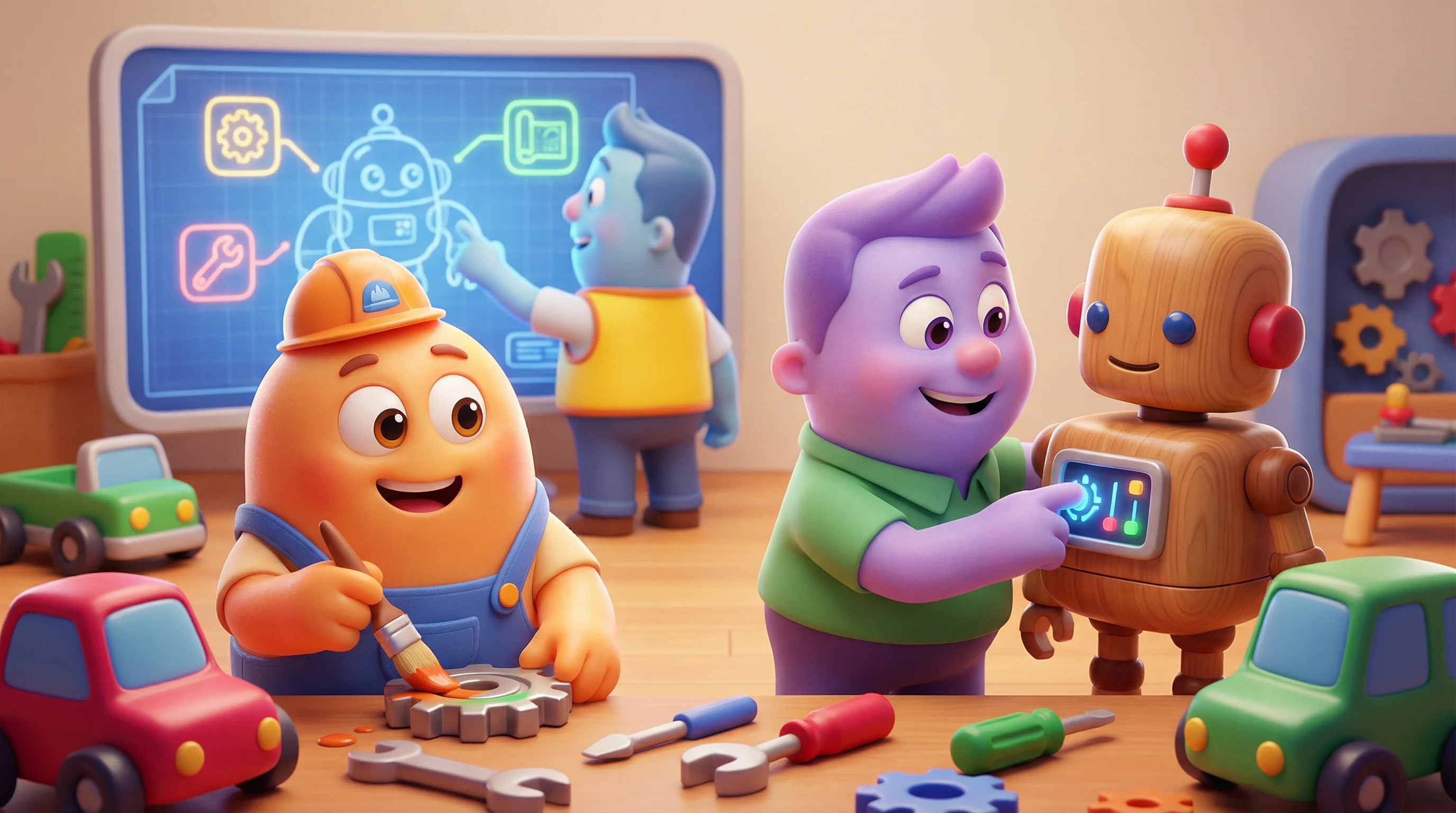
Pixar 3D