QR Code Generator
Create stunning custom QR codes with your logo, gradients, and custom colors. Generate QR codes for URLs, WiFi, emails, phone numbers, and more. Download as PNG or SVG. 100% free, works entirely in your browser.
Features
Add your logo to QR codes with adjustable size and positioning
Beautiful gradient colors and 8+ color presets
Support for URLs, WiFi, Email, Phone, SMS, and plain text
Download as high-res PNG or scalable SVG - completely free
Generate Professional Blog Images
Need more than QR codes? Use our AI to create stunning blog images in 21 artistic styles, already optimized for web.
Try BlogImageGen FreeHow to Create a Custom QR Code
Choose Content Type
Select what you want to encode: URL/link, plain text, email, phone number, SMS, or WiFi credentials. Each type has optimized fields for easy input.
Customize Design
Choose from 8 beautiful color presets or create your own with custom colors and gradients. Upload your logo (recommended error correction: High) and adjust its size. The tool works entirely in your browser for complete privacy.
Generate and Download
Click generate to create your QR code instantly. Download as PNG for print or web, or SVG for perfect scalability. Test scanning before final use to ensure your logo doesn't interfere with readability.
Use Cases
Business & Marketing
Add branded QR codes to business cards, flyers, posters, and product packaging. Include your logo for instant brand recognition. Perfect for driving traffic to websites, social media, or promotional landing pages.
Restaurants & Hospitality
Create QR codes for digital menus, WiFi access, table ordering, review requests, or payment links. Add your restaurant logo for a professional touch. Update the destination URL anytime without reprinting.
Events & Networking
Generate vCard QR codes for instant contact sharing, event registration links, or venue information. Add event branding with custom colors and logos. Perfect for conferences, trade shows, and networking events.
Frequently Asked Questions
Can I add my logo to the QR code?
Yes! Upload any logo image (PNG, JPG, SVG) and adjust its size from 10-35% of the QR code. For best results, use 'High' error correction which allows up to 30% of the QR code to be covered while maintaining scannability. Always test scanning before printing.
What error correction level should I use?
Error correction determines how much damage a QR code can tolerate. Low (7%) is best for simple codes without logos. Medium (15%) works for small logos. High (30%) is recommended for prominent logos - it allows more of the QR code to be covered while remaining scannable.
Can I create WiFi QR codes?
Absolutely! Select the WiFi option, enter your network name (SSID), password, and encryption type (WPA/WEP). When someone scans the QR code, their device will automatically connect to your WiFi - perfect for guests, offices, or cafes.
What's the difference between PNG and SVG downloads?
PNG is a raster image format - great for web and print at the generated size. SVG is vector-based and scales infinitely without quality loss - ideal for large prints, billboards, or when you need perfect quality at any size. Both are free to download.
Are my QR codes tracked or stored?
No! This tool generates QR codes entirely in your browser using JavaScript. Nothing is uploaded to our servers, and we don't track or store any data. Your QR codes are completely private and secure.
Can I use gradients in my QR code?
Yes! Enable the gradient option and choose two colors for a smooth transition. Gradients make QR codes more visually appealing. Note that very light gradients might affect scannability - always test before printing large quantities.
Generate Blog Images
Paste your blog content and select a style to generate images
Configuration
Professional studio photography
Choose Your Artistic Style
From hyperrealistic photography to anime, cyberpunk to watercolor
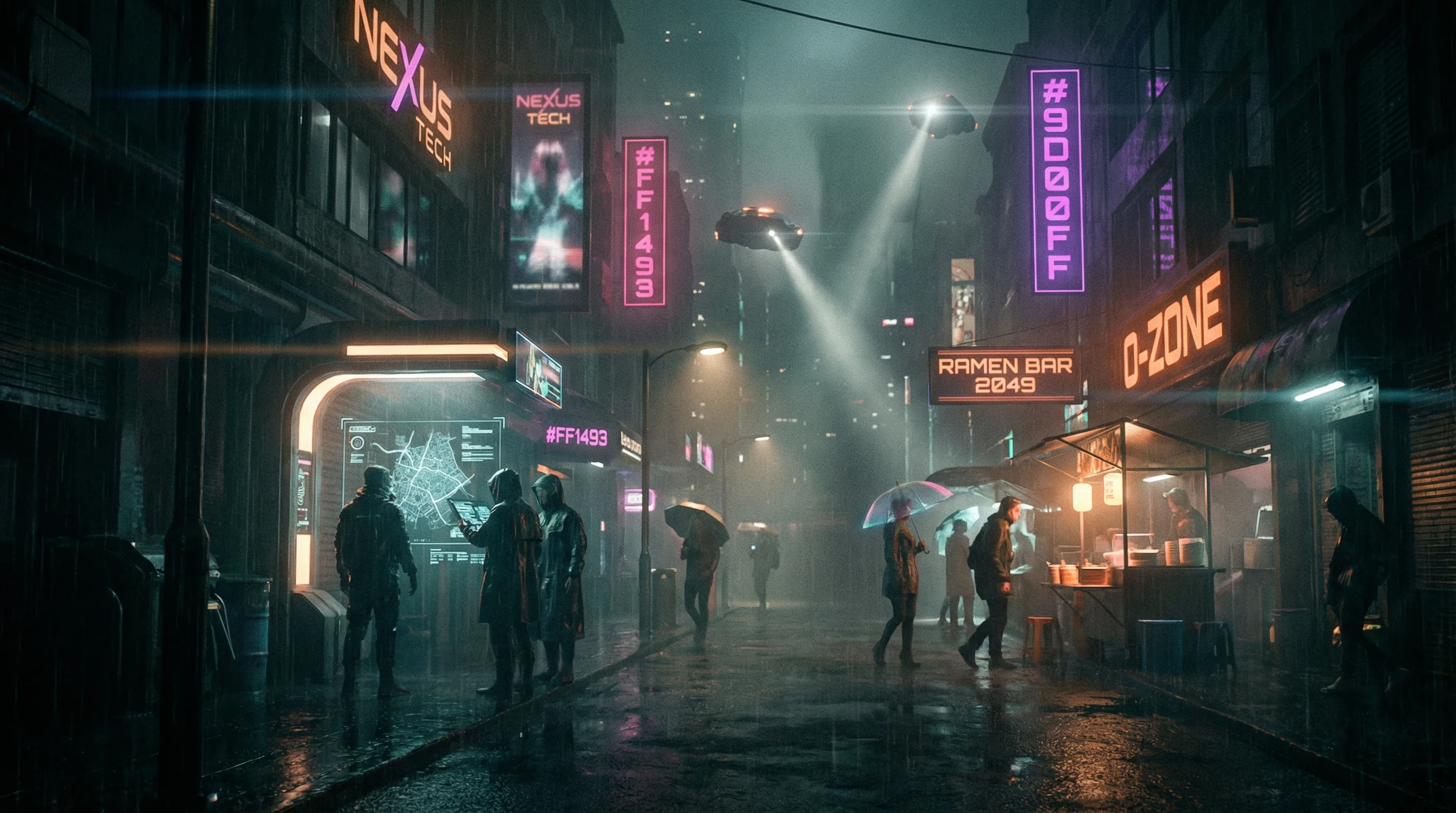
Cyberpunk
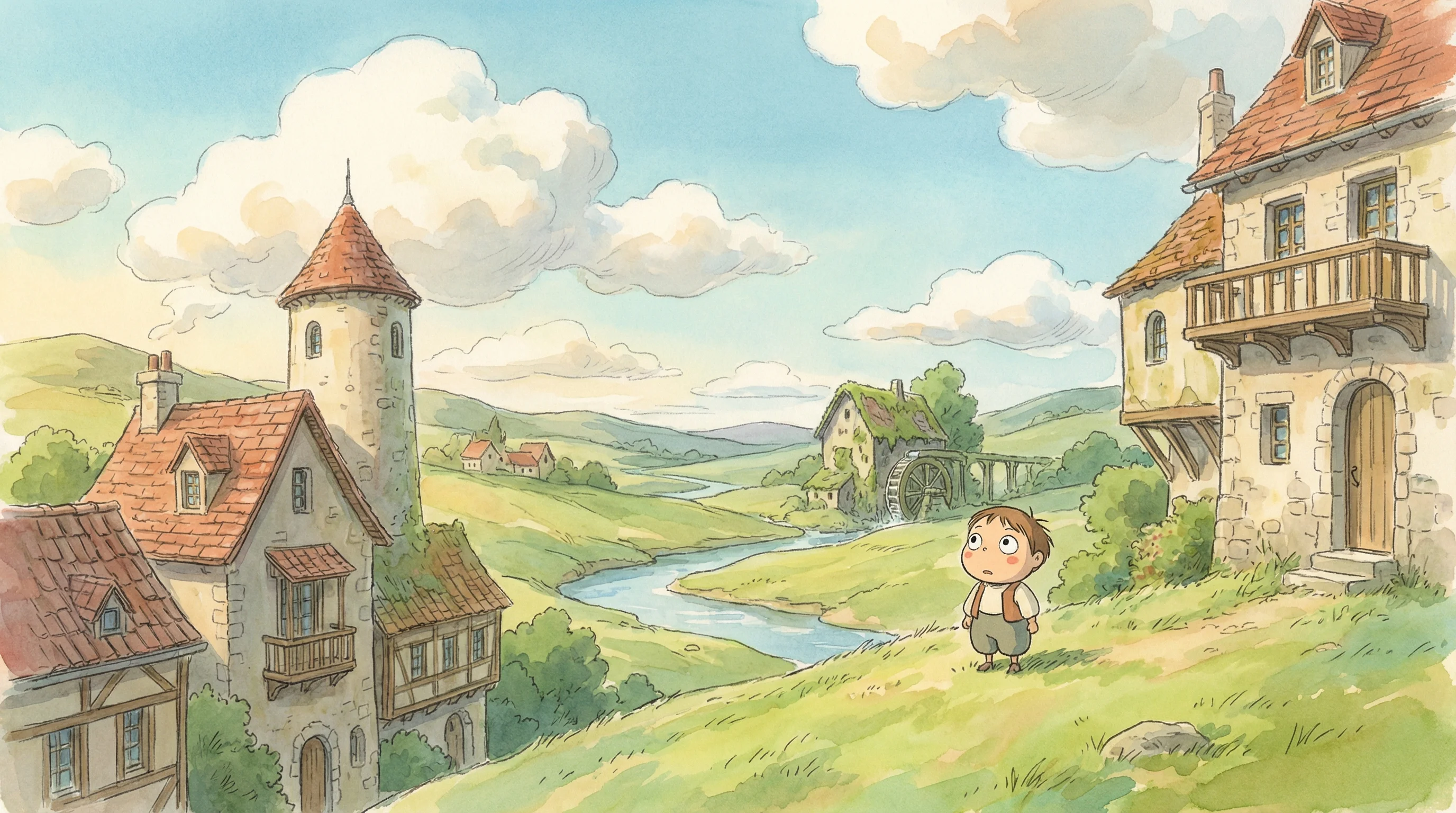
Studio Ghibli
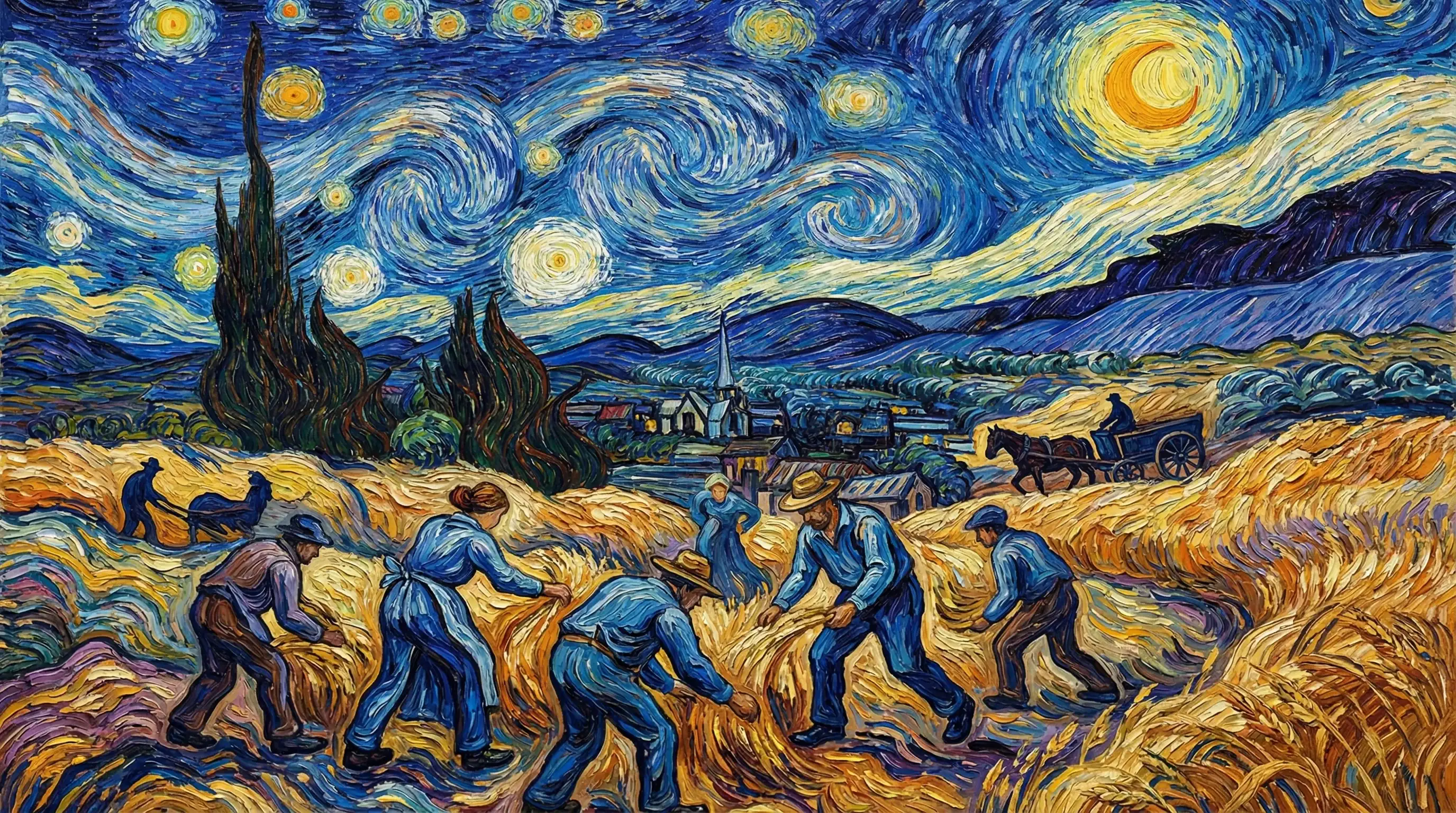
Van Gogh

Hyperrealistic
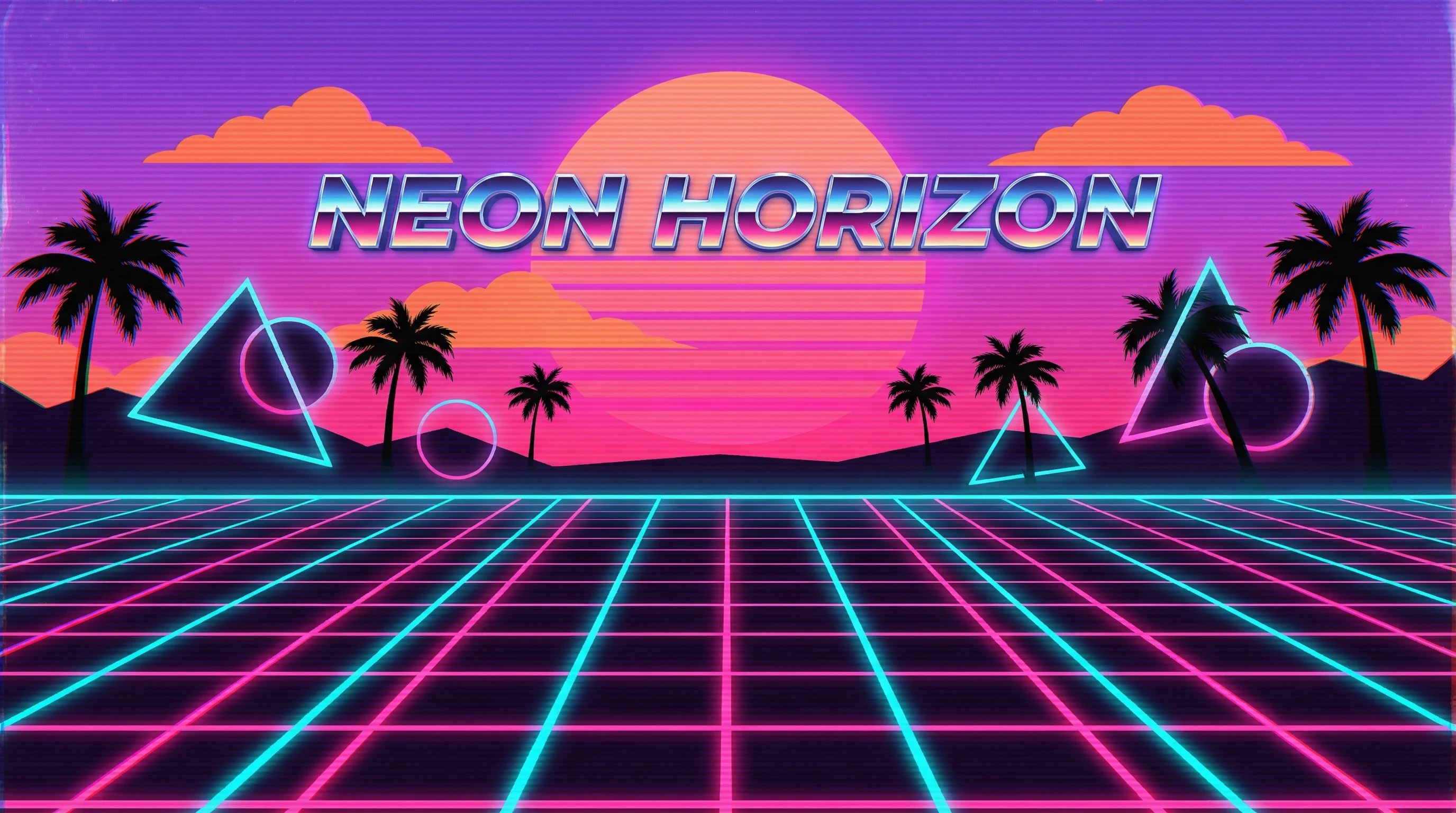
Synthwave
Marvel Comics
Low Poly
Sumi-e Ink

Pixar 3D